MCP server · Chat
Voxie AI Directory MCP server
by sonnyflylock
Lets your AI look up AI phone services and hand you a webchat link to talk to them.
This is a small helper that connects your AI assistant to the Voxie AI Phone Number Directory. That directory is a list of AI services, including Voxie's own AI personas and third-party ones like ChatGPT, with links to chat with them. It is handy if you want your assistant to find the right AI service for you and give you a link to open.
What is an MCP server? The 30-second version
On its own, your AI can only chat with you. An MCP server is a small helper program that gives your AI a new skill or a connection to an app or service. This one connects your AI to the Voxie AI directory, so when you ask about AI services or want a chat link, your AI can look it up and hand it back to you. You do not have to browse the directory yourself.
What this MCP server does
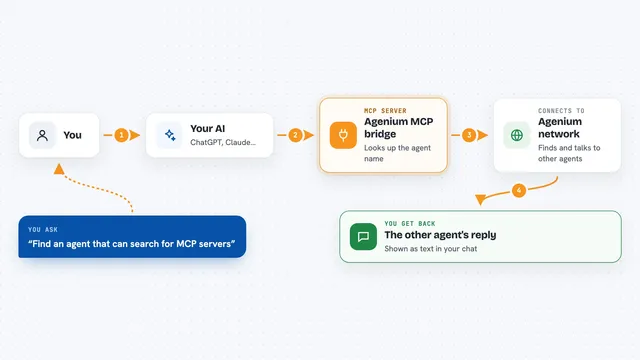
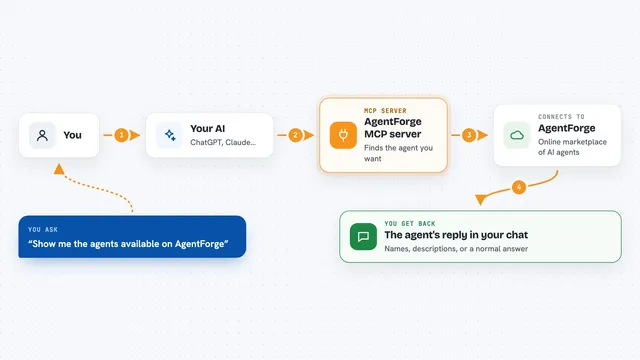
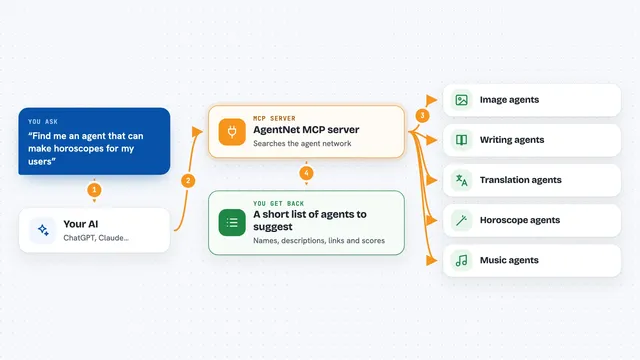
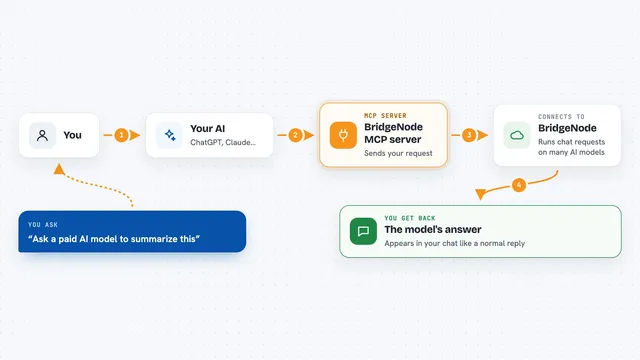
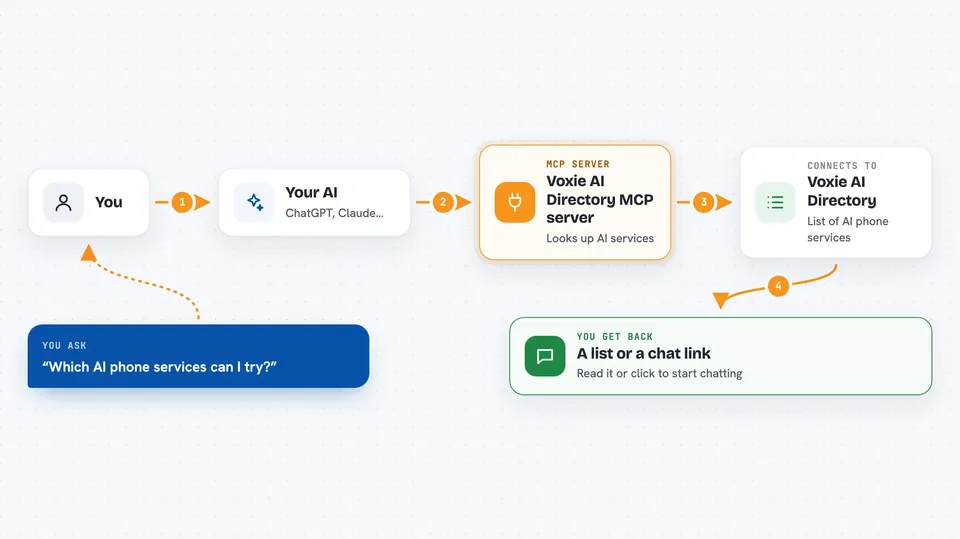
You ask your AI something like which AI services are available, or you want a link to chat with a Voxie persona. Your AI passes that request to this helper. The helper looks in the Voxie AI directory and finds matching services or a webchat link. Then your AI shows you the list or the link in the chat, and you can click it to start chatting.
 Click to zoom
What you can do with it
- List all AI services in the directory
- Filter services by Voxie or third-party providers
- Look up details for one service by its ID
- Find AI services available in a specific country
- Get a webchat link to chat with a Voxie AI persona
Try asking your AI
- “List all the AI services in the Voxie directory”
- “Show me only the third-party AI services”
- “Which AI services are available in the United States”
- “Give me a webchat link to chat with the Voxie persona Mia”
What it gives back to you
It gives back lists of AI services with their names and details, or a single service's information. It can also return a webchat link you can click. Everything shows up as text in your chat, so you can read it or copy the link.
Before you start
What you need
- Node.js installed on your computer
- The Claude desktop app (or another AI app that supports MCP servers)
- The Voxie MCP server files from the project
Good to know
In full access mode it can show SMS and voice numbers, which may lead to costs, so only turn that on if you know you need it.
Install it with your AI
Add Voxie AI Directory MCP server to your AI, no technical skills needed
You don't install anything by hand. You copy one prompt, paste it into an AI that can work on your computer, and it checks, installs and connects the server for you, asking you when it needs something.
Sign in to get the install prompt
Members get a ready-made prompt that lets the Claude desktop app check Voxie AI Directory MCP server, install it and connect it for them, step by step. You don't need any technical skills: you copy, paste and answer a few questions. Your connected AI can also find and install any of the 4,609 MCP servers here for you.
Who it's for
Anyone who wants their AI assistant to find AI phone services and hand them a chat link, without browsing a directory by hand.