MCP server · Analytics
Plugwise MCP server
by Tommertom
Ask your AI to check and control your Plugwise heating, plugs and energy use at home.

This is a helper that connects your AI assistant to your Plugwise smart home system. Plugwise makes hubs and devices like thermostats, radiator valves and smart plugs. If you have Plugwise gear at home and want to control it by just typing what you want, this is for you.
What is an MCP server? The 30-second version
On its own, your AI can only chat. It cannot see or touch anything in your home. An MCP server is a small helper program that gives your AI a new skill, here a connection to your Plugwise gateway. Once it is running, your AI can look up your devices and change settings for you when you ask.
What this MCP server does
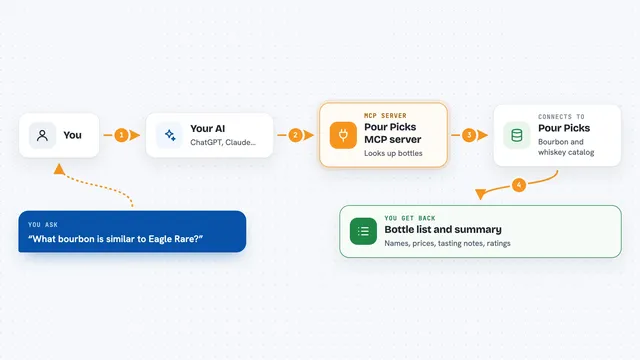
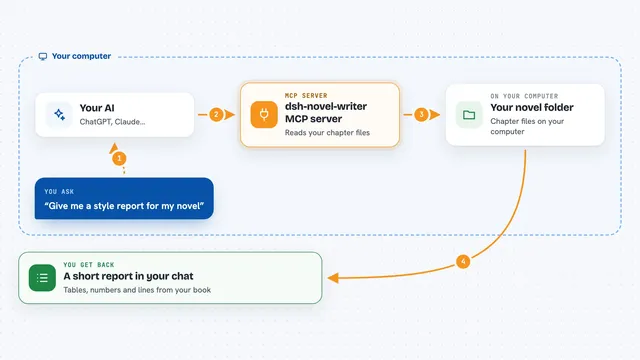
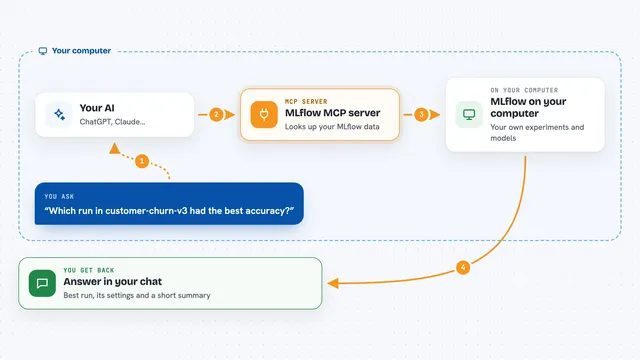
You ask your AI something like what the temperature is in the living room or turn off the hallway plug. Your AI sends that request to this helper program running on your computer. The helper talks to your Plugwise gateway over your home network. The gateway reads or changes the device, and the answer comes back into your chat. It can also scan your network to find your Plugwise hubs automatically.
 Click to zoom
What you can do with it
- List all your Plugwise devices and their current states
- Set the temperature in a room to a specific number
- Switch a smart plug or switch on or off
- Change a thermostat preset to home, away, sleep or vacation
- Read power consumption and sensor values
- Manage more than one Plugwise hub at the same time
- Set the gateway mode or domestic hot water mode
Try asking your AI
- “List all my Plugwise devices and show their current temperatures”
- “Set the living room thermostat to 21 degrees”
- “Turn off the smart plug in the hallway”
- “What is my current power usage?”
What it gives back to you
You get answers in plain text in your chat. For a device list, you see the names, rooms and current values like temperature or power use. When you change something, the AI tells you what it changed. It can also show you the current state of all devices as a summary.
Before you start
What you need
- A Plugwise gateway (Adam, Anna, Smile P1 or Stretch) on your home network
- The 8-character password from your gateway sticker
- Node.js 17 or newer on the computer running the helper
- Your gateway's IP address (optional, but helps it find your hub faster)
Good to know
This helper can change your heating and turn plugs on or off, so be careful with commands like reboot_gateway and double-check before you confirm changes.
Install it with your AI
Add Plugwise MCP server to your AI, no technical skills needed
You don't install anything by hand. You copy one prompt, paste it into an AI that can work on your computer, and it checks, installs and connects the server for you, asking you when it needs something.
Sign in to get the install prompt
Members get a ready-made prompt that lets the Claude desktop app check Plugwise MCP server, install it and connect it for them, step by step. You don't need any technical skills: you copy, paste and answer a few questions. Your connected AI can also find and install any of the 4,361 MCP servers here for you.
Who it's for
People with Plugwise smart home gear who want to control heating and plugs by chatting with their AI instead of using an app.