MCP server · API
APIbase MCP server
Lets your AI look up flights, prediction markets, crypto prices and weather, paying a small fee per request.
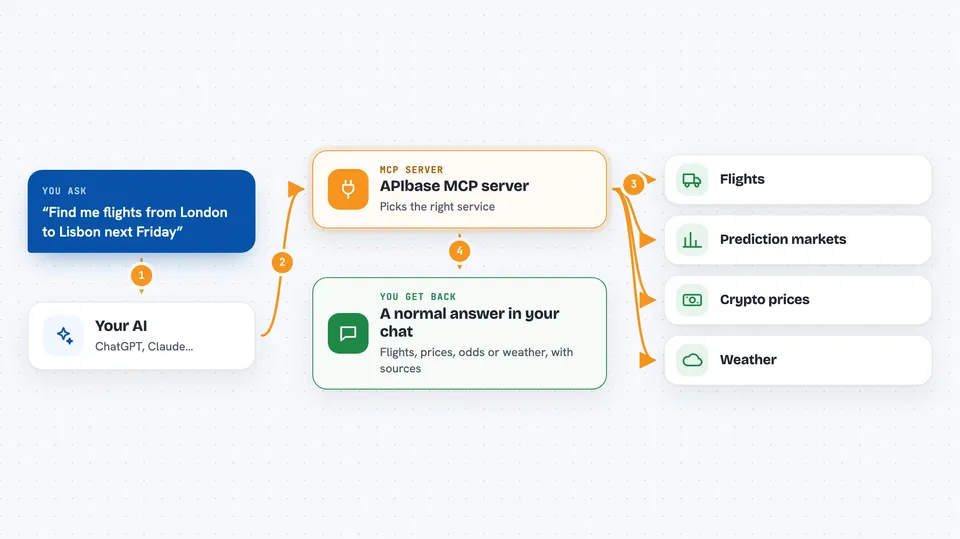
APIbase is a single connection that gives your AI helper access to a big library of outside services, like travel search, prediction markets, crypto data and weather. You do not sign up or get a key first. You pay a tiny amount in digital dollars each time your AI actually uses one of those services. It is handy if you want your AI to answer real-world questions without setting up ten different accounts.
What is an MCP server? The 30-second version
On its own, your AI can only chat with you using what it already knows. An MCP server is a small helper program that gives your AI a new skill or a connection to an outside service. This one connects your AI to APIbase, which is a hub that talks to hundreds of other services for it. So when you ask about a flight or a market price, your AI asks APIbase, and APIbase fetches the answer.
What this MCP server does
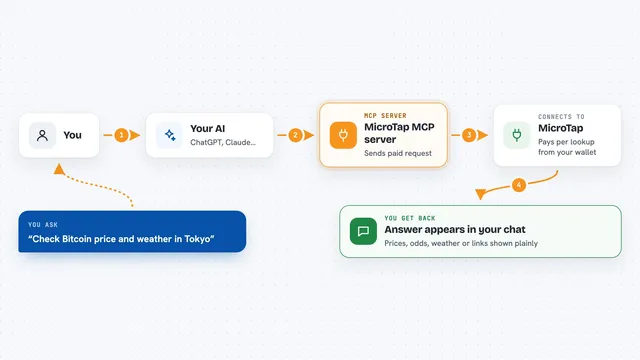
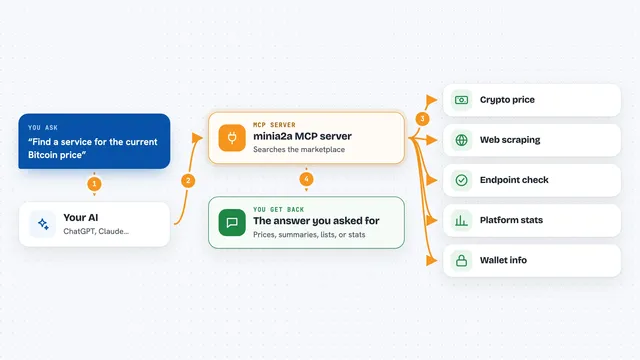
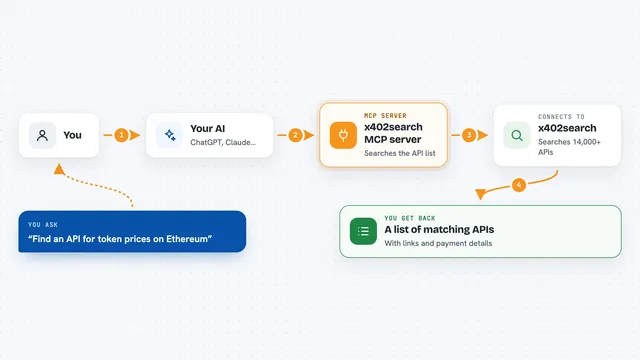
You ask your AI a question that needs live outside information, like a flight between two cities or the odds on a prediction market. Your AI sends that request to this helper, APIbase. APIbase picks the right service from its catalog, calls it, and pays the small per-call fee in USDC on your behalf. Then it hands the result back to your AI, which turns it into a normal answer in your chat. You never have to visit each provider's website yourself.
 Click to zoom
What you can do with it
- Search flights and travel options through providers like Amadeus and Sabre
- Check odds and prices on Polymarket prediction markets
- Look up current crypto prices and market data
- Get weather information for a place
- Compare results across many providers in one request
- Pay only for the calls you actually make, in USDC
Try asking your AI
- “Find me flights from London to Lisbon next Friday under 200 euros”
- “What are the current odds on Polymarket for the next election”
- “What is the price of Bitcoin right now”
- “What is the weather in Tokyo this weekend”
What it gives back to you
You get a normal chat answer built from live data: a short list of flights with times and prices, a number for a crypto price, a percentage for a market, or a weather summary. Sometimes it is a small table or a few bullet points. The AI explains what it found and where it came from.
Before you start
What you need
- A wallet with a small amount of USDC on Base to pay per call (the README says no signup or API key is needed to start)
- An AI app that supports MCP servers, like the Claude desktop app, Cursor or Windsurf
Good to know
Each call costs a small amount of USDC from your wallet, so costs add up if you or your AI make many requests.
Install it with your AI
Add APIbase MCP server to your AI, no technical skills needed
You don't install anything by hand. You copy one prompt, paste it into an AI that can work on your computer, and it checks, installs and connects the server for you, asking you when it needs something.
Sign in to get the install prompt
Members get a ready-made prompt that lets the Claude desktop app check APIbase MCP server, install it and connect it for them, step by step. You don't need any technical skills: you copy, paste and answer a few questions. Your connected AI can also find and install any of the 4,361 MCP servers here for you.
Who it's for
People who want their AI to answer live questions about travel, markets, crypto or weather without signing up for many separate services.