AI agent for ctos
Architecture Decision Review Agent
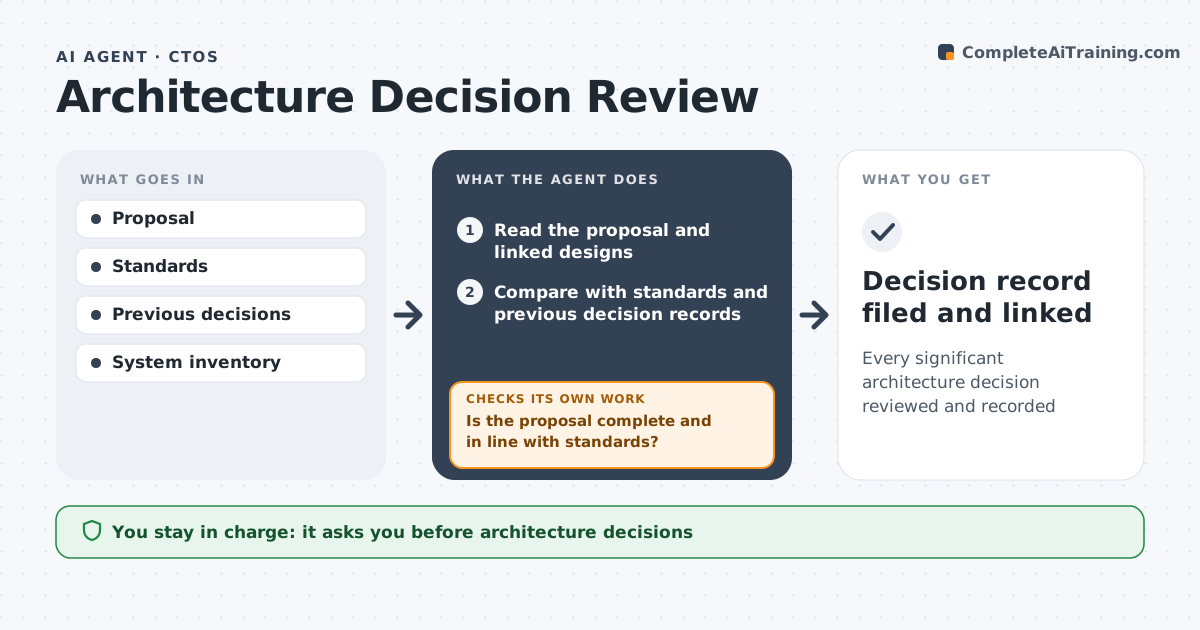
Every significant architecture decision reviewed and recorded
What it does
Engineering teams make architecture decisions that affect cost and security for years, yet proposals often arrive missing key parts. When a proposal is submitted, this agent reads it with the linked designs and compares it with company standards and earlier decision records. It checks that the proposal is complete and in line with standards. If security, cost or another section is missing, it asks the author to fill the gap and rechecks. It then estimates cost, risk and effort for each option and summarizes the trade-offs on one page. Before the review, it checks that every trade-off cites a source or estimate, and goes back to fill any that do not. The CTO or architecture board makes the decision, and any exception to standards needs explicit approval. Edge case: a proposal that reverses an earlier decision is linked to it, with affected systems listed.
How it works
Follow the arrows from top to bottom. The orange dashed arrow is the loop: when a check fails, the agent goes back and tries again.
Read the steps as a list
- Architecture proposal submitted
- Read the proposal and linked designs
- Compare with standards and previous decision records
- Is the proposal complete and in line with standards?If not: list missing sections and conflicts, ask the author to revise, then reread. Back to step 2.
- Estimate cost, risk and effort for each option
- Summarize options and trade-offs on one page
- Does every trade-off cite a source or estimate?If not: fill gaps from the author or mark them as assumptions. Back to step 5.
- CTO or architecture board decidesThe agent waits here for your OK.
- Decision record filed and linked
How it decides
It checks proposals against standards and history and requires missing sections before review.
- Security and cost sections required
- Reversals linked to earlier decisions
- Exceptions to standards need explicit approval
Make it yours
Every agent is a starting point. You choose these settings for your own situation.
- Standards
- Required sections
- Review cadence
- Log format
What keeps you in control
It always asks you first
- Architecture decisions
- Exceptions
Hard limits
- Never merges code
- No decisions without board
It stops when
- Done: recorded
- Stop: proposal withdrawn
Set it up
We guide you through the set-up, step by step
Members get the full set-up guide for this agent. No technical skills needed: you copy, paste and upload.
- One set of instructions to paste into your AI, with the clicks for ChatGPT, Claude, Microsoft 365 Copilot, Gemini and Grok
- The agent then walks you through connecting your own data, one source at a time
- A downloadable copy with the flow chart, the rules and the full guide