
Learning path
Learning AI as a Solutions Architect
A practical learning path for solutions architects who want to use AI in client work without losing the judgment that makes them valuable. It covers setup, prompts, video courses, and certificates tied to the job.
Your path
Everything in the Solutions Architect AI kit, in the order that makes sense. Members tick off each step and see their progress.
Set up your AI
We guide you through each click.
Let skills do your everyday tasks
Connect your apps and pick your AI apps
Hand whole tasks to AI agents
Build your own tools
Keep growing
Everything for solutions architects
All the courses, certifications, AI tools, MCP servers and apps for solutions architects, most relevant first. Open any list to see more.
Take the prompt courses
A short framework course to learn how to ask, then 9 lessons with ready-to-use prompts for solutions architects.
Start with this framework: how to talk to AI
For a solutions architect, this framework decomposes a complex cloud migration into sequential steps, compares alternate architectures, and documents the chosen route.
Then your prompt course for solutions architectsWatch the video courses or add them to your Favorites for later
156 video courses our AI picked for solutions architects, most useful first. Save the ones you want to watch later with the heart.
Favorites are saved to your account: sign in or get your AI kit first.
Show all 156 video courses
Get certified, or add certifications to your Favorites
Every course ends in an exam and a certificate you can add to LinkedIn. Save the certifications you are aiming for with the heart.
Favorites are saved to your account: sign in or get your AI kit first.
More certifications for solutions architectsShow all 24 certifications
Try the AI tools for solutions architects
24 AI tools our AI matched to the work of solutions architects, best fit first. Each review shows what it does, its alternatives and the jobs it suits.
Favorites are saved to your account: sign in or get your AI kit first.
Show all 24 AI tools
Connect your AI to the apps solutions architects use
MCP servers let ChatGPT, Claude or Copilot look things up and get work done in other apps, like your email, calendar or bookkeeping software. These 12 fit the work of solutions architects best, well-known apps first.

AWS MCP servers
by awslabsConnect your AI to Amazon Web Services so it can look up docs, check resources, and help with cloud tasks.
Developer tools Official
Cloudwright MCP server
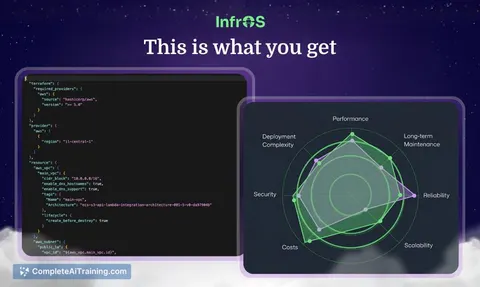
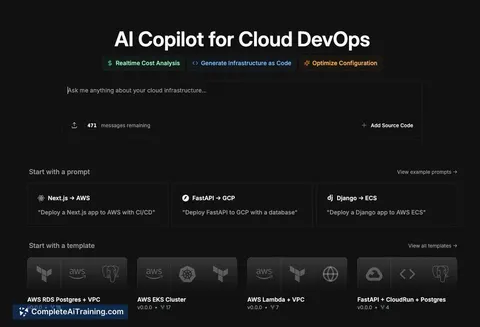
by xmpuspusTurn a plain-English cloud idea into a cost estimate, a compliance check and ready-to-use infrastructure code.

Diagrams.so MCP server
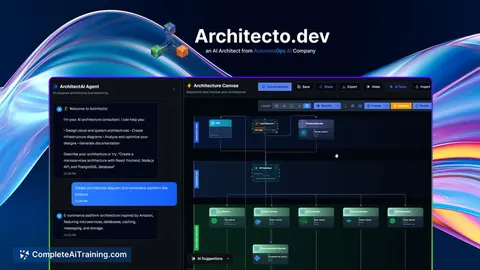
by RedHoldAsk your AI to draw cloud architecture diagrams and it makes real draw.io files you can edit.
Design toolsDeveloper tools Official
TerraVision MCP server
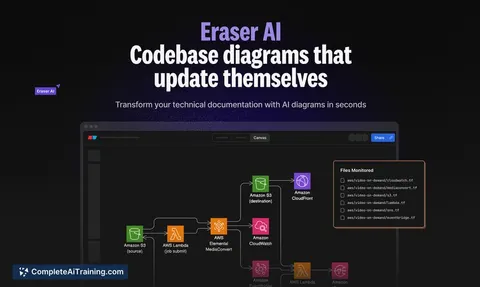
by patrickchughTurn your Terraform code into a cloud architecture diagram with official AWS, Azure and GCP icons.

Excalidraw Architect MCP server
by BV-VenkyTurn a plain description of your system into an editable, hand-drawn Excalidraw diagram file.

Google AI Search MCP server
by shariqriazzLets your AI search the web and pull answers from official docs using Google's AI models.
Show all 12 MCP servers
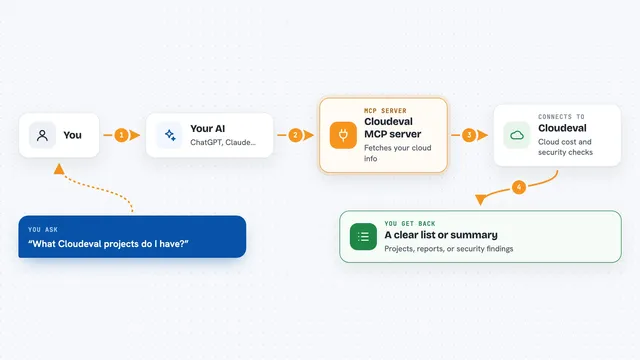
Cloudeval MCP server
by ganakailabsLet your AI check cloud costs, architecture risks, and security findings for your Azure setups.

Terraform MCP server
by hashicorpLets your AI look up Terraform providers and modules, and manage HCP Terraform workspaces for you.
Developer tools Official
OpenCloudCosts MCP server
by x7evenLets your AI look up live AWS, GCP and Azure prices and compare costs across clouds.

Oracle Cloud Pricing MCP server
by jasonwilburLets your AI look up Oracle Cloud prices and estimate monthly costs for you.

Oracle Cloud (OCI) MCP server
by dockndevaiLets your AI look at your Oracle Cloud resources and write Terraform code for them.

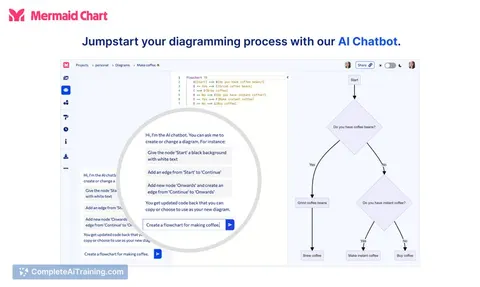
Mermaid MCP server
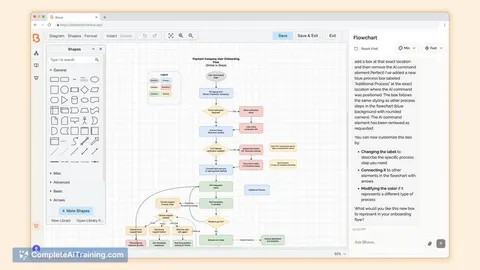
by NarasimhaponnadaTurn a plain sentence into a ready-to-use diagram like a flowchart or architecture picture.
Build your own AI apps for solutions architects
Apps you build yourself with your own AI, no coding needed and no monthly fee. Our AI picked the 12 that fit the work of solutions architects.
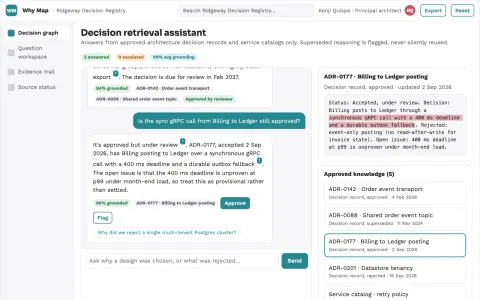
Architecture decision retrieval map
Retrieve why a design was chosen and when that reasoning changed.
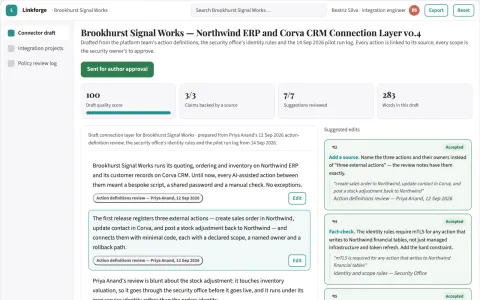
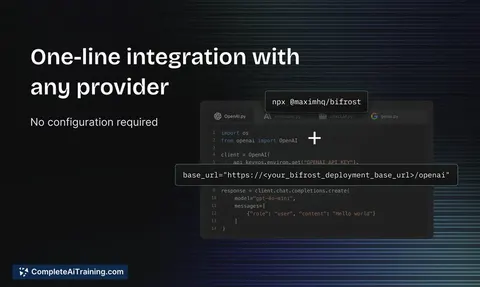
AI action connection and workflow layer
Reduce integration glue code while keeping every external action under policy and human control.
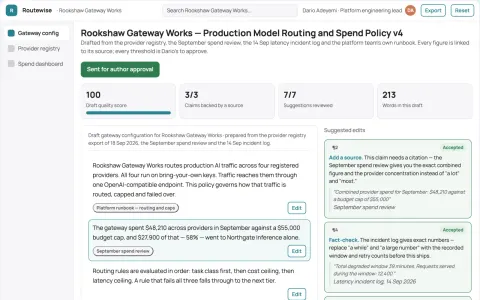
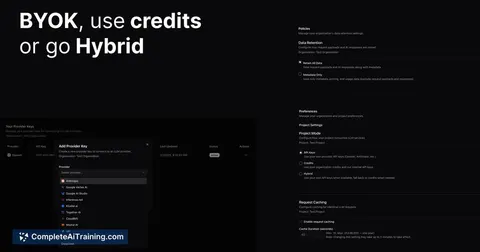
Unified model routing and spend control workspace
Reduce integration and provider-management effort while keeping model traffic, keys and spend under the buyer's control.
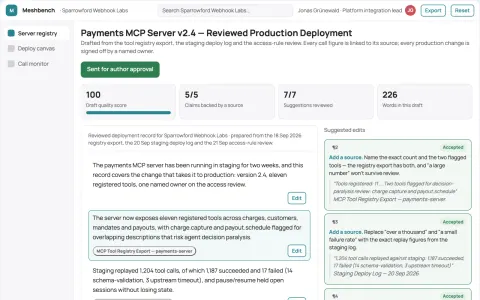
MCP server delivery and operations workbench
Reduce the number of tools and handoffs needed to run MCP servers in production.
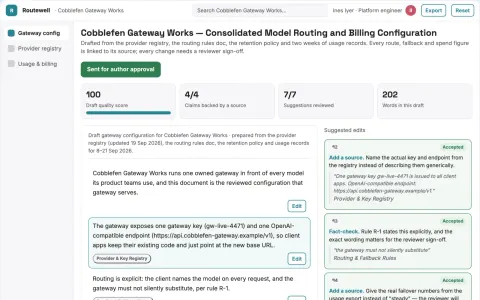
Multi-model API routing and billing workspace
Reduce integration and operations work while keeping one owned gateway for model access.
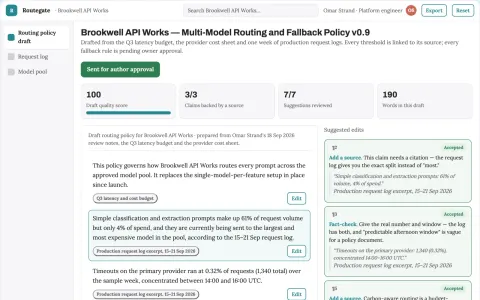
Multi-model routing and fallback gateway
Reduce model spend and failed requests while keeping one integration.
Show all 12 apps
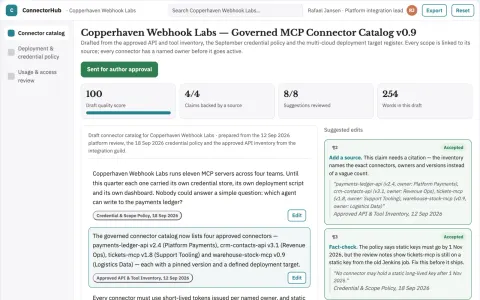
Managed MCP connector control workspace
Reduce integration setup and credential sprawl while keeping access under named-owner control.
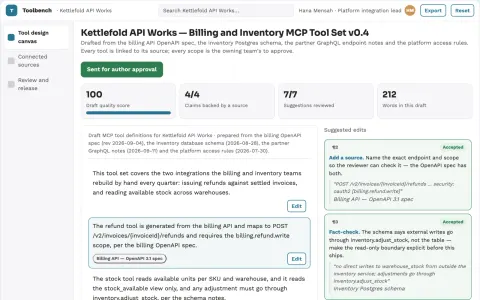
API-to-agent tool delivery workbench
Reduce hand-built integration work while keeping credentials and approvals under the owner's control.
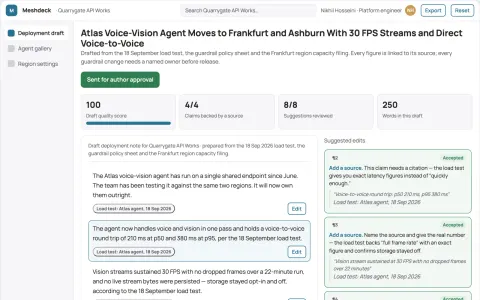
Real-time multimodal agent deployment workspace
Run real-time voice, vision and data agents on one owned deployment surface instead of renting separate services.
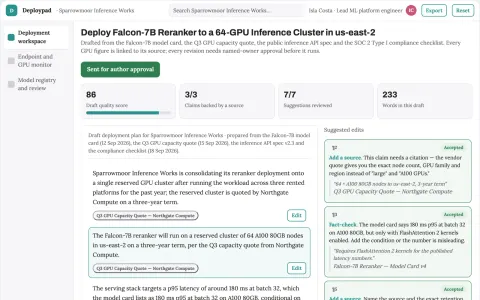
Managed GPU model deployment control plane
Reduce the number of rented platforms and manual handoffs needed to deploy and run AI models.
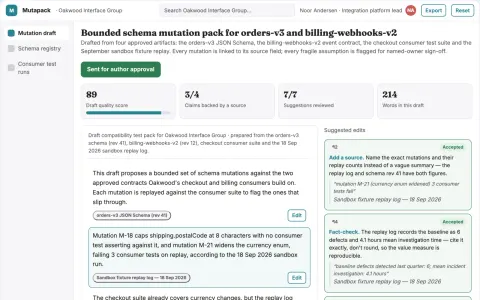
SaaS integration contract mutation tester
Discover integration fragility before external changes arrive.
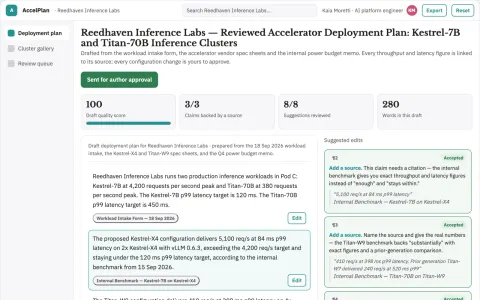
Managed AI accelerator deployment workspace
Reduce the time and coordination needed to run training and inference on specialized accelerators.






























































































































About this learning path
7 topicsAI for Solutions Architects, Step by Step
Solutions architects sit between business needs and technical delivery. AI can help you move faster through discovery, design, proposals, and delivery planning, while you keep the client relationship and the final call.
This path is built for working professionals who are not technical AI specialists. You start with simple setup questions, connect an AI tool you already have access to, then learn prompts and short video courses chosen for solutions architecture work.
Why AI matters for this job now
Clients want clear proposals, sensible designs, and realistic timelines, often on short notice. AI helps you get to a useful first draft of requirements, options, risks, and cost models so your time goes into judgment, trade-offs, and trust.
The architects who use AI well are not the ones who let it decide. They use it to clear the busywork and bring sharper questions to the client.
What the learning path includes
You begin with setup questions that help you choose a tool and a safe way to work. Then you connect your AI, learn skills for the job inside your AI, and take this prompt course.
The path also adds short video courses picked for solutions architects, and the certifications offered by those courses. Everything is built around the work you already do, not abstract AI theory.
Setup questions and connecting your AI
The setup questions cover which AI tool your company allows, what client information can go in, and how you like to work. Connecting your AI means signing in, testing a simple prompt, and knowing where to find past conversations.
You do not need to install anything complex. A browser, a work account, and a few minutes are enough to begin.
How the path saves you time
The prompts target the slow parts of the week: turning client notes into requirements, drafting architecture options, writing proposal sections, building risk registers, and preparing RFP responses.
Small drafts add up to hours back for design thinking and client conversations. You spend less time staring at a blank page and more time on the parts only you can do.
How it protects your career
AI does not replace the architect who understands the client, spots the real constraint, and stands behind the design. This path shows you how to use AI as a drafting partner while keeping your name on the recommendation and your judgment in the room.
You also learn safe habits for client data, which matters as much as speed in this role.
How to start without disruption
Pick one task you already do this week, such as a discovery call or a proposal section. Run one prompt from the course on that task, edit the result, and notice what changed.
Then add the next prompt and one video course. Small steps fit around client work and build confidence faster than a long study plan.
Frequently asked questions
Do I need to be technical to use this path?
No. The path starts with setup questions and plain language prompts. You will learn how to connect an AI tool and use it for architecture work without writing code.Will AI replace solutions architects?
AI can draft and organize, but it cannot own the client relationship or the final design decision. The architects who use AI well will spend less time on blank pages and more time on judgment.How much time does the path take?
You can start with one prompt in under half an hour. The video courses and certifications are short enough to fit around client work, and you can go at your own pace.Can I use client information in AI tools?
Only within your company rules and the tool your client work allows. The course shows how to remove names, use approved tools, and check outputs before sharing.