AI agent for content writers
Back-Issue Repurposing Agent
Turn the best still-accurate back issues into ready drafts for other channels each month
What it does
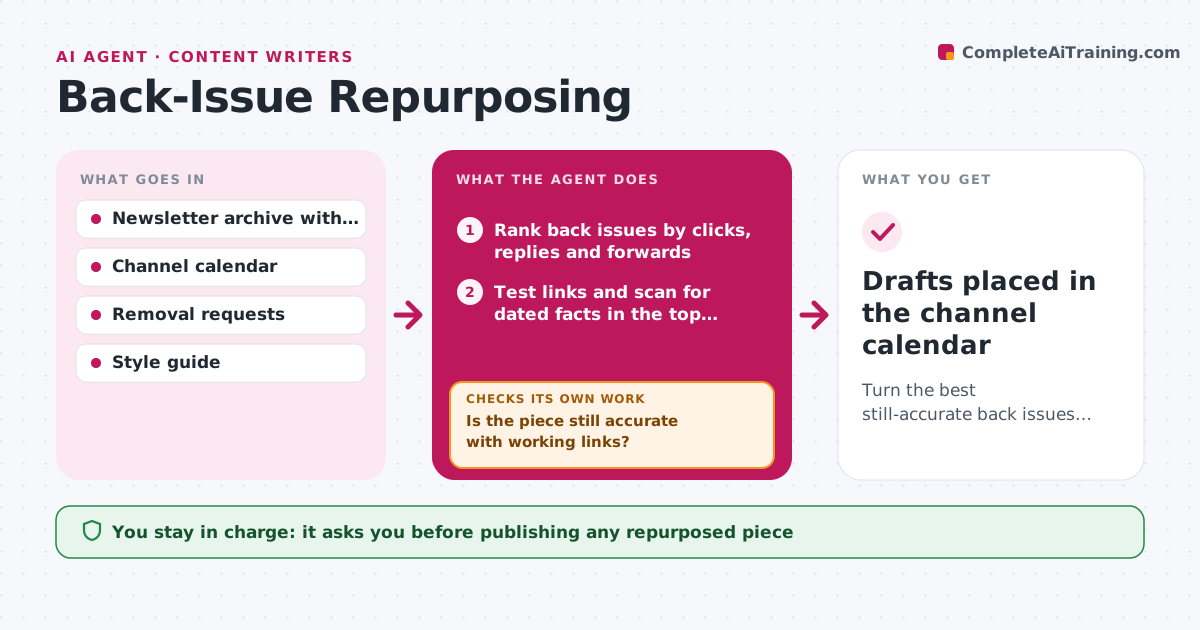
Most newsletter archives hold pieces that still answer readers' questions. This agent finds and reworks them each month. It ranks back issues by clicks, replies and forwards, then checks whether each one is still accurate: it tests every link, looks for dates, prices or claims that may be out of date, and compares facts with current sources. Pieces with broken links or stale facts are either fixed in a draft or dropped. For the rest, it proposes a format based on what the piece is: a how-to becomes a welcome email, a list becomes a social thread, a long essay becomes a blog post. After drafting, it checks that each piece is rewritten for the new format and not just copied. The writer approves each piece before it goes anywhere. Edge case: a piece quotes a guest who asked to be removed, so it skips that issue.
How it works
Follow the arrows from top to bottom. The orange dashed arrow is the loop: when a check fails, the agent goes back and tries again.
Read the steps as a list
- Monthly content planning day
- Rank back issues by clicks, replies and forwards
- Test links and scan for dated facts in the top candidates
- Is the piece still accurate with working links?If not: draft fixes from current sources or drop the piece. Back to step 3.
- Match each piece to a format and an open calendar slot
- Draft the repurposed pieces
- Is each draft rewritten for its format and within length rules?If not: redraft with the format's structure. Back to step 6.
- Writer approves each repurposed pieceThe agent waits here for your OK.
- Drafts placed in the channel calendar
How it decides
It ranks issues by engagement, then picks the target format by the type of piece and the open slots in the channel calendar.
- Consider only issues older than 3 months with engagement in the top 20%
- Drop a piece when more than two facts need replacing
- Skip any issue covered by a removal request
- Never reuse the same piece in the same channel within 12 months
Make it yours
Every agent is a starting point. You choose these settings for your own situation.
- Minimum age of issues (default 3 months)
- Engagement cutoff (default top 20%)
- Channels and formats in scope
- Reuse gap per channel (default 12 months)
What keeps you in control
It always asks you first
- Publishing any repurposed piece
- Fact changes to a past piece
Hard limits
- Never publishes anywhere
- Never keeps a fact it could not check without marking it
- Respects removal requests
It stops when
- Done: drafts placed for every open slot or no candidates left
- Stop: calendar has no open slots this month
Set it up
We guide you through the set-up, step by step
Members get the full set-up guide for this agent. No technical skills needed: you copy, paste and upload.
- One set of instructions to paste into your AI, with the clicks for ChatGPT, Claude, Microsoft 365 Copilot, Gemini and Grok
- The agent then walks you through connecting your own data, one source at a time
- A downloadable copy with the flow chart, the rules and the full guide