AI agent for art directors
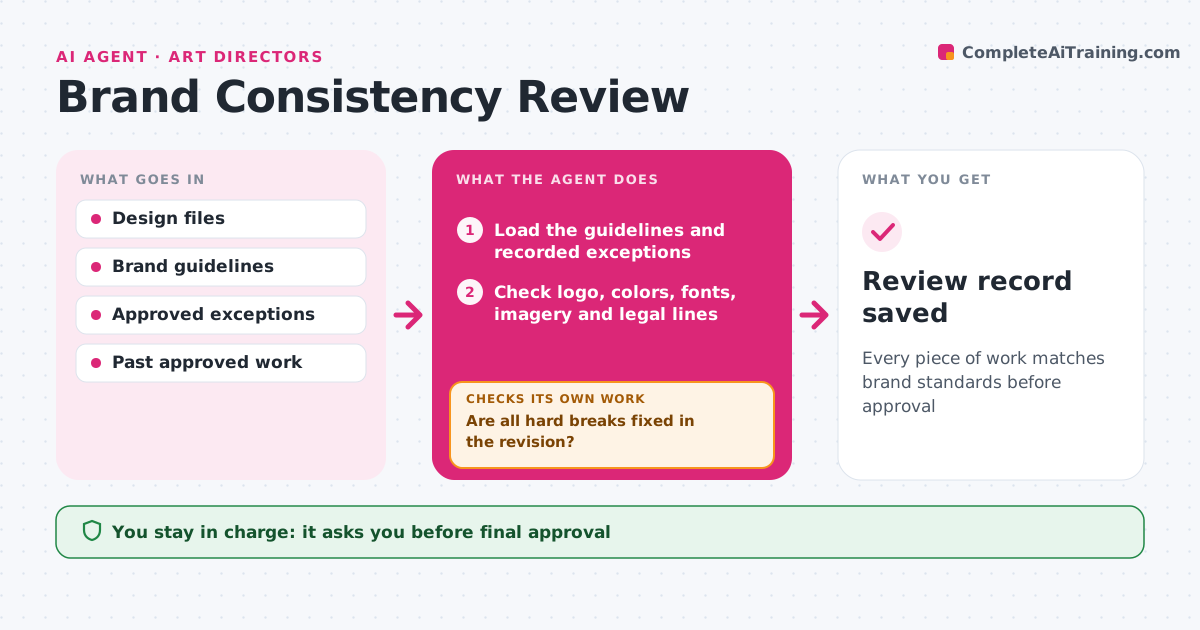
Brand Consistency Review Agent
Every piece of work matches brand standards before approval
What it does
Off-brand work slips out when reviewers are busy, and reviews stall when every small choice becomes a debate. When designs are submitted, this agent checks them against the brand guidelines: logo use and clear space, colors by exact value, fonts, image style, tone of copy and required legal lines. It marks each issue on the file with the guideline section. It separates hard rule breaks from judgment calls. Designers fix the hard breaks, and the agent rechecks the revision. Judgment calls go to the art director with examples of approved past work. The art director approves the final. Edge case: an approved campaign exception to the guidelines is recorded so it is not flagged again.
How it works
Follow the arrows from top to bottom. The orange dashed arrow is the loop: when a check fails, the agent goes back and tries again.
Read the steps as a list
- Design submitted
- Load the guidelines and recorded exceptions
- Check logo, colors, fonts, imagery and legal lines
- Separate hard breaks from judgment calls
- Mark issues on the file with guideline sections
- Are all hard breaks fixed in the revision?If not: send the remaining breaks back to the designer. Back to step 3.
- Attach past approved examples to each judgment call
- Art director decides judgment calls and approvesThe agent waits here for your OK.
- Review record saved
How it decides
It fixes hard rule breaks through designers and sends judgment calls to the art director.
- Colors must match brand values exactly
- Approved exceptions are not flagged
- Tone issues are judgment calls
Make it yours
Every agent is a starting point. You choose these settings for your own situation.
- Guideline sections checked
- Exception list
- Severity levels
- Review turnaround
What keeps you in control
It always asks you first
- Final approval
- New exceptions
Hard limits
- Never edits design files
- Never approves work
It stops when
- Done: approved
- Stop: guidelines missing for a new format
Set it up
We guide you through the set-up, step by step
Members get the full set-up guide for this agent. No technical skills needed: you copy, paste and upload.
- One set of instructions to paste into your AI, with the clicks for ChatGPT, Claude, Microsoft 365 Copilot, Gemini and Grok
- The agent then walks you through connecting your own data, one source at a time
- A downloadable copy with the flow chart, the rules and the full guide