AI agent for brand managers
Brand Guideline Compliance Review Agent
Only on-brand assets with approved claims are released
What it does
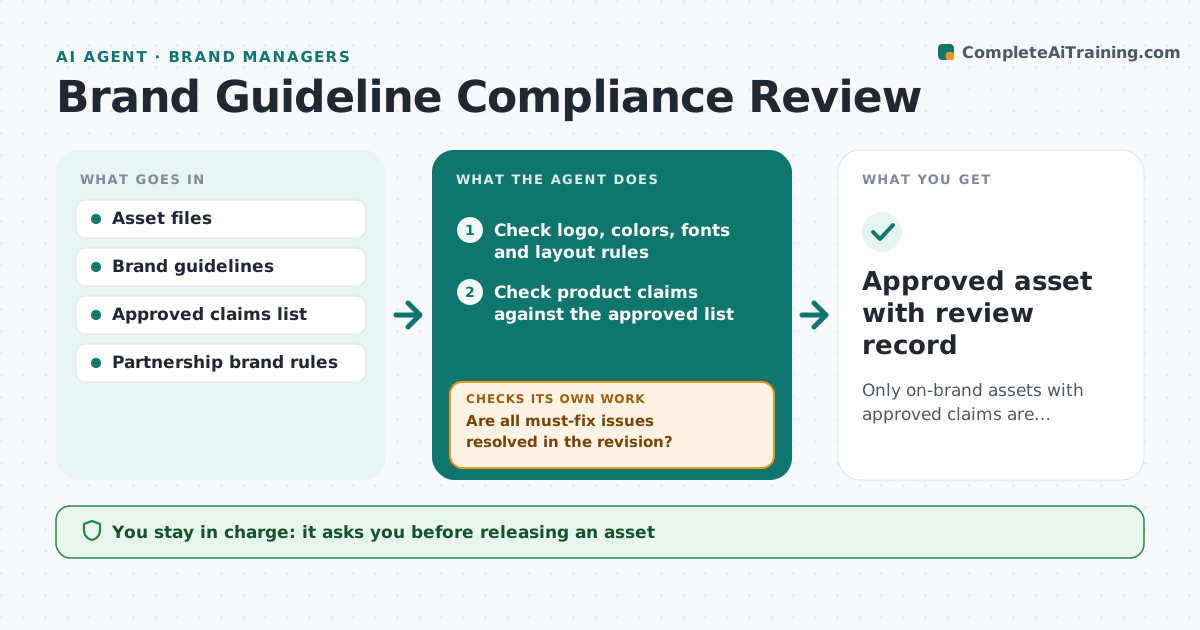
Brand managers see a steady stream of ads, posts, decks and packaging files, and rushed reviews let off-brand work go live. This agent checks each asset against the brand guidelines: logo version and clear space, color values, fonts, tone of voice and the list of approved product claims. It lists each issue with where it is and which rule it breaks, ranked by severity. A co-branded asset follows the partnership agreement where its rules differ. It sends the list to the creator and checks the revised version when it returns. If issues remain, it sends them back again. The brand manager approves the final version and decides on exceptions.
How it works
Follow the arrows from top to bottom. The orange dashed arrow is the loop: when a check fails, the agent goes back and tries again.
Read the steps as a list
- Asset submitted for review
- Check logo, colors, fonts and layout rules
- Check product claims against the approved list
- List issues by severity with locations
- Send issue list to the creator and receive revision
- Are all must-fix issues resolved in the revision?If not: send remaining issues back to the creator. Back to step 2.
- Brand manager approves the assetThe agent waits here for your OK.
- Approved asset with review record
How it decides
It marks claims and logo misuse as must-fix and minor style issues as should-fix, and passes an asset only when no must-fix issues remain.
- Unapproved claims are always must-fix
- Partner rules override where the agreement says so
- Should-fix items can be waived by the brand manager
Make it yours
Every agent is a starting point. You choose these settings for your own situation.
- Must-fix versus should-fix rules
- Approved claims list
- Review turnaround target
- Channels covered
What keeps you in control
It always asks you first
- Releasing an asset
- Waiving a rule
Hard limits
- Never publishes assets
- Never approves new claims
It stops when
- Done: asset approved
- Stop: claim needs legal review; route to legal
Set it up
We guide you through the set-up, step by step
Members get the full set-up guide for this agent. No technical skills needed: you copy, paste and upload.
- One set of instructions to paste into your AI, with the clicks for ChatGPT, Claude, Microsoft 365 Copilot, Gemini and Grok
- The agent then walks you through connecting your own data, one source at a time
- A downloadable copy with the flow chart, the rules and the full guide