AI agent for penetration testers
Cloud Test Boundary Agent
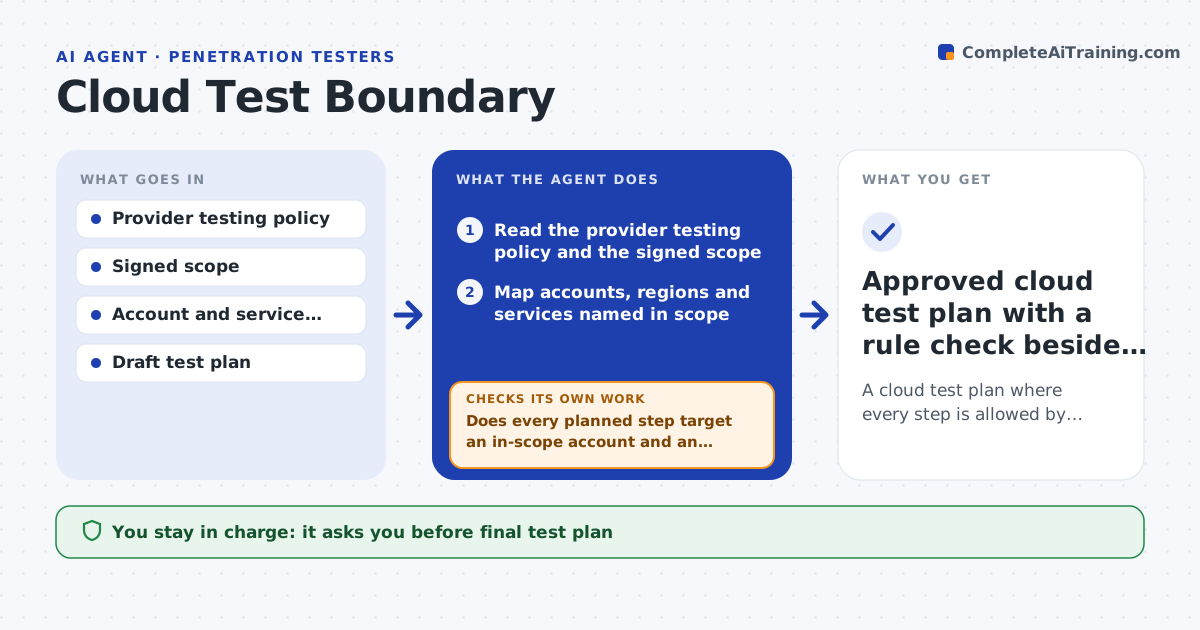
A cloud test plan where every step is allowed by the provider and inside the signed scope
What it does
Testing in the cloud is different from testing a server in a rack. The provider has rules about what is allowed, some services are shared with other customers, and one account may hold both test and production workloads. This agent reads the provider's current testing policy and the engagement scope, then maps the accounts, regions and services the client named. It marks which planned tests are allowed, which need prior notice or approval, and which are banned. It checks every item in the test plan against that map and rewrites the plan when the scope or rules change. After each planned step it checks the account and service name of the target again. If a step touches a shared or unlisted service, it holds the step and asks. The lead approves the plan. Edge case: a managed database turns out to be shared with another tenant, so direct testing is removed.
How it works
Follow the arrows from top to bottom. The orange dashed arrow is the loop: when a check fails, the agent goes back and tries again.
Read the steps as a list
- Cloud engagement plan is drafted or the scope changes
- Read the provider testing policy and the signed scope
- Map accounts, regions and services named in scope
- Mark each service as allowed, notice needed or banned
- Does every planned step target an in-scope account and an allowed service?If not: remove or hold the step and note which rule or scope line blocks it. Back to step 4.
- Check each target's account ID and service tag against the inventory
- Did any target turn out to be shared or unlisted?If not: hold the step, add the service to a question list and ask the client. Back to step 6.
- Lead approves the revised plan and any provider noticesThe agent waits here for your OK.
- Save the approved plan and watch for scope or policy changes
- Approved cloud test plan with a rule check beside each step
How it decides
A step is allowed only if the provider policy permits it for that service and the account and region are in scope. Steps that need provider notice are held until notice is confirmed.
- Ban direct tests on services shared with other tenants
- Hold any step that needs provider notice until notice is on file
- Treat a production account tagged beside a test account as out of scope until confirmed
- Recheck the plan whenever the scope version changes
Make it yours
Every agent is a starting point. You choose these settings for your own situation.
- Which cloud providers it reads rules for
- How many days of notice to allow (default 5)
- Which regions count as in scope
- Format of the plan output
What keeps you in control
It always asks you first
- Final test plan
- Provider notices that are sent
- Any step that touches a shared service
Hard limits
- Never runs a test itself
- Never assumes a policy is current without checking its date
It stops when
- Done: every step has a rule check and a lead approval
- Stop: the provider policy cannot be found or has changed with no review
Set it up
We guide you through the set-up, step by step
Members get the full set-up guide for this agent. No technical skills needed: you copy, paste and upload.
- One set of instructions to paste into your AI, with the clicks for ChatGPT, Claude, Microsoft 365 Copilot, Gemini and Grok
- The agent then walks you through connecting your own data, one source at a time
- A downloadable copy with the flow chart, the rules and the full guide