AI agent for virtual assistants
Multi-Party Meeting Scheduling Agent
Meetings booked quickly in slots that fit everyone and protect the executive's priorities
What it does
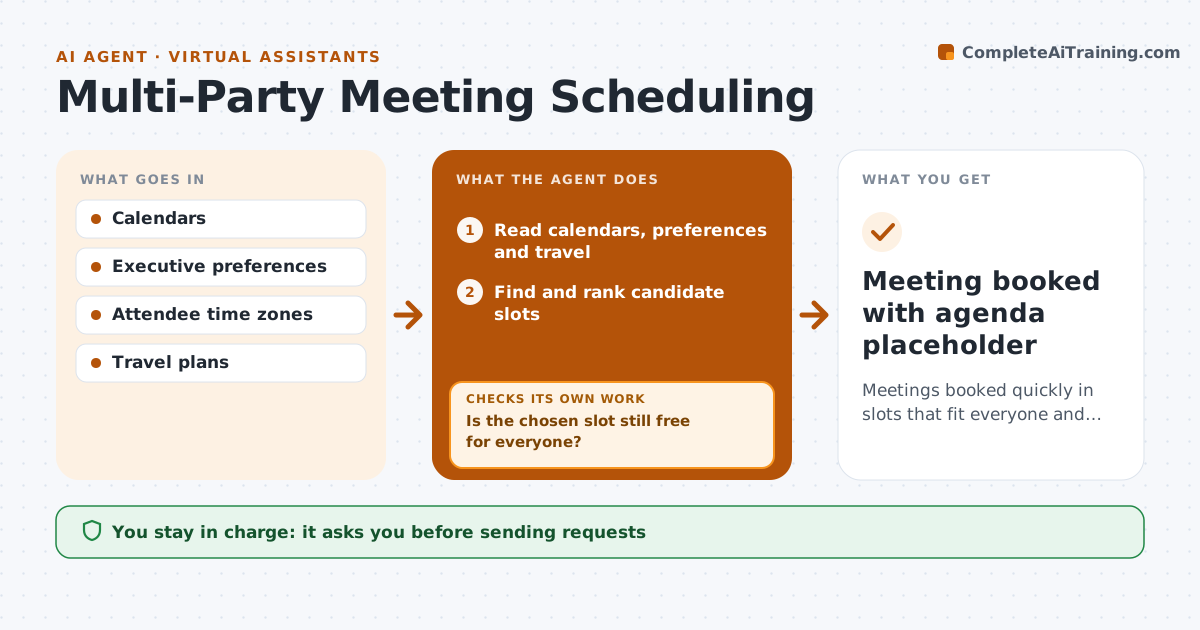
Booking a meeting for several busy people across time zones often takes a dozen messages and still ends in a clash. When a request arrives, this agent reads the executive's calendar, preferences, protected focus time and travel, and checks internal attendees' availability. It proposes only slots outside protected time and within everyone's working hours, ranked by the executive's preferences. Travelers get times in their local time on that day. External guests get three options in a drafted request. The assistant approves every outgoing message. When replies come in, the agent rechecks all calendars, because something may have changed. If the chosen slot is gone, it finds new slots and drafts a revised request. The assistant approves the final booking. Edge case: an attendee traveling that day gets options in the local time of the city they will be in.
How it works
Follow the arrows from top to bottom. The orange dashed arrow is the loop: when a check fails, the agent goes back and tries again.
Read the steps as a list
- Meeting request arrives
- Read calendars, preferences and travel
- Find and rank candidate slots
- Draft request with options for guests
- Assistant approves the outgoing requestThe agent waits here for your OK.
- Read replies and recheck calendars
- Is the chosen slot still free for everyone?If not: find new slots and draft a revised request. Back to step 3.
- Assistant approves the final bookingThe agent waits here for your OK.
- Meeting booked with agenda placeholder
How it decides
It only proposes slots outside protected time, within each attendee's working hours, and ranks them by the executive's preferences.
- Protected focus time is never offered
- Travel days use local time
- External guests get three options
Make it yours
Every agent is a starting point. You choose these settings for your own situation.
- Protected time rules
- Number of options offered
- Working hours per attendee
- Message tone
What keeps you in control
It always asks you first
- Sending requests
- Final booking
Hard limits
- Never accepts or declines invites itself
- Never moves existing meetings without approval
It stops when
- Done: meeting booked
- Stop: no slot within two weeks, ask the executive which meeting to move
Set it up
We guide you through the set-up, step by step
Members get the full set-up guide for this agent. No technical skills needed: you copy, paste and upload.
- One set of instructions to paste into your AI, with the clicks for ChatGPT, Claude, Microsoft 365 Copilot, Gemini and Grok
- The agent then walks you through connecting your own data, one source at a time
- A downloadable copy with the flow chart, the rules and the full guide