AI agent for process improvement analysts
Operational Exception Pattern Agent
Recurring exceptions traced to causes with a testable fix.

What it does
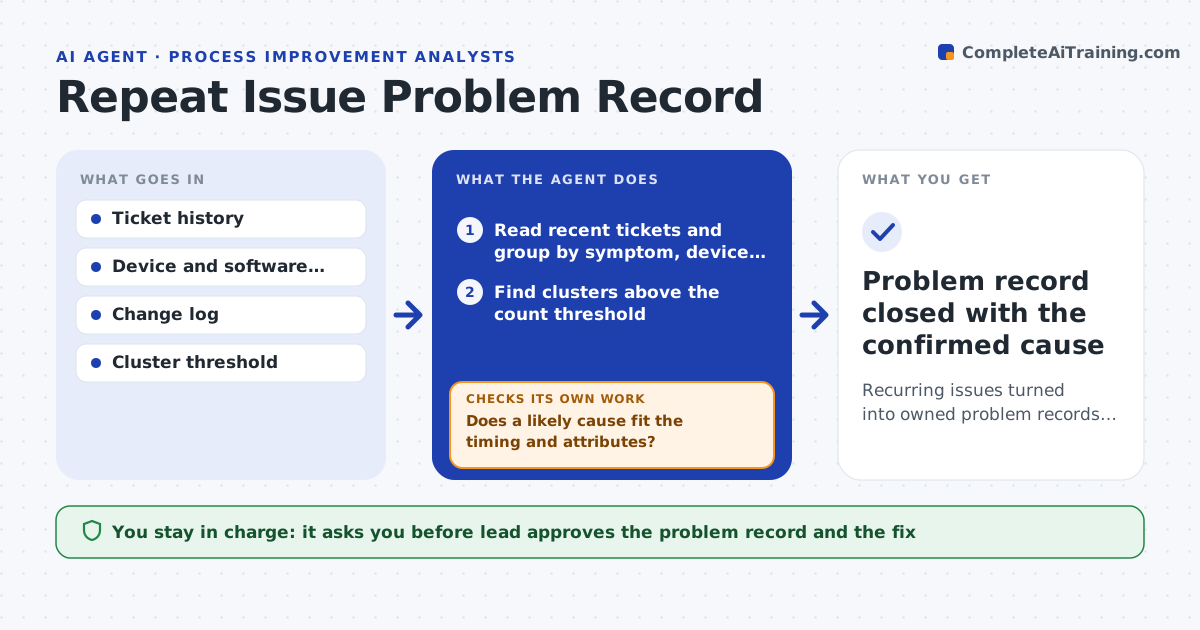
The same operational problems keep coming back because each one is fixed alone and the cause is never found. Each month this agent groups recent exceptions, such as late dispatches or picking errors, into likely causes. It then checks evidence that tells causes apart, such as site, shift, supplier or document type. When a group turns out to have different root contexts, it splits the group and checks again. For each confirmed pattern, it proposes a small improvement experiment with a clear measure and time limit. The process improvement lead approves experiments and any policy change. The agent never draws conclusions about individuals. Edge case: a late dispatch group splits into missing documents at one site and carrier pickup times at another.
How it works
Follow the arrows from top to bottom. The orange dashed arrow is the loop: when a check fails, the agent goes back and tries again.
Read the steps as a list
- Monthly review
- Group exceptions by plausible cause
- Check distinguishing evidence
- Does the cluster share one cause?If not: split it. Back to step 2.
- Propose an improvement experiment
- Process improvement lead approvesThe agent waits here for your OK.
- Exception-pattern investigation
How it decides
It splits clusters when evidence shows different causes.
- Split a cluster when evidence shows different causes.
- Each experiment has one measure and a time limit.
- No conclusions about individual people.
Make it yours
Every agent is a starting point. You choose these settings for your own situation.
- Exception sources to include
- Minimum cluster size (default 10 cases)
- Experiment length (default 4 weeks)
- Who approves experiments
What keeps you in control
It always asks you first
- Policy changes
- Personnel conclusions
Hard limits
- No blame.
It stops when
- Done: causes identified.
Set it up
We guide you through the set-up, step by step
Members get the full set-up guide for this agent. No technical skills needed: you copy, paste and upload.
- One set of instructions to paste into your AI, with the clicks for ChatGPT, Claude, Microsoft 365 Copilot, Gemini and Grok
- The agent then walks you through connecting your own data, one source at a time
- A downloadable copy with the flow chart, the rules and the full guide