AI agent for customer service representatives
Policy Lapse Prevention Agent
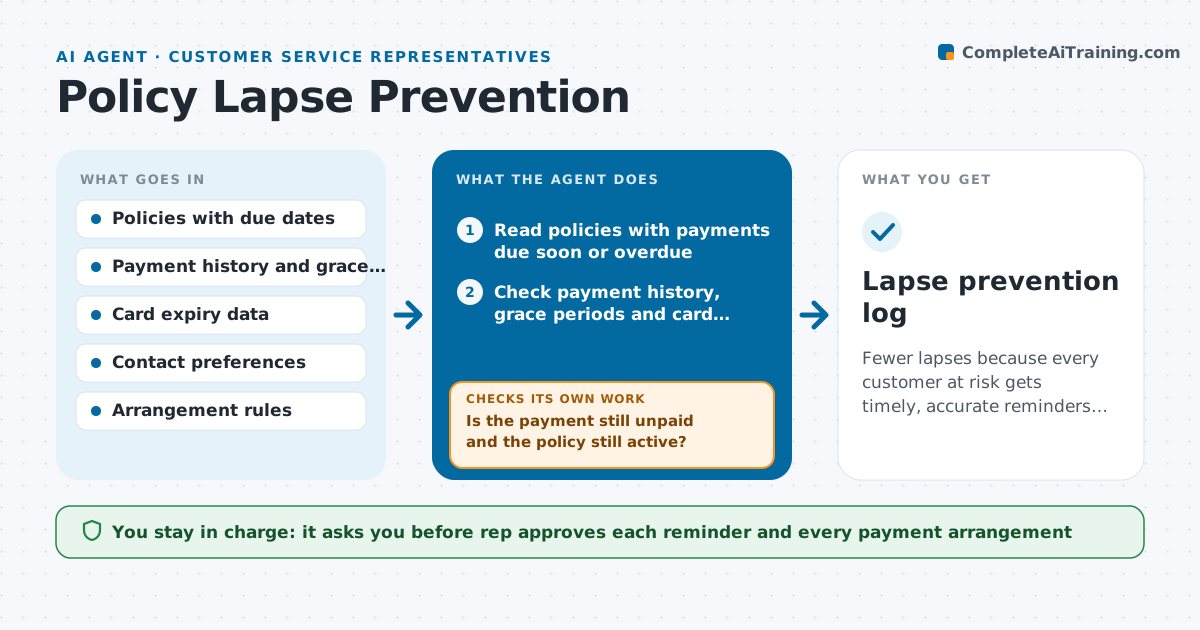
Fewer lapses because every customer at risk gets timely, accurate reminders and a way to pay
What it does
A customer misses a payment because a card expired, hears nothing, and discovers the policy has lapsed only when filing a claim. This agent reads policies with payments due soon or overdue and checks the payment history, grace periods and the customer's contact preferences. It prepares a reminder plan with timing and wording, such as a friendly note 5 days before, a second note on the due date and a call request on day 3 of the grace period. Before each step, it rechecks the payment status and stops if the customer has paid, so nobody receives a reminder after paying. It also prepares options for the rep to offer, such as updating a card or a payment arrangement. The rep approves reminders and any payment arrangement. Edge case: a customer whose card expired is sent card update steps instead of a payment reminder.
How it works
Follow the arrows from top to bottom. The orange dashed arrow is the loop: when a check fails, the agent goes back and tries again.
Read the steps as a list
- Daily payment review
- Read policies with payments due soon or overdue
- Check payment history, grace periods and card expiry
- Choose the next reminder step and draft the message
- Rep approves the reminder and any payment arrangement offerThe agent waits here for your OK.
- Recheck the payment status just before sending
- Is the payment still unpaid and the policy still active?If not: Stop the plan for this policy and log that payment was received. Back to step 2.
- Send the approved message and record it
- Check payment status again after the next step date
- Has the customer paid or agreed to an arrangement?If not: Move to the next reminder step and prepare options for the rep to offer. Back to step 3.
- Lapse prevention log
How it decides
It selects reminder steps by days to the due date and grace period status, and it rechecks the payment before each step and stops if paid.
- Send reminders 5 days before, on the due date, and on days 3 and 10 of the grace period
- Use card update steps if the card has expired
- Stop all reminders when payment is received
- Offer a payment arrangement only if the rules allow it and the rep approves
Make it yours
Every agent is a starting point. You choose these settings for your own situation.
- Reminder days
- Grace period rules
- Channels
- Arrangement options
- Daily run time
What keeps you in control
It always asks you first
- Rep approves each reminder and every payment arrangement
Hard limits
- Never send a message or agree an arrangement without approval
- Never lapse or reinstate a policy itself
It stops when
- Done: The customer has paid or has an approved arrangement
- Stop: The grace period ends without payment, so the agent hands the case to the rep for the lapse process
Set it up
We guide you through the set-up, step by step
Members get the full set-up guide for this agent. No technical skills needed: you copy, paste and upload.
- One set of instructions to paste into your AI, with the clicks for ChatGPT, Claude, Microsoft 365 Copilot, Gemini and Grok
- The agent then walks you through connecting your own data, one source at a time
- A downloadable copy with the flow chart, the rules and the full guide