AI agent for marketing directors
Post-Campaign Creative Performance Review Agent
A short list of evidence-backed learnings the team can add to its playbook
What it does
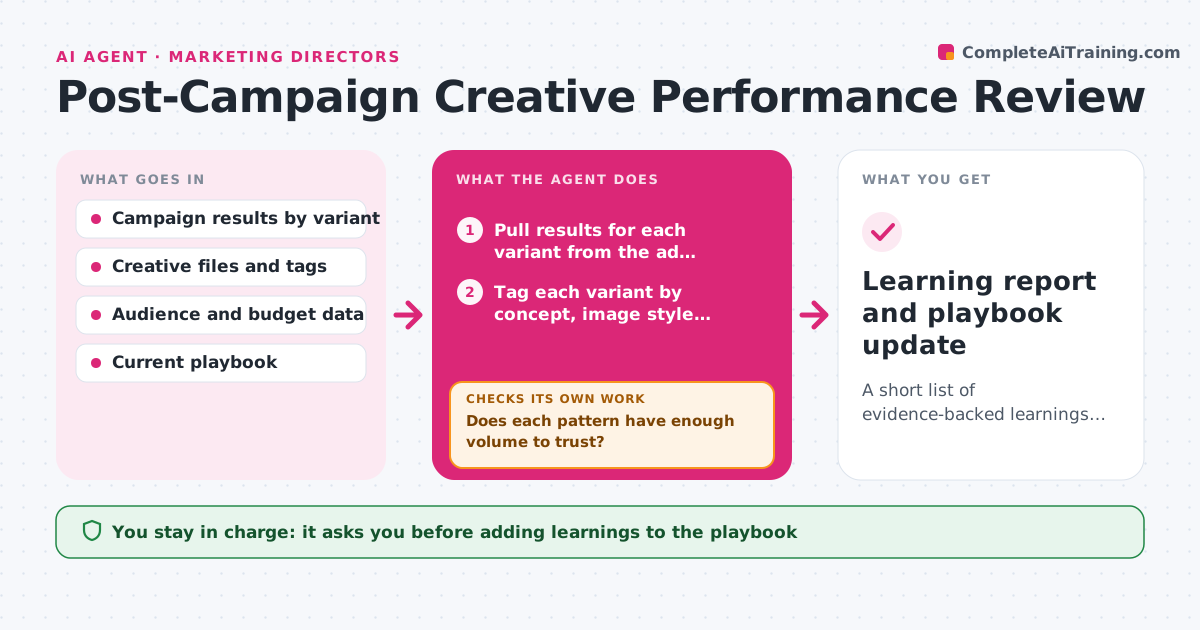
Results of past creative are rarely connected to the choices behind them, so the same guesses are repeated campaign after campaign. After a campaign ends, this agent pulls performance for every creative variant and tags each by concept, image style, headline type and format. It then looks for patterns that have enough volume to trust, such as question headlines beating statements by a stable margin. If sample sizes are too small, it widens the date range or other campaigns of the same type, and if that still falls short it says so instead of claiming a pattern. It also checks that confounders such as budget or audience differences do not explain the result. The lead approves which learnings go into the team playbook. Edge case: one viral variant is treated as an outlier, not a rule.
How it works
Follow the arrows from top to bottom. The orange dashed arrow is the loop: when a check fails, the agent goes back and tries again.
Read the steps as a list
- Campaign ends
- Pull results for each variant from the ad platforms
- Tag each variant by concept, image style, headline type and format
- Compare groups and list candidate patterns
- Does each pattern have enough volume to trust?If not: widen the date range or add similar campaigns, then compare again. Back to step 3.
- Check for confounders such as budget, audience and placement
- Does the pattern hold after the confounder check?If not: drop it or mark it as weak. Back to step 4.
- Lead approves which learnings enter the playbookThe agent waits here for your OK.
- Learning report and playbook update
How it decides
A pattern counts as a learning when each side has at least the minimum impressions and the difference is bigger than the usual spread, and it holds after controlling for audience and spend.
- Require at least 1,000 impressions per group
- Ignore a pattern driven by one variant
- Mark a pattern weak if it vanishes after controlling for audience
- Never present a weak pattern as a rule
Make it yours
Every agent is a starting point. You choose these settings for your own situation.
- Minimum impressions per group (default 1,000)
- Tags to use
- Date range widening rule
- Playbook format
What keeps you in control
It always asks you first
- Adding learnings to the playbook
- Sharing the report outside the team
Hard limits
- Never changes live campaigns
- Never reports a pattern without a volume check
It stops when
- Done: validated learnings listed and lead decided
- Stop: data too thin even after widening
Set it up
We guide you through the set-up, step by step
Members get the full set-up guide for this agent. No technical skills needed: you copy, paste and upload.
- One set of instructions to paste into your AI, with the clicks for ChatGPT, Claude, Microsoft 365 Copilot, Gemini and Grok
- The agent then walks you through connecting your own data, one source at a time
- A downloadable copy with the flow chart, the rules and the full guide