AI agent for auto mechanics
Service Quote Builder Agent
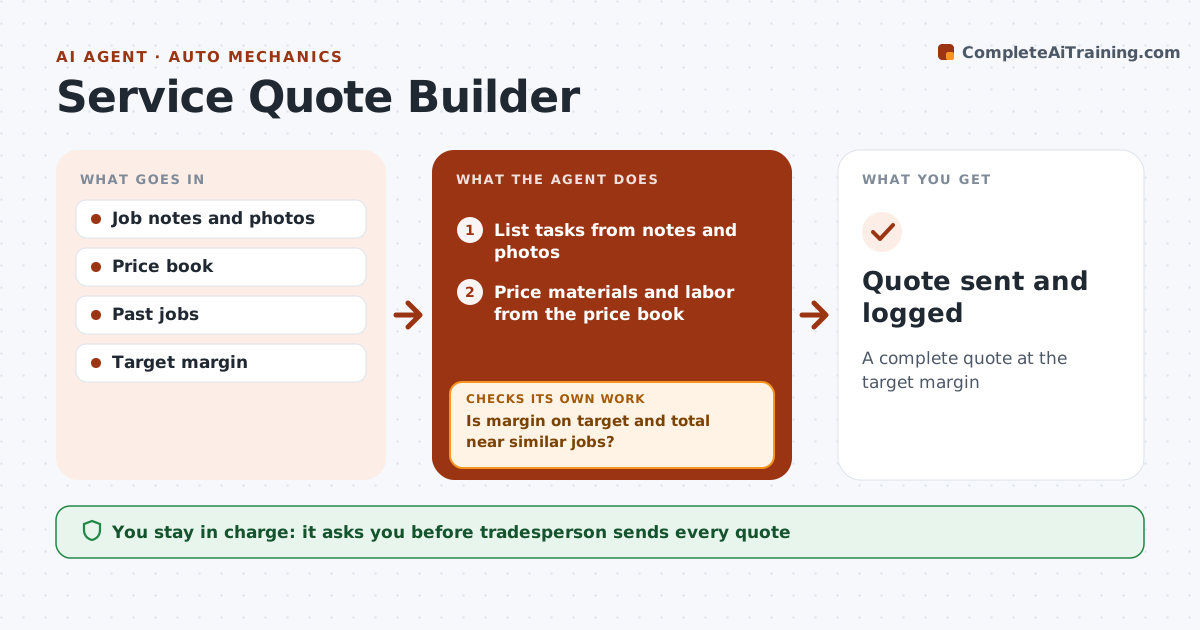
A complete quote at the target margin
What it does
Customers want a quote fast, but quoting from memory misses items and underprices labor. After a request or site visit, this agent lists tasks from the job notes and photos, and prices materials and labor from the tradesperson's own price book and past jobs. It adds permits where required, disposal and travel. It checks the quote against the 30% target margin and against similar past jobs. If the margin is low or the total is far off, it shows what is missing or low and reprices. It drafts the quote with clear exclusions. The tradesperson approves and sends it. Edge case: hidden conditions, like wiring behind walls, are listed as exclusions or allowances so the price does not surprise anyone later.
How it works
Follow the arrows from top to bottom. The orange dashed arrow is the loop: when a check fails, the agent goes back and tries again.
Read the steps as a list
- Job request or site visit
- List tasks from notes and photos
- Price materials and labor from the price book
- Add permits, disposal and travel
- Is margin on target and total near similar jobs?If not: show missing or low items and reprice. Back to step 3.
- Draft the quote with exclusions
- Tradesperson approves and sendsThe agent waits here for your OK.
- Quote sent and logged
How it decides
Material and labor come from the price book. Margin below target or totals over 20% off similar jobs are flagged.
- Margin target default 30%
- Permits added where required
- Hidden conditions as allowances
Make it yours
Every agent is a starting point. You choose these settings for your own situation.
- Margin target
- Price book
- Travel charge
- Template
What keeps you in control
It always asks you first
- Tradesperson sends every quote
Hard limits
- Never sends quotes
- Never promises dates
It stops when
- Done: quote sent
- Stop: not enough information
Set it up
We guide you through the set-up, step by step
Members get the full set-up guide for this agent. No technical skills needed: you copy, paste and upload.
- One set of instructions to paste into your AI, with the clicks for ChatGPT, Claude, Microsoft 365 Copilot, Gemini and Grok
- The agent then walks you through connecting your own data, one source at a time
- A downloadable copy with the flow chart, the rules and the full guide