
Learning path
Learning AI as a Carpenter
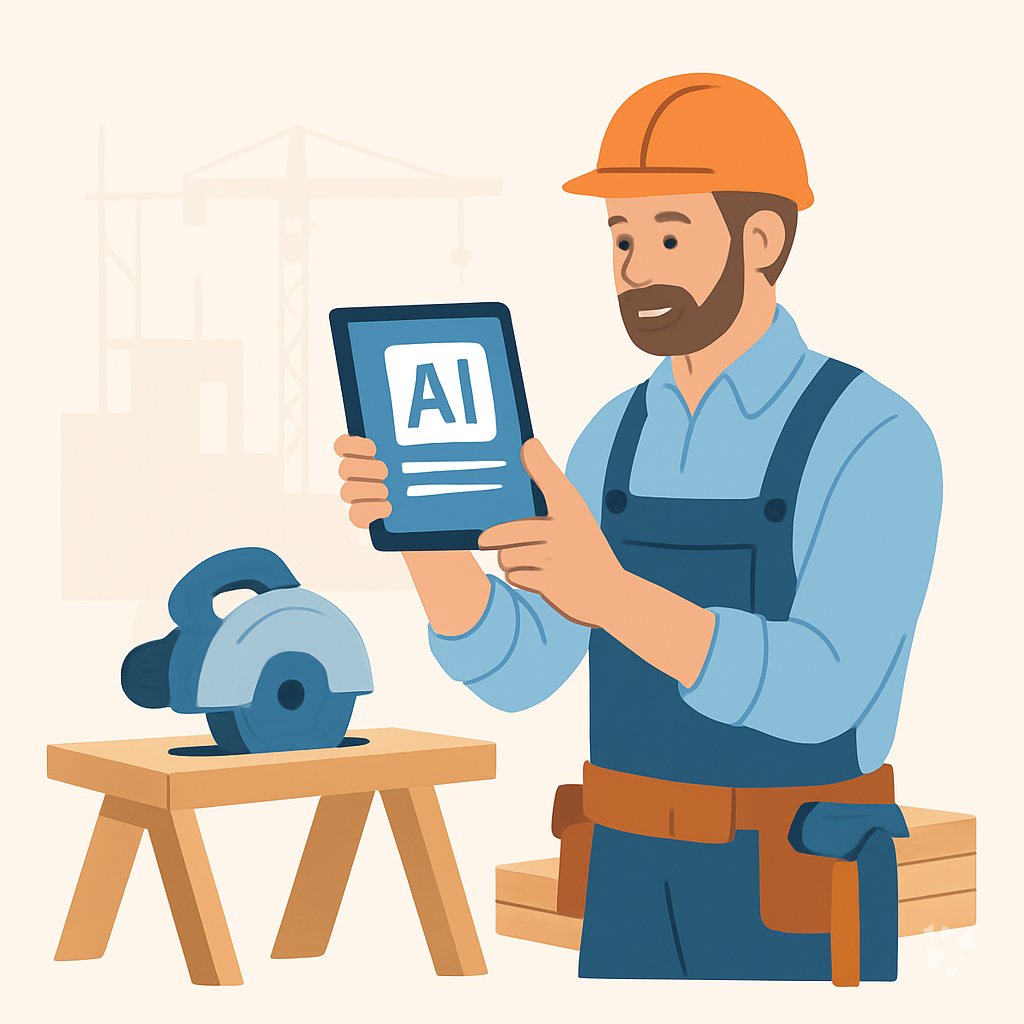
This path helps carpenters use AI for blueprints, measuring, cutting, framing, and job admin. It includes setup, your AI connection, this prompt course, and video lessons with certifications.
Your path
Everything in the Carpenter AI kit, in the order that makes sense. Members tick off each step and see their progress.
Set up your AI
We guide you through each click.
Let skills do your everyday tasks
Connect your apps and pick your AI apps
Hand whole tasks to AI agents
Build your own tools
Keep growing
Everything for carpenters
All the courses, certifications, AI tools, MCP servers and apps for carpenters, most relevant first. Open any list to see more.
Take the prompt courses
A short framework course to learn how to ask, then 8 lessons with ready-to-use prompts for carpenters.
Start with this framework: how to talk to AI
RISEN fits carpenters because it turns a deck build into ordered multi-step plans from layout to railings.
Then your prompt course for carpentersWatch the video courses or add them to your Favorites for later
65 video courses our AI picked for carpenters, most useful first. Save the ones you want to watch later with the heart.
Favorites are saved to your account: sign in or get your AI kit first.
Show all 65 video courses
Get certified, or add certifications to your Favorites
Every course ends in an exam and a certificate you can add to LinkedIn. Save the certifications you are aiming for with the heart.
Favorites are saved to your account: sign in or get your AI kit first.
More certifications for carpentersShow all 24 certifications
Try the AI tools for carpenters
1 AI tools our AI matched to the work of carpenters, best fit first. Each review shows what it does, its alternatives and the jobs it suits.
Favorites are saved to your account: sign in or get your AI kit first.
Connect your AI to the apps carpenters use
MCP servers let ChatGPT, Claude or Copilot look things up and get work done in other apps, like your email, calendar or bookkeeping software. These 5 fit the work of carpenters best, well-known apps first.

macalc Calculator MCP server
by tresor4kLets your AI run everyday calculators: taxes, salary, mortgage, BMI, conversions and more.
Finance and cryptoNo install
OpenTakeoff MCP server
by Kentucky-aiMeasure rooms, walls and finishes on construction plan PDFs and get quantities back in chat.

Setell MCP server
by Setell-AIAsk your AI about your Setell jobs, quotes, and customers, and let it draft quotes and follow-ups for you.
Customer communicationNo install
GNU Units MCP server
by laszlopereLets your AI convert between thousands of units and check unit math, all offline.

Calculator MCP server
by githejieLets your AI do exact math instead of guessing at numbers.
Build your own AI apps for carpenters
Apps you build yourself with your own AI, no coding needed and no monthly fee. Our AI picked the 3 that fit the work of carpenters.

































































About this learning path
6 topicsAI for Carpenters: From Blueprints to Finished Work
AI is changing how work gets planned and priced. As a carpenter, you can use it to read plans faster, check measurements, plan cuts, and handle paperwork without losing shop time.
This learning path walks you through everything step by step. You start with setup questions, connect your AI, learn skills for your job inside your AI, take this prompt course, and pick video courses built for carpenters. Each video course comes with its own certification.
Why AI Matters Now
Plans are getting more detailed, clients want quick answers, and material costs keep changing. AI can help you turn a messy blueprint into clear notes, check your layout math, and write a quote that makes sense to a homeowner.
It does not replace your hands or your judgment. It handles the planning and paperwork so you can focus on building.
What This Path Includes
You get setup questions to get your AI ready, simple steps to connect your AI to your work, and skills for the job inside your AI. Then you go through this prompt course with eight lessons, from blueprints to client quotes.
After that, you choose video courses picked for carpenters. Those courses come with certifications of completion, so you can show what you learned.
How It Saves Time
Instead of guessing at a cut list or rewriting a quote three times, you ask your AI for a first pass. You check it, adjust it, and move on. That means fewer trips to the lumber yard and less time at the kitchen table with paperwork.
You also catch mistakes earlier, like a wrong measurement or a missing flashing detail, before they cost you a day.
How It Protects Your Career
Carpenters who can use AI are better at bidding, planning, and communicating with clients. That makes you more valuable on any crew or as your own boss. It also helps you avoid the slow jobs that eat your profit.
Your craft still matters most. AI is just another tool, like a tape measure or a framing square, and learning it keeps you in the game.
How to Start
Begin with the setup questions and connect your AI. Then take the prompt course lessons in order, practicing each one on a real job you have coming up. Pick video courses that match the work you do most, whether that is framing, cabinets, or repairs.
There is no rush. Go at your own pace and keep your tools handy.
Frequently asked questions
Do I need to be good with computers?
No. The path starts with setup questions and plain steps to connect your AI. You practice by typing or talking in normal language, just like describing a job to a helper.Will AI replace carpenters?
No. AI helps with planning, math, and paperwork. Your hands, your eye, and your judgment still build the work. AI just gives you a head start on the thinking part.How long does this path take?
You can go at your own pace. Most carpenters finish the prompt course in a few sittings and use the video lessons as needed. The skills build on each other, so you can always come back.Do I get a certificate?
The video courses include certifications of completion. The prompt course gives you practice and a set of prompts to use, but it does not come with a formal certificate. You can still show your work to clients or employers.