AI agent for accountants
Use Tax Accrual Review Agent
Accrue the use tax owed each period with support for every item
What it does
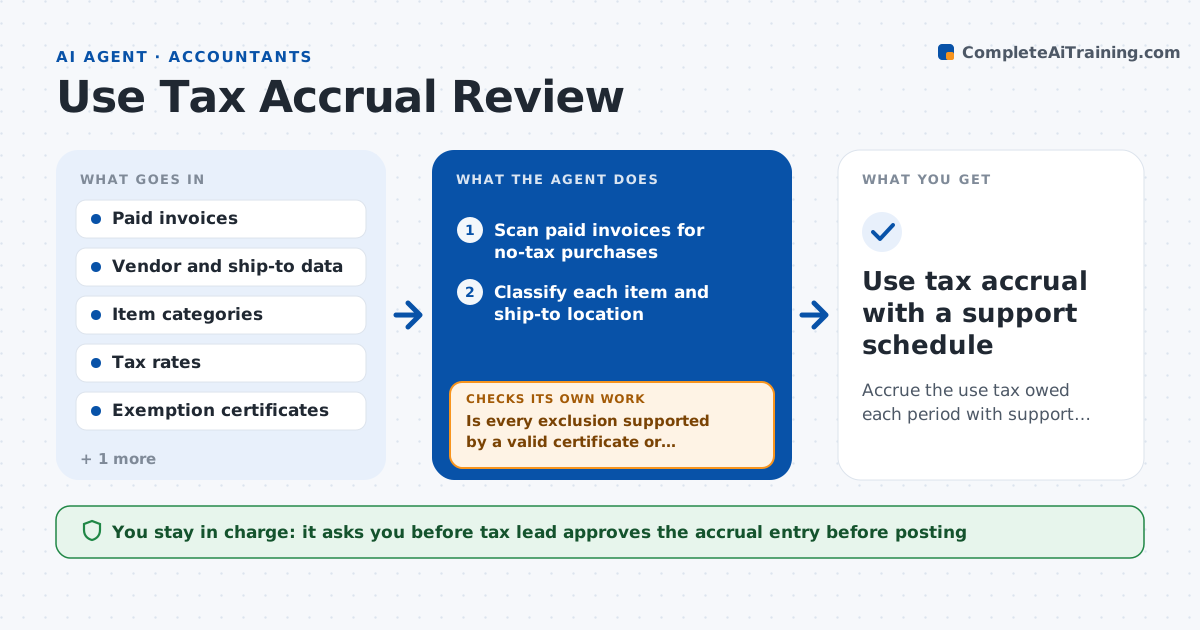
A company buys software and equipment from out-of-state vendors that charge no sales tax, and the company owes use tax. This agent scans paid invoices for taxable purchases that had no tax. It checks the vendor's location, the item type and the ship-to location to decide whether tax is owed, and calculates the use tax at the right rate. It checks exemption certificates and exceptions, such as resale items or exempt customers, and revises the list when an exemption applies. It checks totals against prior months for reasonableness and asks for support when something looks off. It builds the accrual entry with a schedule. The tax lead approves the accrual entry. Edge case: an invoice that already includes tax is excluded after a check of the tax line.
How it works
Follow the arrows from top to bottom. The orange dashed arrow is the loop: when a check fails, the agent goes back and tries again.
Read the steps as a list
- Month-end close begins
- Scan paid invoices for no-tax purchases
- Classify each item and ship-to location
- Check exemption certificates and exceptions
- Is every exclusion supported by a valid certificate or rule?If not: Remove the exclusion and add the item back to the taxable list. Back to step 3.
- Calculate use tax at the correct rates
- Is the total reasonable against prior months?If not: Review the largest differences and request invoice support. Back to step 6.
- Build the accrual entry and supporting schedule
- Tax lead approves the accrual entryThe agent waits here for your OK.
- Use tax accrual with a support schedule
How it decides
It marks an invoice taxable when the item type is taxable in the ship-to state, no tax was charged and no valid exemption applies.
- Treat an item as taxable when the ship-to state taxes it and no tax was charged
- Accept an exclusion only with a valid exemption certificate
- Investigate totals that differ from prior months by more than 25 percent
- Use the rate for the ship-to location
Make it yours
Every agent is a starting point. You choose these settings for your own situation.
- Tax rate source (default the company's tax engine table)
- Reasonableness tolerance (default 25 percent)
- Certificate validity rules (default expiry date check)
- Close timing (default 3 days before close)
What keeps you in control
It always asks you first
- Tax lead approves the accrual entry before posting
Hard limits
- Never post an entry without approval
- Never apply an exemption without a valid certificate
- Keep a schedule for every item
It stops when
- Done: Accrual approved and posted by the tax lead
- Stop: Tax rules are unclear, so hand to the tax advisor
Set it up
We guide you through the set-up, step by step
Members get the full set-up guide for this agent. No technical skills needed: you copy, paste and upload.
- One set of instructions to paste into your AI, with the clicks for ChatGPT, Claude, Microsoft 365 Copilot, Gemini and Grok
- The agent then walks you through connecting your own data, one source at a time
- A downloadable copy with the flow chart, the rules and the full guide