AI tool
agent-manager
agent-manager is a keyboard-driven tool for running coding agents inside tmux sessions, letting users start, review, and fork agent work with single keypresses. It is built for developers who use multiple CLI coding agents and want to keep their s...
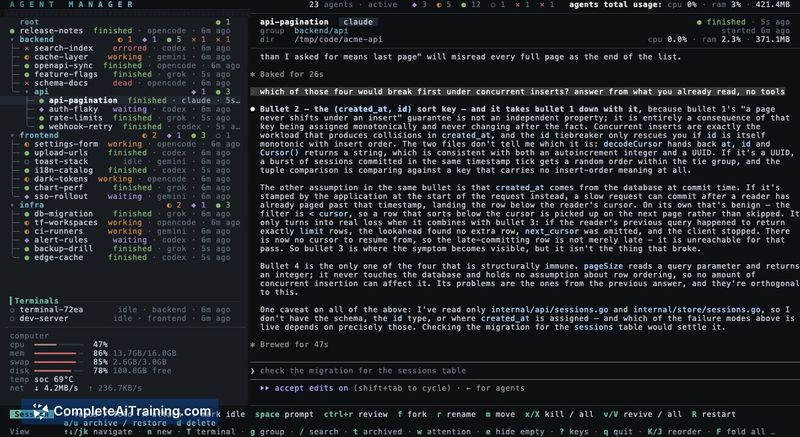
About agent-manager
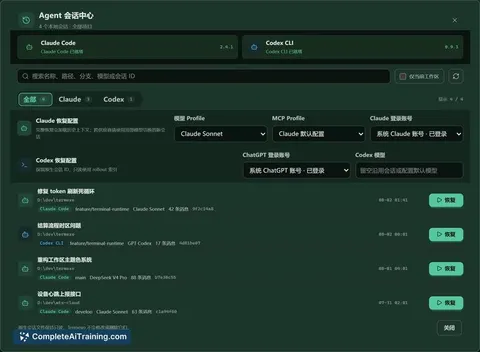
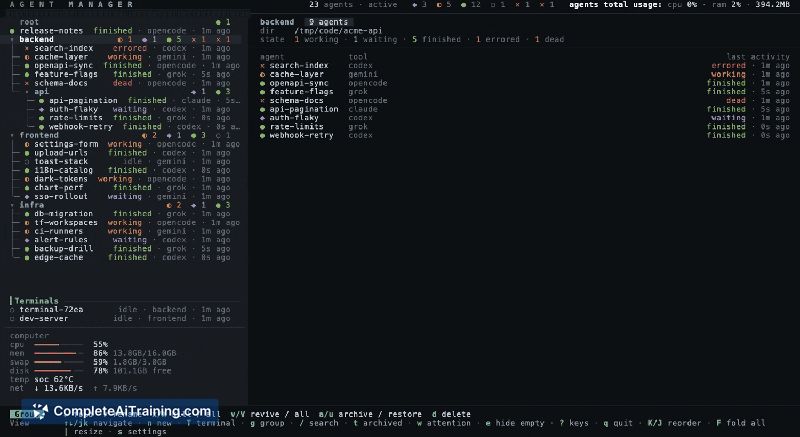
agent-manager is a terminal-based tool that runs multiple AI coding agents inside a single tmux list. It manages sessions for Claude Code, Codex, OpenCode, Gemini CLI, Grok, and Pi, showing live status per session. The tool is open source under Apache-2.0, distributed as one Go binary, and works on macOS, Linux, and Windows via WSL2.
Review
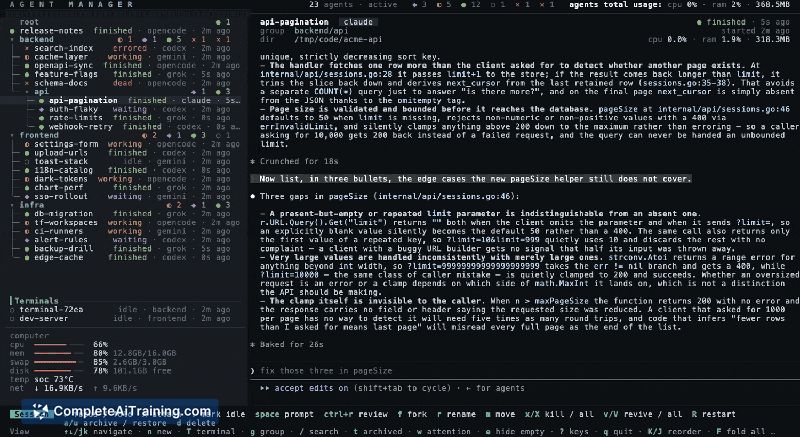
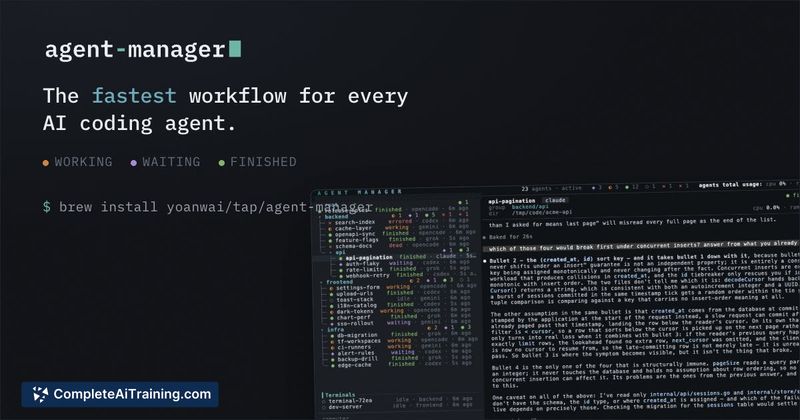
agent-manager launched this week and positions itself as a fast workflow for developing with AI. It builds on tmux rather than replacing it, so ordinary tmux sessions survive quitting the manager. The tool reads status directly from agent lifecycle events where available, such as Claude Code's hook API, instead of guessing from screen output.
Key Features
- Runs Claude Code, Codex, OpenCode, Gemini CLI, Grok, and Pi in one tmux list with live status per session
- Space on a blocked session answers it without attaching; space on a group starts an agent in the right directory from a single sentence
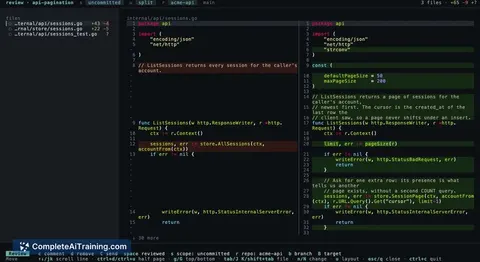
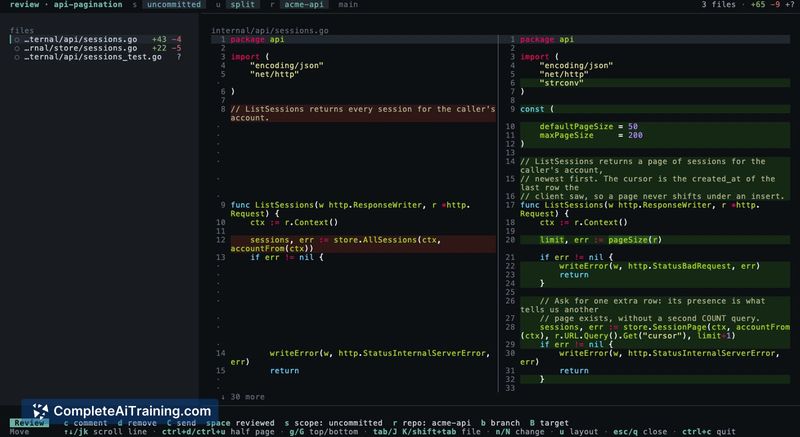
- Ctrl+r opens whole-file diffs where line comments go back to the agent as one review prompt
- F forks a conversation into a named sibling; T pins a plain shell next to the agents
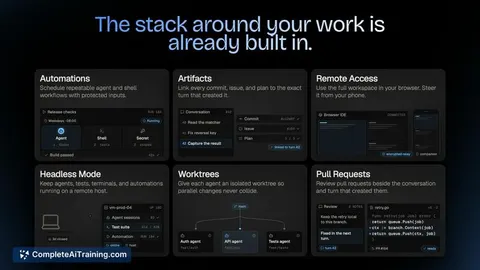
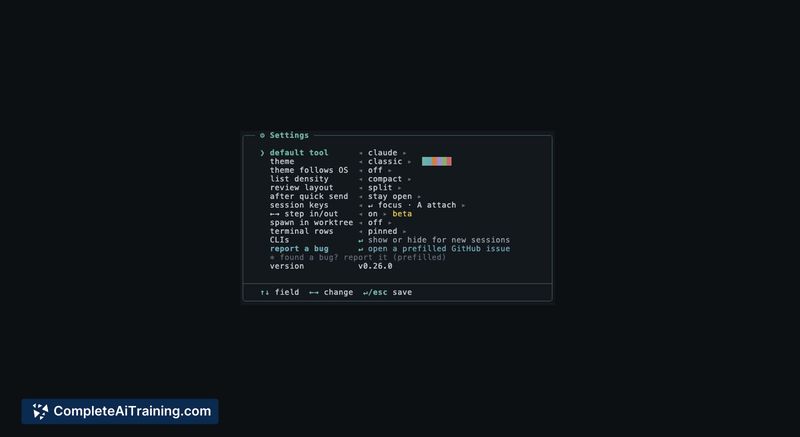
- Sessions can spawn into their own git worktrees; arrow keys step in and out of a pane
Pricing and Value
The tool is free and open source under Apache-2.0. Installation runs through brew install yoanwai/tap/agent-manager or from the GitHub repository at github.com/YoanWai/agent-manager. The maker states cost tracking is not currently implemented. No paid tiers or future pricing models have been announced.
Pros
- Status comes from lifecycle events written into per-session files, so it reflects actual agent state rather than screen scraping
- Any CLI can run as a session right away; new agents only need a few regex lines in a toml file to get status rules
- Quitting the manager leaves all agents running and your own tmux config untouched
- Review mode with line-level comments feeding back as review prompts became the most-used feature in practice
Cons
- Cost tracking is not there yet, so you cannot monitor token spend from within the tool
- The mouse wheel scrolls but everything else is keyboard-driven, which may slow down users who prefer mouse navigation
- Not well suited for teams needing multi-user collaboration or shared session management, since it is built for a single terminal user
agent-manager fits developers who run multiple coding agents side by side and spend more time reviewing output than watching sessions. The review workflow with whole-file diffs and comment-to-prompt feedback appears to be the strongest part of the tool. It is also a reasonable choice for tmux users who want agent management without giving up their existing setup, given the tool runs on tmux's own socket and leaves ordinary sessions intact.
Jobs agent-manager suits
We checked agent-manager against 500+ jobs; these get the most out of it.
Alternatives to agent-manager
Other tools that do the same main job. Our AI compared agent-manager with similar tools and kept the ones you could use instead.