AI tool
Termexo
Termexo manages multiple coding agents in native CLI terminals for developers running tools like Claude Code and Codex on Windows. It restores workspace layouts, resumes sessions, and alerts users when an agent needs attention.
About Termexo
Termexo is a local Windows workbench that combines Claude Code and Codex CLI agents into a single recoverable workspace. It runs agents in real PTY terminals, lets users arrange them in custom grids, and stores API keys in Windows Credential Manager. The tool launched this week, requires no Termexo account, and all data stays on the local machine.
Review
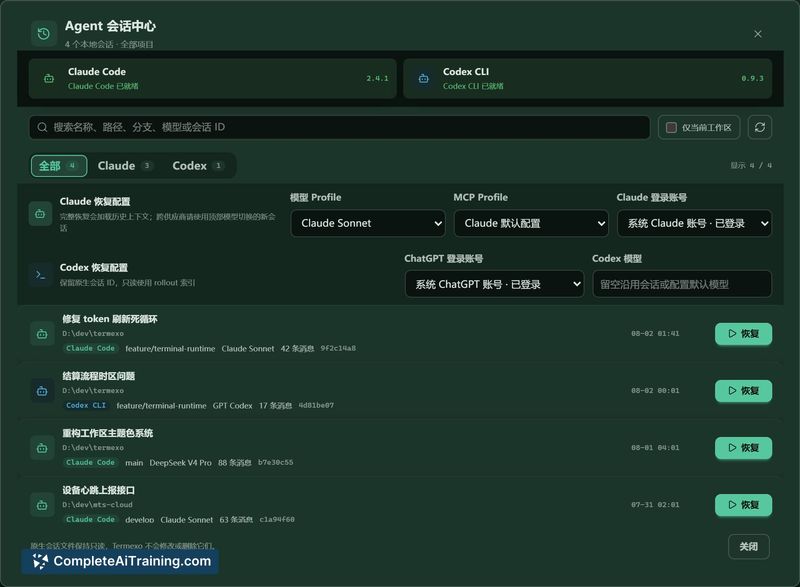
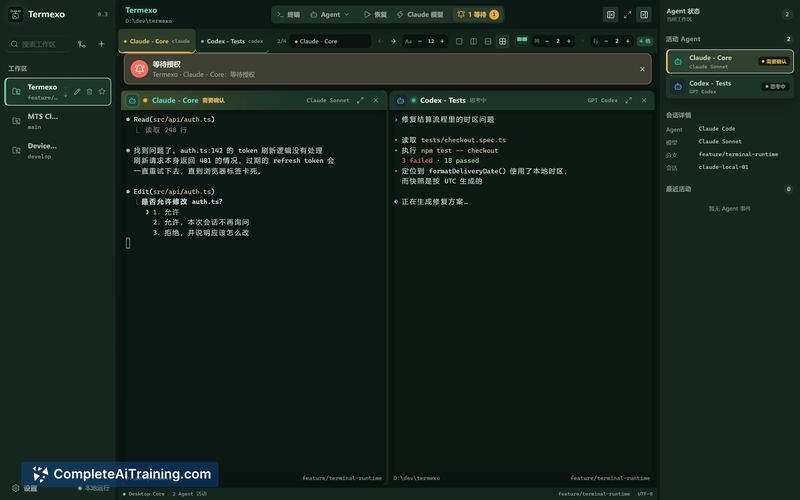
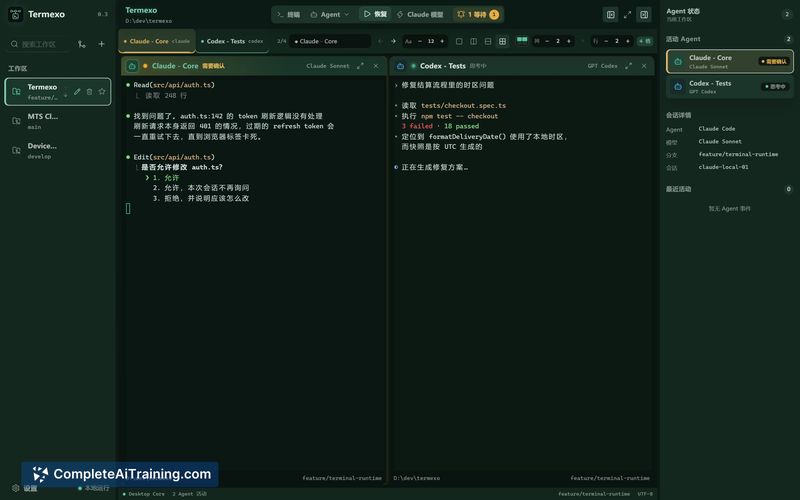
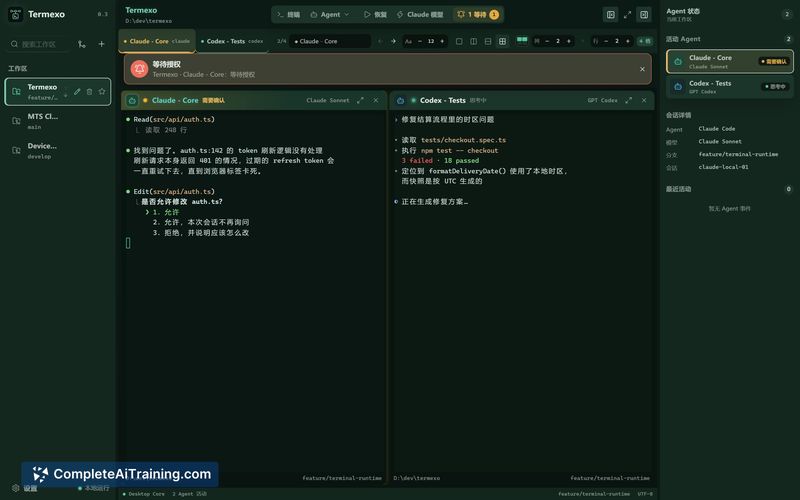
Termexo is built for running multiple CLI coding agents side by side on native Windows. Most agent tooling assumes macOS or Linux, and WSL workarounds create path translation friction between the agent and Windows editors. Termexo runs agents directly on Windows and concentrates on three areas: session recovery, approval alerts, and credential isolation across model profiles.
Key Features
- Real PTY terminals that can be arranged in custom grids
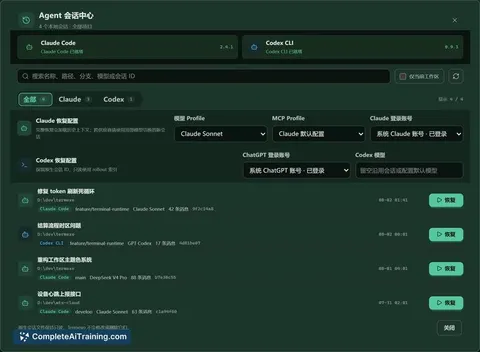
- Native session search and resume - restores conversation context, workspace, layout, and model/profile selection using the CLI's native session ID (claude --resume or codex resume)
- Approval alerts when an agent needs user attention across parallel sessions
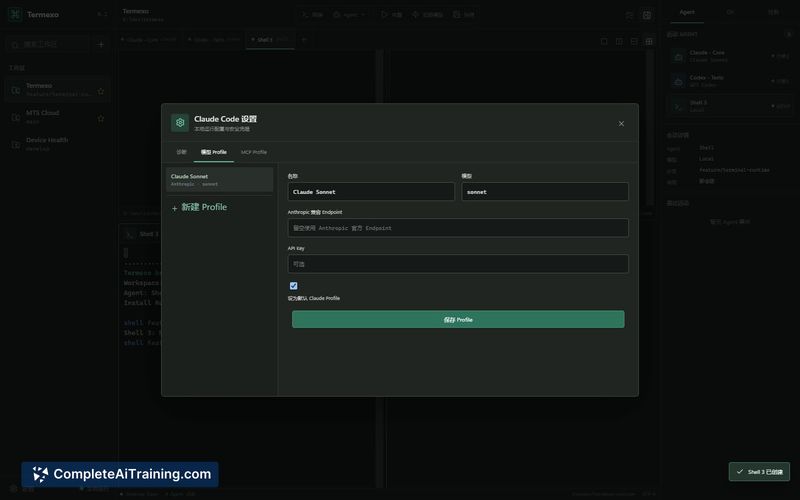
- Model profiles with isolated API keys, each stored as a separate entry in Windows Credential Manager keyed by profile ID
- Local-first architecture with no cloud account or sign-up required
Pricing and Value
Termexo is listed as free. No Termexo account is needed, and all processing and credential storage remain on the user's Windows machine.
Pros
- Credentials are isolated per model profile - a client profile and a personal profile can run side by side with different API keys, no sharing or overwriting
- Runs on native Windows rather than WSL, so the agent and Windows tools see the same file paths
- Session context (conversation, workspace, layout, model selection) survives reboots and crashes, even though the live PTY process does not
- No account, sign-up, or cloud dependency - all data and keys stay local
- Approval alerts surface which agent needs attention without manually checking each terminal
Cons
- Windows-only, not suited for users on macOS or Linux
- In-flight agent operations do not survive a crash or reboot - files already written remain on disk, but the agent's awareness of what completed is lost, which can cause issues with non-idempotent actions like migrations or POSTs
- Currently no distinction between a clean shutdown and an abnormal exit when resuming sessions; the agent cannot tell whether a prior operation finished, so it may silently continue or redo something that already ran
Termexo fits Windows users who run multiple Claude Code or Codex sessions and want session recovery, approval alerts, and profile-level credential separation without introducing a cloud dependency. It's less suited for workflows that involve long-running, non-idempotent operations where in-flight state must survive machine restarts. The tool is still evolving, and the maker is actively gathering feedback on multi-agent workflow friction from early users.
Jobs Termexo suits
We checked Termexo against 500+ jobs; these get the most out of it.
Alternatives to Termexo
Other tools that do the same main job. Our AI compared Termexo with similar tools and kept the ones you could use instead.