AI tool
AppGrowthKit
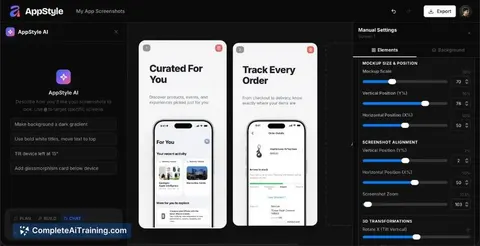
AppGrowthKit turns raw app screenshots into store-ready App Store and Google Play assets. It uses AI to draft layouts, copy, and icons, then lets you adjust every layer before exporting all required sizes. It is built for indie developers and team...
About AppGrowthKit
AppGrowthKit is an AI-powered tool that generates screenshots and icon sets for App Store and Google Play listings. It combines device frames, AI-generated layouts and copy, and store-ready export into a single workflow. The tool is built for indie developers and teams who want to produce store assets without switching between multiple design tools.
Review
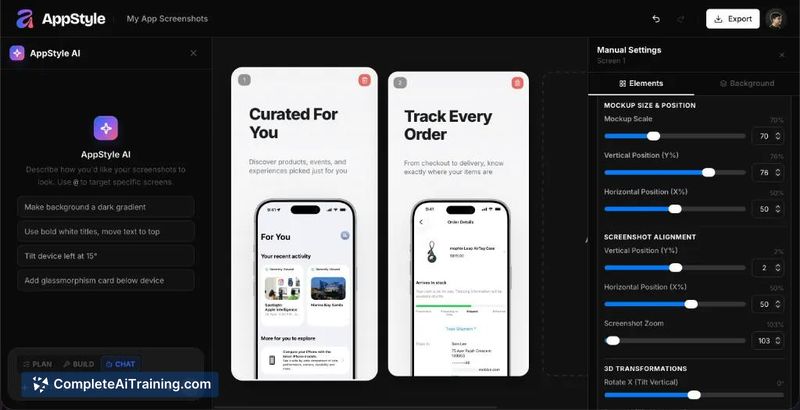
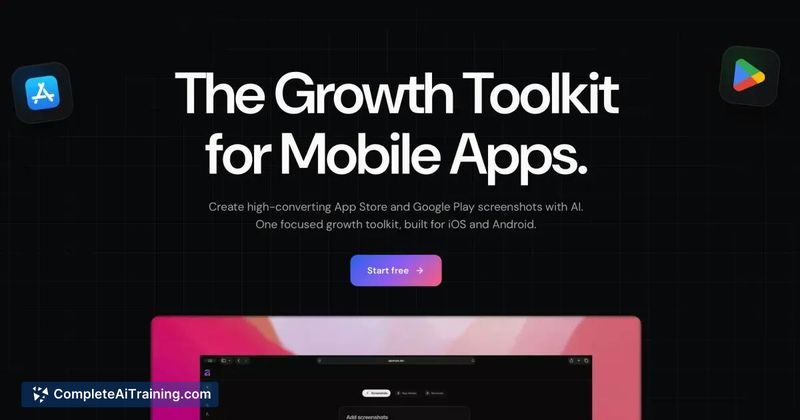

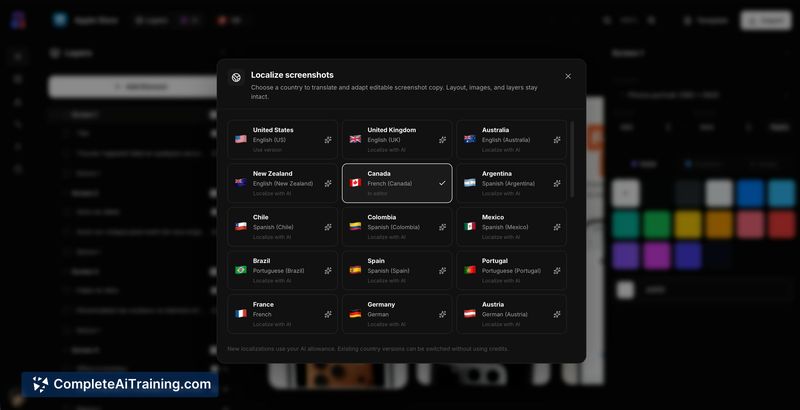
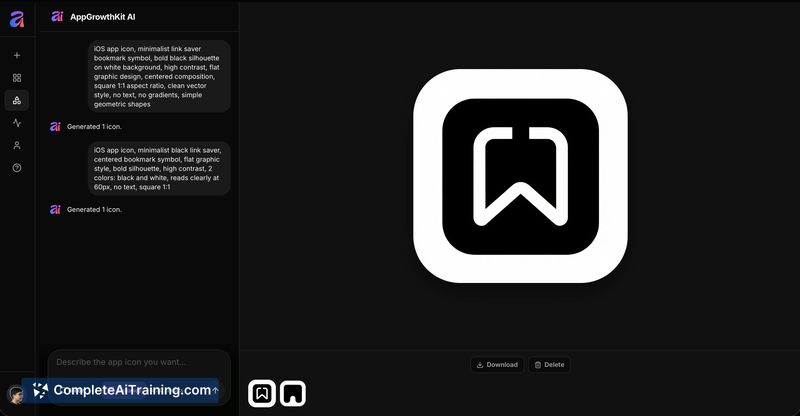
AppGrowthKit addresses a specific friction point in app release cycles: the manual process of creating localized screenshots across different device sizes and platforms. The tool lets users upload raw app screens, then uses AI to draft layouts, copy, and icons while keeping every layer editable. It exports final assets sized for both App Store and Google Play from one interface.
Key Features
- AI-generated layouts, copy, and icons from uploaded raw app screens
- Manual layer editing so users can adjust AI-drafted elements
- Device frame application for multiple screen sizes across iPhone, iPad, and Android
- Store-ready export for App Store and Google Play from a single workspace
- Icon set generation within the same tool
Pricing and Value
AppGrowthKit operates on a payment-required model. The maker posted a launch discount code, PH30OFF, for 30% off. Specific subscription tiers or one-time pricing details are not yet defined on the product page. Users evaluating the tool will need to check the website for current pricing or contact the maker directly.
Pros
- Combines screenshot design, copy generation, and icon creation in one interface
- Exports correctly sized assets for both major app stores without manual resizing
- AI drafts serve as a starting point while keeping design elements fully editable
- Targets a time-consuming task that indie developers often delay or avoid
- Built with standard web technologies (React, shadcn/ui) and Cloudflare infrastructure
Cons
- No current feature detects when live app UI has drifted from existing screenshots, so users must remember to update assets manually
- Pricing structure is not publicly documented on the product page at this time
- Not well suited for teams that need asset version tracking or automated refresh triggers tied to app updates
AppGrowthKit fits indie developers and small teams who ship apps regularly and want to reduce the manual overhead of screenshot production. It's practical for those comfortable with AI-generated starting points who still want layer-level control before export. Larger teams with strict brand governance or automated CI/CD asset pipelines may find the manual refresh requirement a limitation.
Jobs AppGrowthKit suits
We checked AppGrowthKit against 500+ jobs; these get the most out of it.
Alternatives to AppGrowthKit
Other tools that do the same main job. Our AI compared AppGrowthKit with similar tools and kept the ones you could use instead.