AI tool
Stitch by Google
Stitch by Google automates end-to-end app design: multi-step AI workflows produce UI mockups, app store screenshots, descriptions and icons, then export MCP to dev tools for direct handoff.
About Stitch by Google
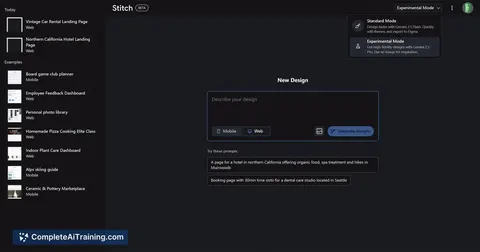
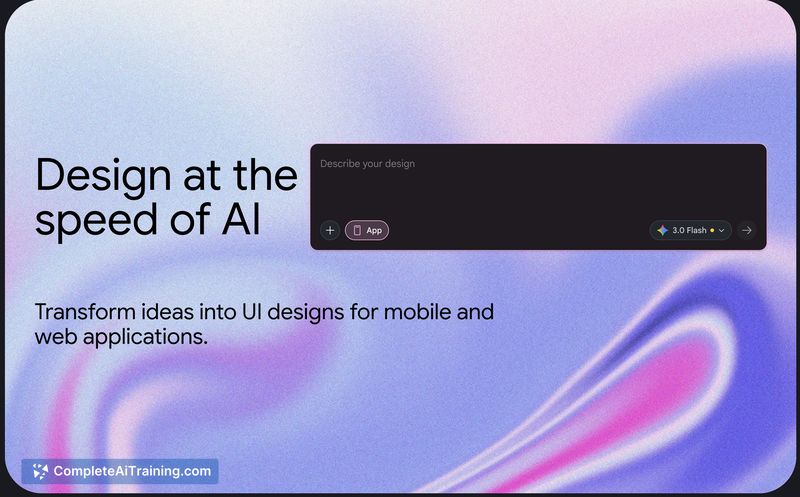
Stitch by Google is an AI-assisted design tool that converts sketches or simple descriptions into editable UI designs and production-ready code in seconds. It targets founders and product managers who need fast mockups and includes features for multi-step design workflows, app store asset generation, and direct export into developer environments.
Review
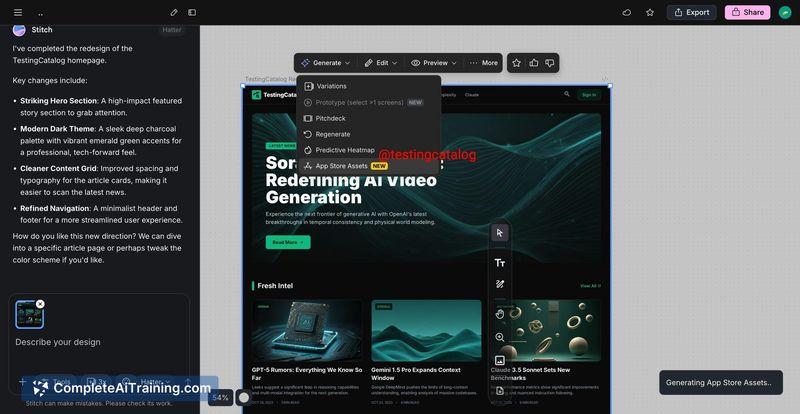
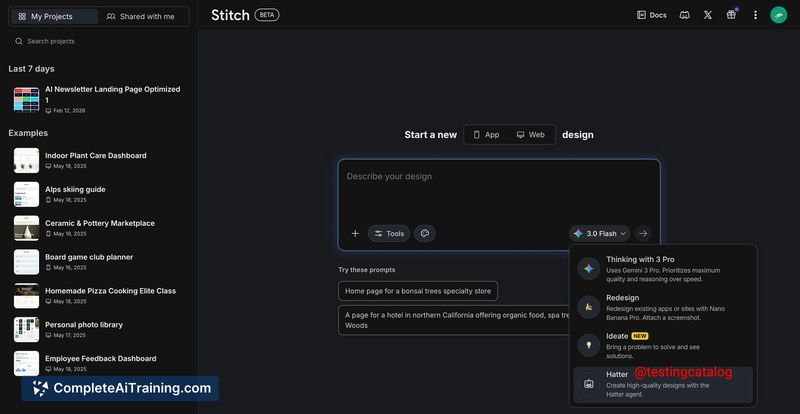
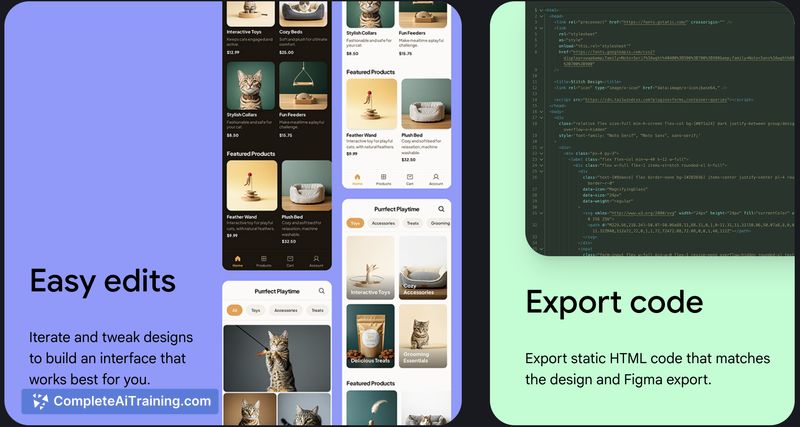
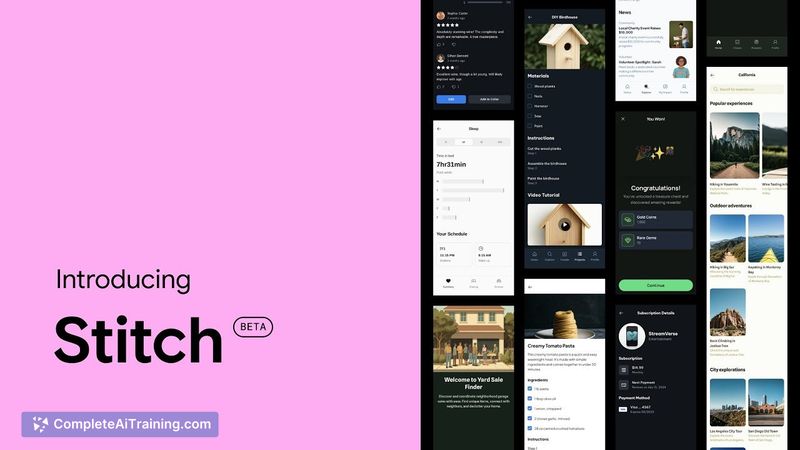
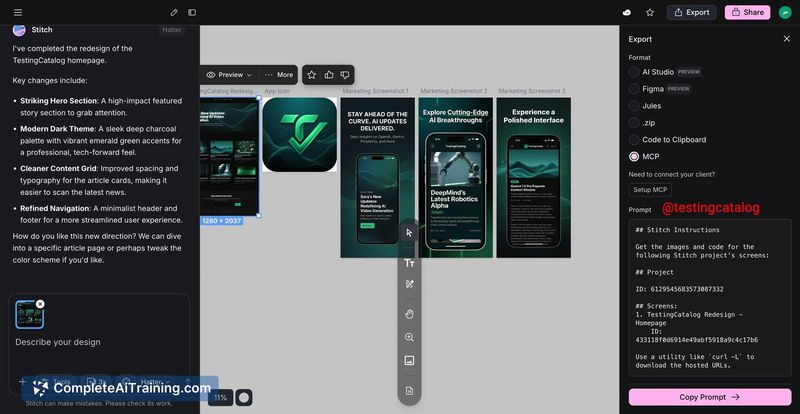
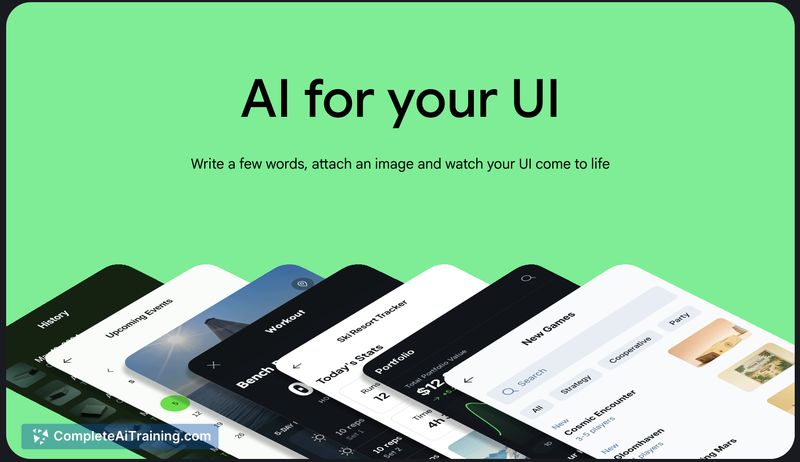
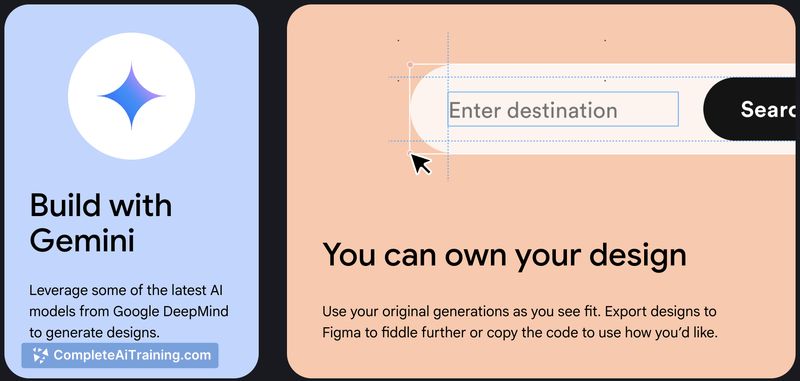
Stitch by Google streamlines the early stages of product design by producing editable designs alongside real code, which can significantly shorten the time from idea to prototype. Its workflow features and asset generation make it a useful bridge between design and development, though outputs generally benefit from human review and refinement for complex projects.
Key Features
- Convert sketches or textual descriptions into editable UI mockups and real code quickly.
- An agent that handles multi-step design tasks and iterative refinements within a single flow.
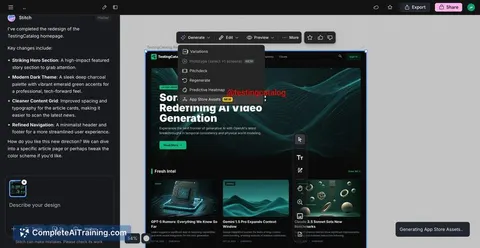
- Automatic generation of App Store assets (screenshots, descriptions, icons) for storefront publishing.
- Native export to developer environments and command-line workflows for faster handoff to engineering.
- Free access for early users, lowering the barrier to experimentation and prototyping.
Pricing and Value
Stitch by Google is offered free at launch, which makes it attractive for founders, PMs, and small teams experimenting with product ideas without upfront cost. The value comes from accelerating prototype creation and reducing the manual handoff between design and development. For teams that need polished, production-grade apps, the tool adds value as a starting point but will likely require follow-up work from designers and engineers.
Pros
- Very fast generation of editable designs and corresponding code, useful for rapid prototyping.
- Includes multi-step workflow support so you can iterate within the same environment.
- Automatically produces app store assets, reducing time spent on marketing preparations.
- Direct export into developer tooling streamlines the design-to-dev handoff.
- Free access lowers the barrier for early experimentation and idea validation.
Cons
- Generated code and layouts may require manual cleanup and engineering effort for production readiness.
- Complex user flows and edge-case interactions still benefit from experienced designers and developers.
- Some outputs can feel formulaic and may need design polish to match a brand's unique voice.
Overall, Stitch by Google is best suited for solo founders, product managers, and small teams who need quick, editable prototypes, landing pages, or MVP screens and want a smoother handoff to engineering. For larger or more complex products it's a helpful accelerating tool, but teams should plan for additional design refinement and code hardening before launch.
Jobs Stitch by Google suits
We checked Stitch by Google against 500+ jobs; these get the most out of it.
Alternatives to Stitch by Google
Other tools that do the same main job. Our AI compared Stitch by Google with similar tools and kept the ones you could use instead.