AI tool
BiBimba
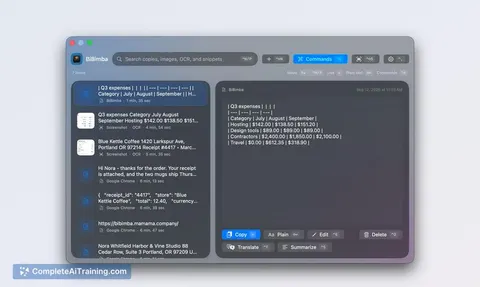
BiBimba runs OCR on screenshots instantly and stores them alongside clipboard history in one searchable box. It is for Mac users who capture receipts, errors, or slides and need to find text from them later.
About BiBimba
BiBimba is a clipboard history tool for macOS that indexes the text inside screenshots. It runs OCR on captured images at the time they're taken, so the contents become searchable alongside regular text clippings. The app also includes on-device AI actions for translating, summarizing, and rewriting text, using Apple's local models.
Review
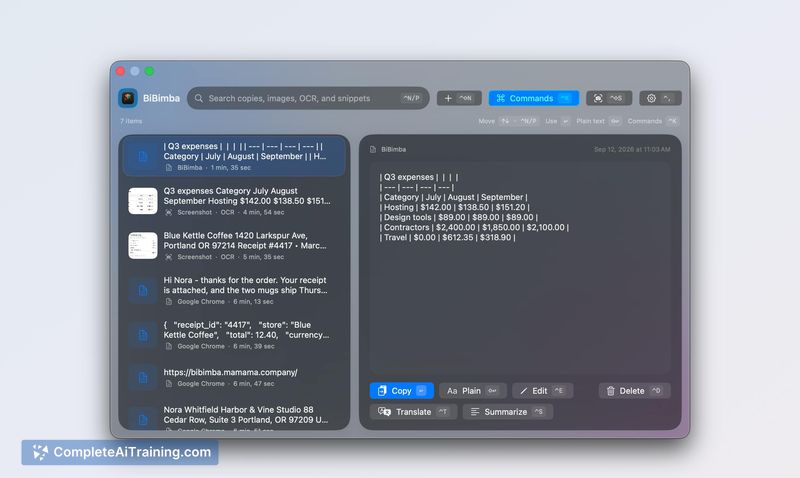
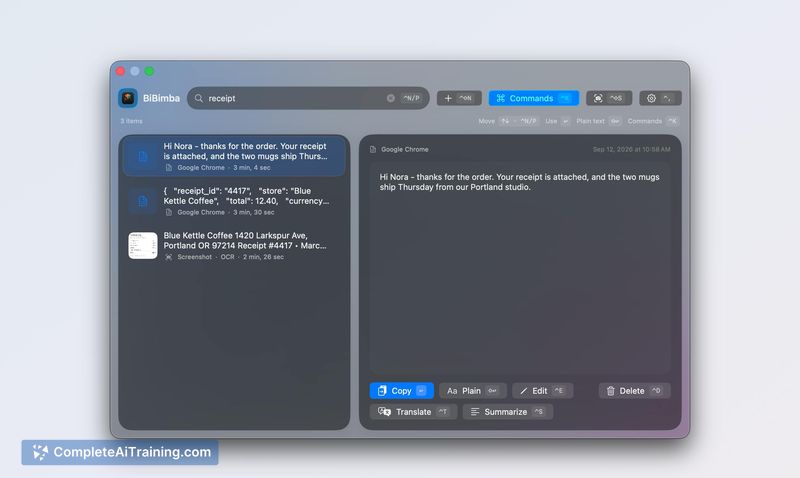
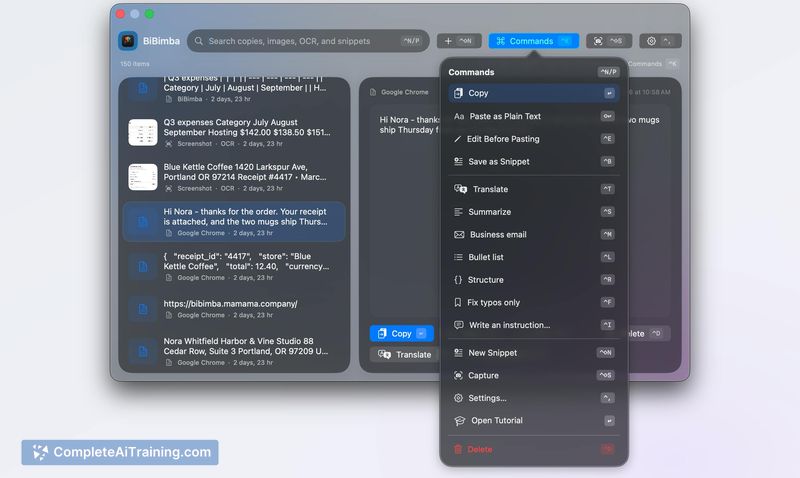
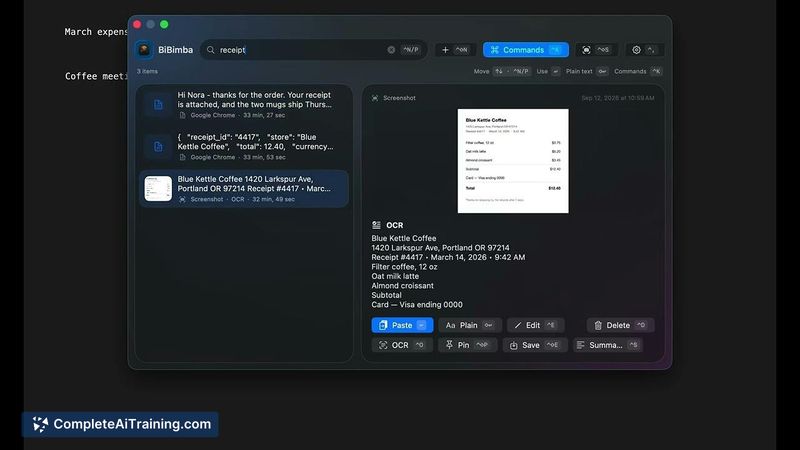
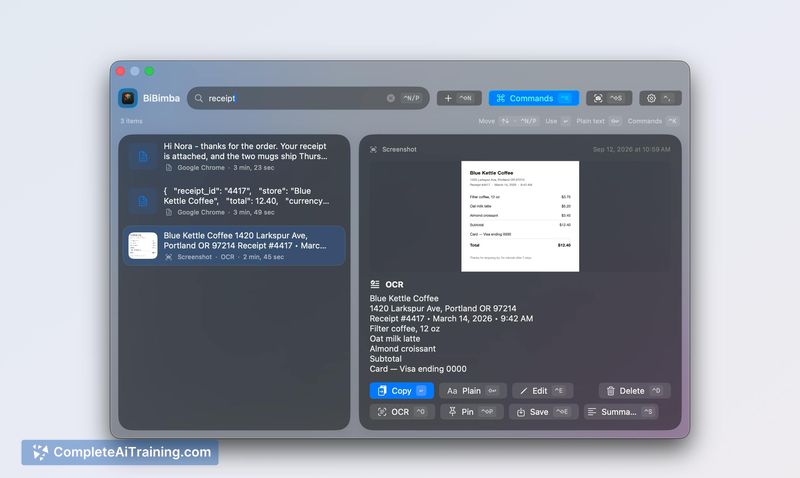
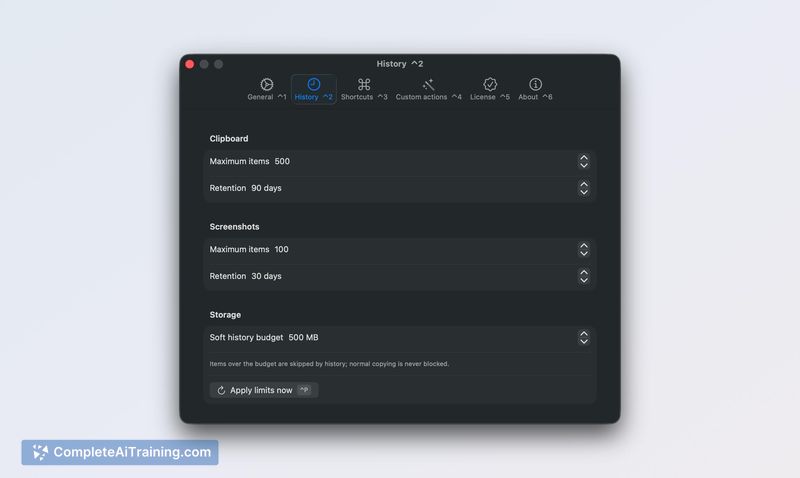
BiBimba treats screenshots as first-class clipboard entries, which addresses a specific pain point: finding a single number or phrase from a screenshot you took days ago. Instead of scrolling through an image folder, you search one box and get matching text clippings, saved snippets, and screenshots together. The tool runs entirely on your Mac, with no server communication for its AI features.
Key Features
- OCR runs in the background after capture, saving recognized text with each screenshot for later search.
- Unified search across clipboard history, saved snippets, and screenshot text.
- On-device AI actions - translate, summarize, rewrite - that use Apple Intelligence models and require no network calls.
- Keyboard-first operation: ⌃⇧C opens history, Return pastes into the previous app, ⌃K triggers text actions.
- Local storage with user-defined retention limits for item count and age; no analytics are collected.
Pricing and Value
BiBimba costs $9 as a one-time purchase, covering up to 3 Macs. If you need more seats, you can buy again with the same email. There is no subscription. A 7-day free trial is available. The developer has stated this is the current pricing model.
Pros
- Makes screenshot text searchable without manual tagging or filing.
- AI features stay local, which keeps sensitive clipboard data off external servers.
- Straightforward, one-time pricing rather than a recurring fee.
- Keyboard shortcuts reduce the need to switch between mouse and keyboard for frequent clipboard tasks.
- Interface supports ten languages, and OCR handles multiple languages with automatic detection.
Cons
- Requires Apple silicon and macOS 26 or later, which excludes older Macs and earlier OS versions.
- On-device AI features need Apple Intelligence turned on, so they won't work on Macs that don't support it.
- Not well suited for users who need cross-platform clipboard history or cloud sync across non-Apple devices.
BiBimba fits users who take frequent screenshots of receipts, error messages, or presentation slides and later need to pull out specific text. It's built for a macOS-only workflow where local processing is a hard requirement. Teams that rely on cloud-synced clipboards or Windows machines won't find their needs met here.
Jobs BiBimba suits
We checked BiBimba against 500+ jobs; these get the most out of it.
Alternatives to BiBimba
Other tools that do the same main job. Our AI compared BiBimba with similar tools and kept the ones you could use instead.