AI tool
Breadth Edits Beta v1.0
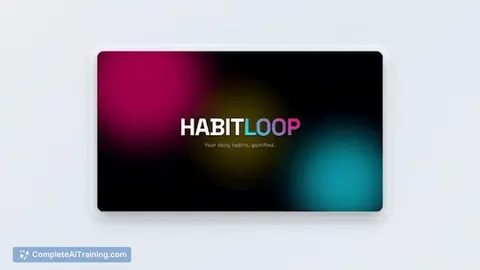
Breadth Edits Beta v1.0 creates polished motion promos from a single line of text, delivering clean typography and cinematic motion for X, LinkedIn, and Product Hunt launches. 100 free credits on signup.
About Breadth Edits Beta v1.0
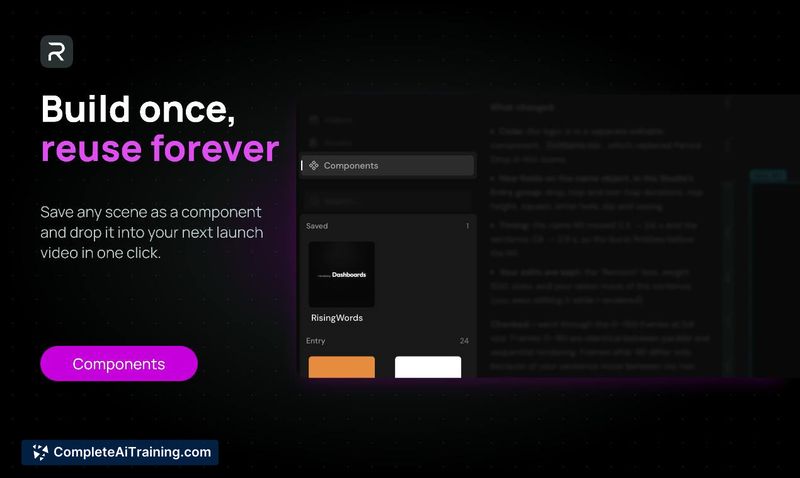
Breadth Edits Beta v1.0 is an AI-driven video editor that converts short creative prompts into polished motion edits in seconds. It focuses on producing clean typography and smooth motion from a single line of text, targeting promotional and social videos.
Review
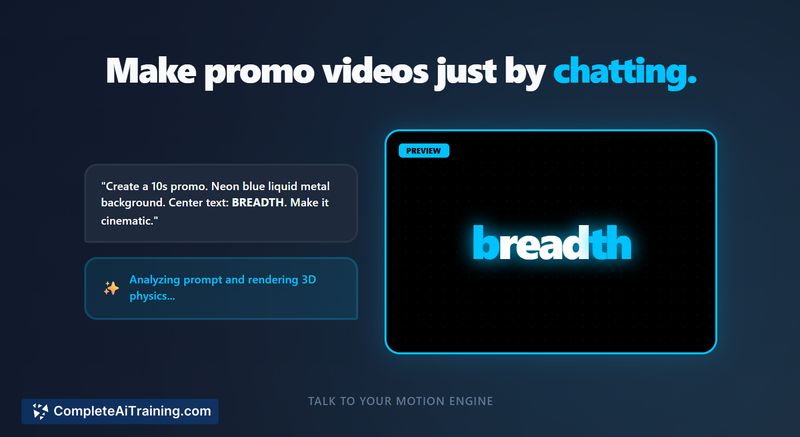
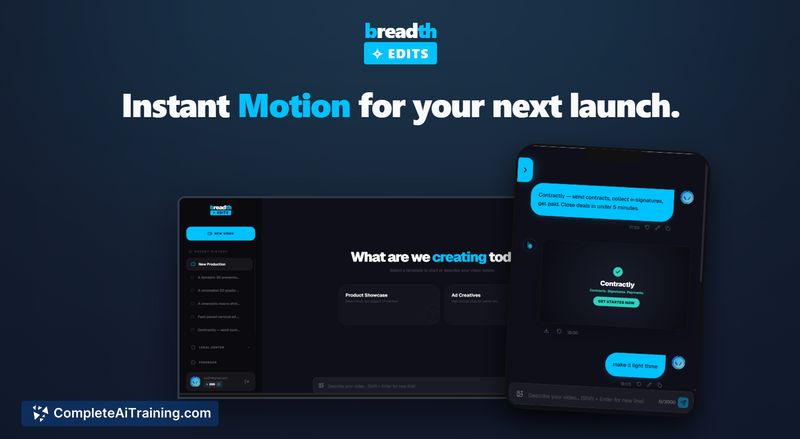
This beta presents a clear value proposition for creators who need fast, professional-looking motion promos without deep video editing skills. During testing, the engine reliably generated visually coherent edits with attractive typography, though some features remain limited while the product is in early access.
Key Features
- Prompt-to-motion workflow: turn a single line of text into a full motion edit.
- Clean typography and controlled motion styling aimed at promo content.
- Rapid rendering and instant previews for quick iteration.
- Beta starter credits included so new users can test the tool at no cost.
Pricing and Value
At launch, the product offers free starter credits (100 credits, advertised as enough for two full videos) to let users evaluate output quality. Detailed paid tiers were not published at the time of release; expect subscription or per-edit pricing once the beta transitions to a stable release. For creators who produce short promotional clips, the tool provides good value as a quick way to generate polished visuals without a full post-production workflow.
Pros
- Fast generation of polished motion edits from minimal input.
- Strong typographic results compared with many AI video alternatives.
- Low barrier to entry thanks to simple prompts and free starter credits.
- Convenient for social and launch-oriented promo videos.
Cons
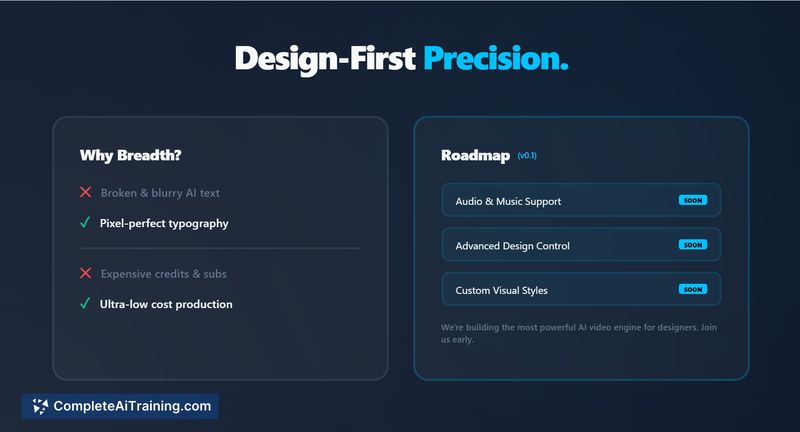
- No audio or music support in the current beta release.
- Customization and fine-grain editing controls are limited in early builds.
- Output formats and integrations may be restricted until later releases.
Overall, Breadth Edits Beta v1.0 is best suited for marketers, founders, and social creators who need quick, attractive motion promos without a lengthy production process. If your projects require integrated sound design or deep manual edits, this beta may feel too constrained until more features are added.
Jobs Breadth Edits Beta v1.0 suits
We checked Breadth Edits Beta v1.0 against 500+ jobs; these get the most out of it.
Alternatives to Breadth Edits Beta v1.0
Other tools that do the same main job. Our AI compared Breadth Edits Beta v1.0 with similar tools and kept the ones you could use instead.