AI tool
CheapUI
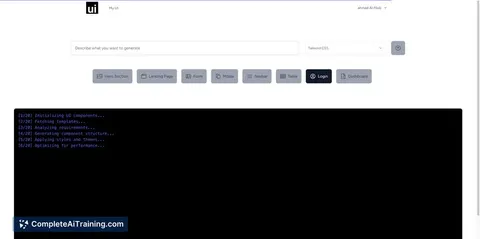
CheapUI lets developers quickly generate clean UI components in HTML, CSS, Tailwind, or Bootstrap using simple prompts. Build headers, footers, and buttons efficiently, then copy or save code to speed up your web development workflow.
About CheapUI
CheapUI is a user interface design tool that focuses on providing affordable and accessible solutions for creating intuitive UI layouts. It offers a straightforward platform aimed at small businesses and individual designers who need efficient design capabilities without a steep learning curve.
Review
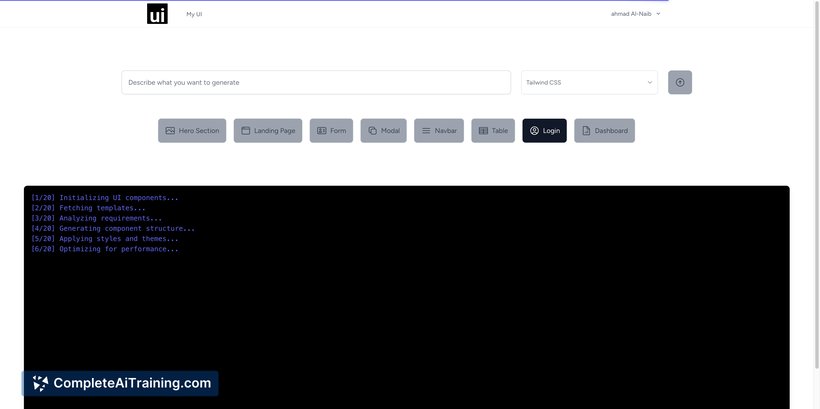
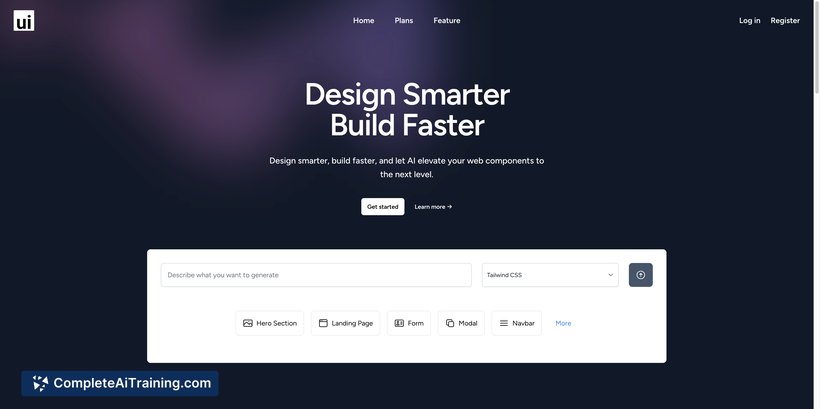
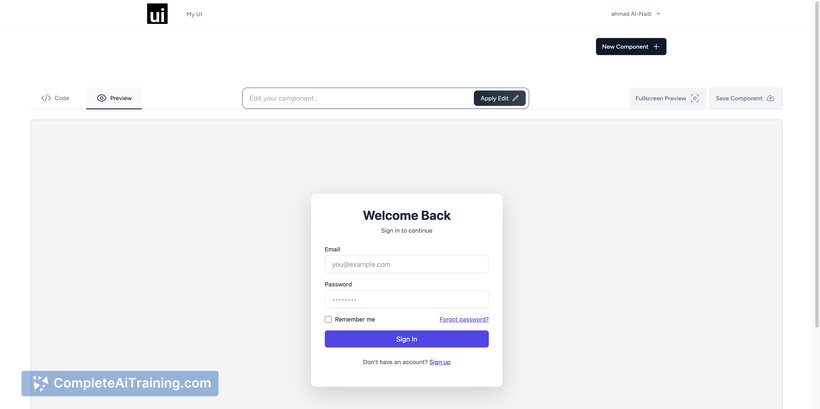
CheapUI offers a simple yet effective approach to UI design with an emphasis on cost-efficiency. It caters well to users looking for basic to moderately complex interface design tools without investing in high-priced software. The platform balances ease of use with essential features, making it a practical choice for many.
Key Features
- Intuitive drag-and-drop interface for quick layout creation
- Pre-built UI components and templates to speed up design
- Compatibility with common design file formats for easy import/export
- Collaboration tools allowing multiple users to work on projects simultaneously
- Basic prototyping features to simulate user interactions
Pricing and Value
CheapUI offers a tiered pricing model, including a free plan with limited features and paid subscriptions that unlock additional components and collaboration capabilities. The pricing is competitive, especially for freelancers and small teams who require essential UI design tools without the overhead of larger platforms. Overall, it provides good value for those with straightforward design needs.
Pros
- Affordable pricing with a free tier available
- User-friendly interface suited for beginners
- Good selection of templates and UI elements
- Supports team collaboration within the platform
- Lightweight and fast, with minimal system requirements
Cons
- Limited advanced design and prototyping features
- Customization options can feel basic for experienced designers
- Occasional performance slowdowns with larger projects
CheapUI is an excellent choice for small businesses, startups, and individual designers who need a cost-effective and straightforward UI design tool. It works best for projects that do not require extensive customization or advanced prototyping. Those seeking more sophisticated features might find it somewhat limited, but for its target audience, it offers a solid and practical solution.
Jobs CheapUI suits
We checked CheapUI against 500+ jobs; these get the most out of it.
Alternatives to CheapUI
Other tools that do the same main job. Our AI compared CheapUI with similar tools and kept the ones you could use instead.