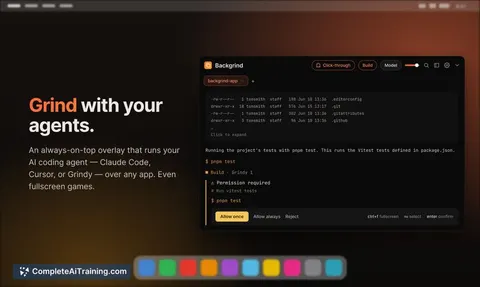
AI tool
Claude Overlay
Claude Overlay is a Windows tool for developers that captures screen context via a hotkey to ask Claude Code about errors. It uses your existing CLI login so the agent can read your monitors and fix code directly.
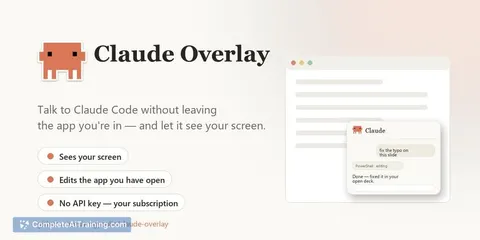
About Claude Overlay
Claude Overlay is a frameless, always-on-top chat window for Claude Code that floats over your active applications. Summon it with a hotkey, ask about whatever is on screen, and it captures your monitors to give context-aware answers. It runs the full Claude Code agent using your existing subscription - no separate API key - so it can edit files and run commands, not just chat.
Review
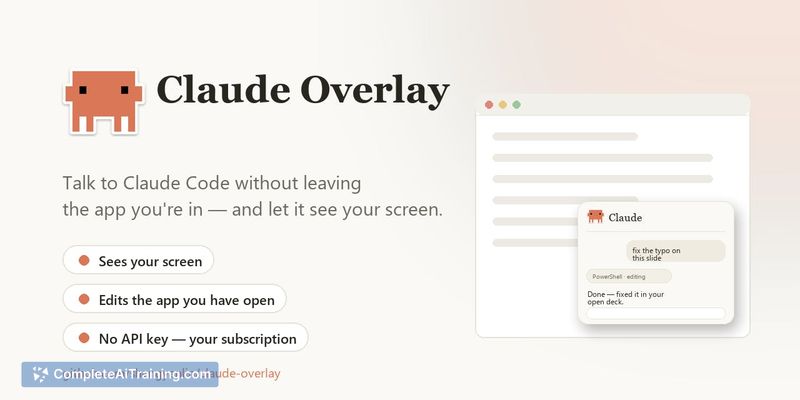
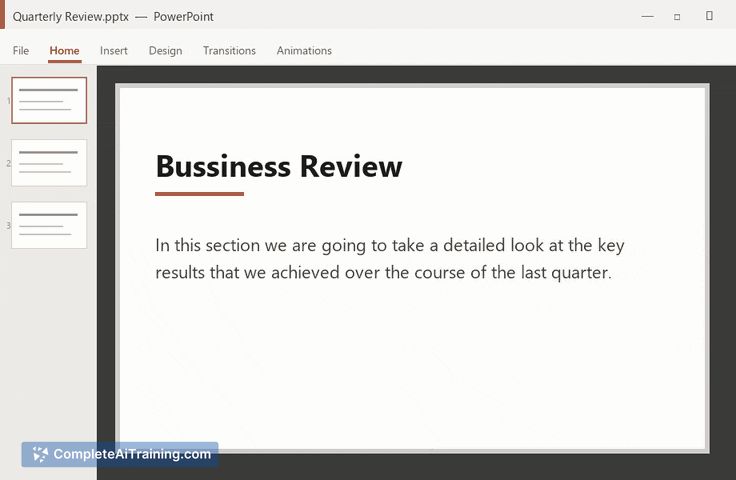
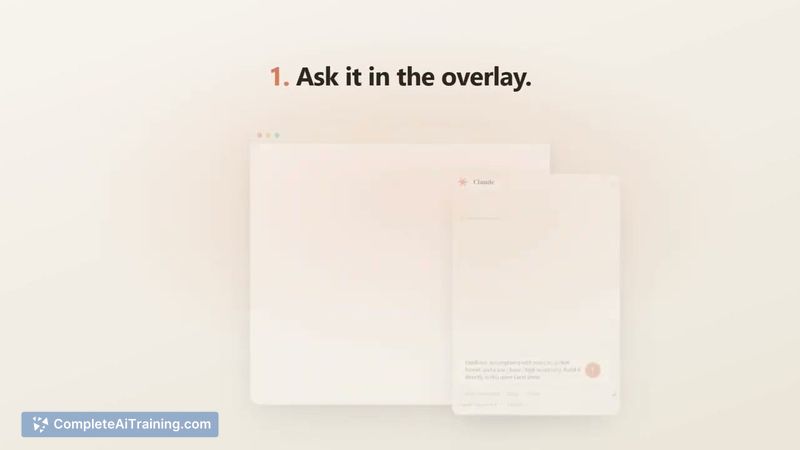

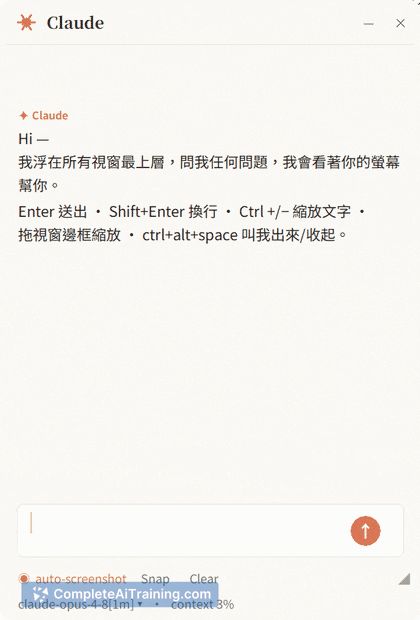
Claude Overlay takes the Claude Code agent out of the terminal and pins it directly onto your workspace. Instead of alt-tabbing to paste screenshots or describe an error, you hit Ctrl+Alt+Space and pose a question. The tool then screenshots each monitor, attaches them to your message, and lets Claude act on what it sees.
Key Features
- Hotkey summon and dismiss - Ctrl+Alt+Space toggles the floating window, so the overlay appears only when you need it.
- Auto-shot toggle - With Auto-shot on, the tool grabs a fresh screenshot the moment you send a message. Turn it off, and capture becomes manual; you explicitly attach a screenshot only when you choose.
- Full Claude Code agent - The overlay runs the same agent you use in the CLI. It can read and edit files, execute commands, and use built-in tools like WebFetch, all through your existing Claude subscription login.
- Multi-monitor capture with capped resolution - Each monitor is downscaled (longest edge ≤1568px, LANCZOS) and saved as JPEG (q82) or PNG, whichever is smaller. This keeps token costs per screen roughly constant regardless of display resolution.
- Self-exclusion and direct connection - The overlay always leaves its own window out of the capture. Screenshots go straight to Claude via your CLI login; no third-party server sits in between.
Pricing and Value
Claude Overlay is free and open source under the MIT license. It requires an existing Claude subscription and CLI login - no separate API key or additional payment. The tool does not introduce its own pricing tier.
Pros
- Uses your current Claude subscription, so there is no extra cost beyond what you already pay for Claude Code.
- Full agent capabilities mean it can fix files, run commands, and fetch web content, not just generate text.
- Open source (MIT) gives you full visibility into how captures and agent interactions work.
- On-demand capture with Auto-shot off puts you in control of when the tool sees your screen.
- Multi-monitor handling with resolution capping avoids ballooning token costs on high-DPI displays.
Cons
- Not suited for users who need macOS or Linux support; the tool is Windows-only at this stage.
- No automatic redaction of sensitive information - API keys, customer data, or .env files visible on screen will be captured and sent. The burden is on you to hide or close those before capture.
- With Auto-shot on and tool calls auto-approved, a captured screen could theoretically contain hidden instructions that the agent treats as data, but the developer acknowledges injection resistance is inherited from Claude Code, not a dedicated safeguard. A read-only mode is planned but not yet available.
Claude Overlay fits Windows users who already rely on Claude Code and want a faster way to get screen-aware answers without copy-pasting. It works well for debugging, reviewing documents, or getting quick summaries of what you're looking at. If you work on macOS or Linux, or if your screen routinely shows secrets you can't manually hide, the current version will leave gaps you'll need to fill yourself.
Jobs Claude Overlay suits
We checked Claude Overlay against 500+ jobs; these get the most out of it.
Alternatives to Claude Overlay
Other tools that do the same main job. Our AI compared Claude Overlay with similar tools and kept the ones you could use instead.