AI tool
EraseVideo
EraseVideo removes logos and watermarks from videos locally on your Mac - fast, private, and offline. Drag in a clip, wait a minute, and get a clean, publication-ready video with no uploads, logins, or data leaving your machine.

About EraseVideo
EraseVideo is a recently launched Mac app that removes visible AI-generated video watermarks from Sora, Veo3, and Keling files. It runs locally on your machine, offering a quick drag-and-drop workflow without uploads, logins, or internet access.
Review


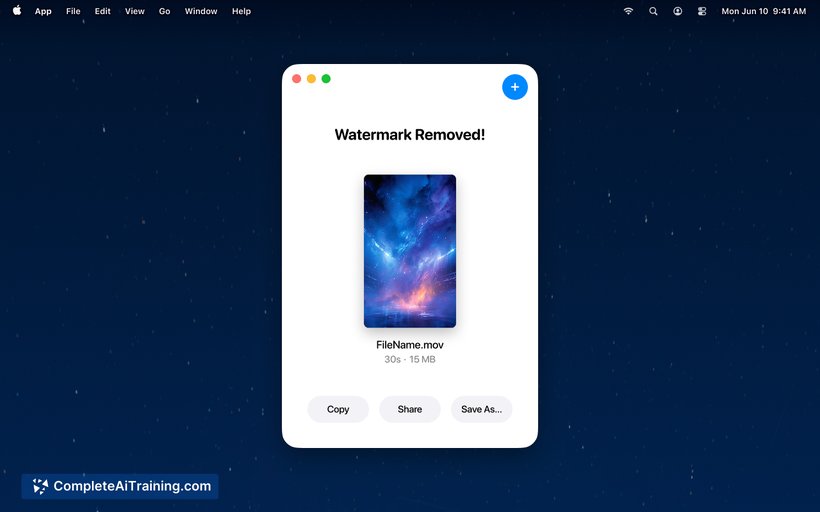
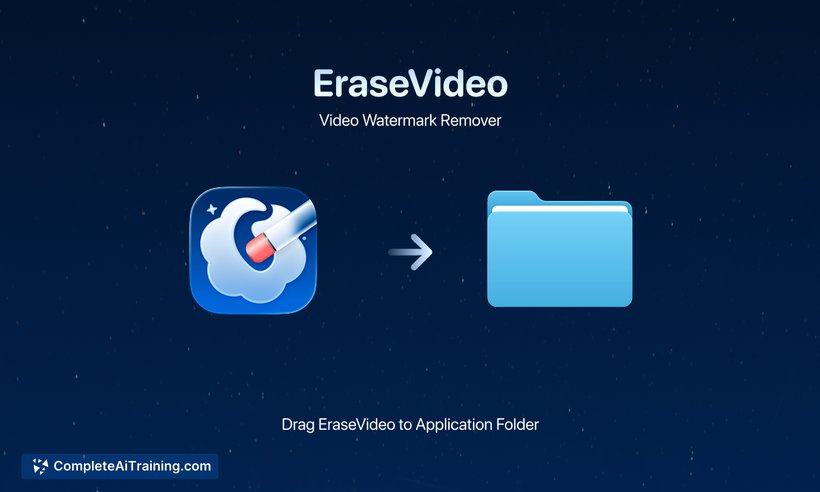
EraseVideo focuses on a single, practical task: removing watermarks from AI-generated videos while keeping processing private and local. For a tool released this week, it delivers a straightforward, fast experience that targets creators who prefer a desktop solution over cloud services.
Key Features
- Offline processing: everything runs locally on Mac with no uploads or account required.
- Fast results: typical processing completes in about a minute per video.
- Supports multiple generators: known support for Sora, Veo3, and Keling watermarks.
- Simple drag-and-drop interface for quick cleanup and export.
- Privacy-first approach: no hidden data flow or server-side handling.
Pricing and Value
The app is available to try for free on Mac, and current communications indicate a focus on keeping core functionality accessible. Given that it eliminates the need to upload sensitive content to third-party sites, the value proposition is strongest for creators who prioritize privacy, speed, and a minimal workflow.
Pros
- Processes files offline, preserving privacy and avoiding uploads.
- Very quick turnaround for single videos, suitable for fast edits.
- Extremely simple interface that reduces friction for non-technical users.
- Supports several popular AI video watermark sources out of the box.
- No login required, which keeps the experience lightweight and convenient.
Cons
- Mac-only at launch, so Windows and web users are not supported yet.
- Initial support limited to a few generators; additional sources may be needed for broader use.
- As a newly released tool, advanced features like batch workflows or fine-grained controls are limited for now.
EraseVideo is best suited for Mac-based creators, editors, and privacy-conscious users who need a fast, local way to clean AI-generated videos before publication. It's a practical utility for straightforward watermark removal, with room to expand platform support and feature depth as it matures.
Jobs EraseVideo suits
We checked EraseVideo against 500+ jobs; these get the most out of it.