AI tool
Giselle
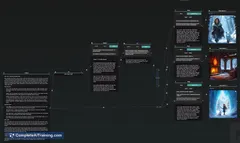
Giselle is an open-source visual node editor for AI workflows, enabling you to mix models from multiple providers, monitor execution in real time, and run pipelines without infrastructure setup.
About Giselle
Giselle is an open-source tool for building and running AI workflows with no infrastructure setup required. It provides a visual node editor for composing multi-step processes and supports mixing models from different providers on a single canvas.
Review
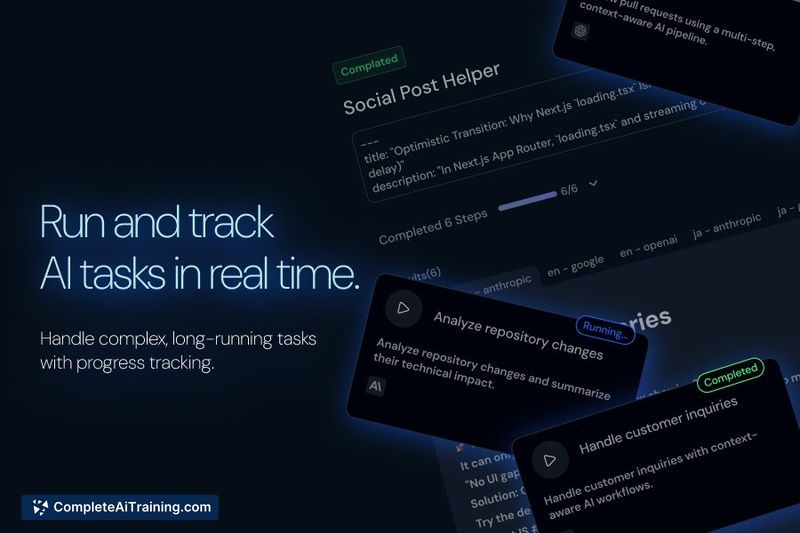
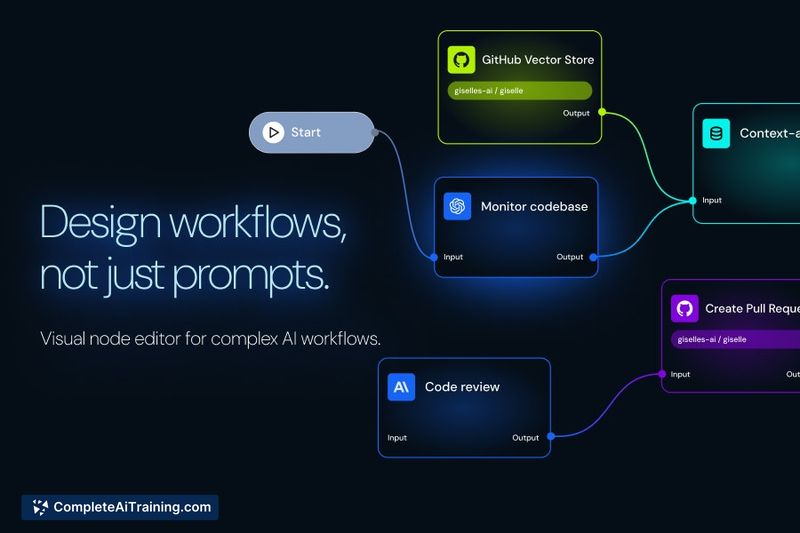
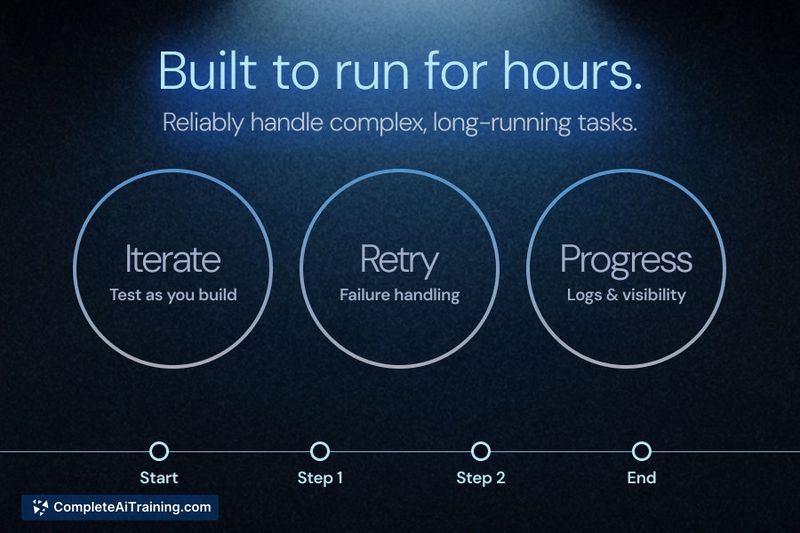
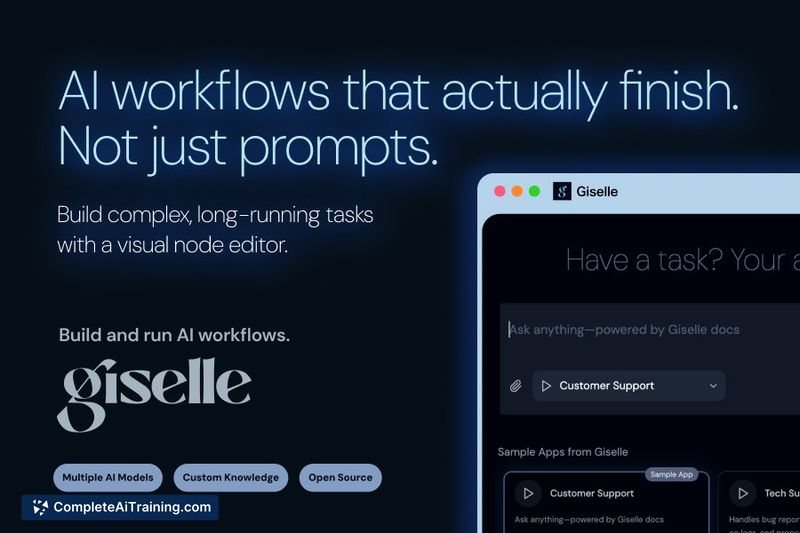
Giselle focuses on making long-running and complex AI workflows practical and observable, offering real-time tracking and execution history. The product targets teams that need a clearer, lower-friction way to assemble model-based automation without spinning up servers or wiring multiple services by hand.
Key Features
- Visual node editor that shows the entire workflow layout at a glance.
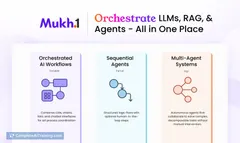
- Ability to combine models and services from multiple providers within one canvas.
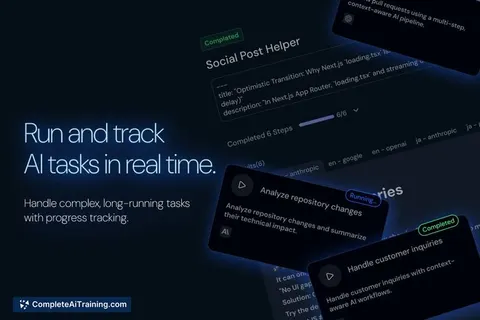
- Real-time tracking and execution data so you can see what is happening while runs are in progress.
- Support for long-running tasks with no explicit time limit on execution.
- Open-source codebase, which encourages inspection and community contributions over time.
Pricing and Value
Giselle launched with a free offering and is available as open source, lowering the barrier to trial and experimentation. Its value proposition is strongest for teams that want to start fast without managing infrastructure, and for those who prefer a visual environment that can mix multiple model providers. For organizations that require enterprise-grade features like formal workflow version control or advanced retry policies, additional investment or future feature updates may be needed.
Pros
- Zero infrastructure setup makes it quick to get started building workflows.
- Clear visual representation of workflows reduces guesswork when debugging.
- Multi-provider support lets you combine different models and services on one canvas.
- Execution visibility and stored run results help with tracing what happened during a run.
- Open-source licensing supports transparency and potential community-driven extensions.
Cons
- Workflow versioning (history and named versions) is not yet available; only execution results are versioned today.
- Retry behavior is currently limited (a single retry by default) and retry customization is still a planned enhancement.
- Certain niche use cases, such as specialized scraping flows, may require additional features or UI refinements that are still in progress.
Giselle is a good fit for product teams, engineers, and operators who need an approachable, visual way to compose and monitor multi-step AI processes without managing infra. It works especially well for projects that benefit from mixing providers and that require clear run-time observability; teams needing mature workflow version control or advanced orchestration controls should watch the roadmap as these capabilities are being prioritized.
Jobs Giselle suits
We checked Giselle against 500+ jobs; these get the most out of it.
Alternatives to Giselle
Other tools that do the same main job. Our AI compared Giselle with similar tools and kept the ones you could use instead.