AI tool
Glasp for Firefox
Glasp for Firefox is a browser extension for highlighting text, images, PDFs, and YouTube transcripts on web pages. It also supports adding notes and tags, summarizing content with AI chatbots, and syncing all saved items to a searchable library t...
About Glasp for Firefox
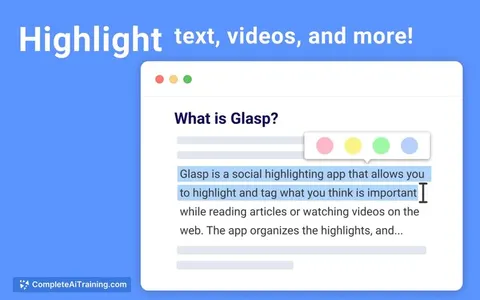
Glasp for Firefox is a browser extension that lets users highlight text on web pages, PDFs, and YouTube transcripts. It launched this week as a port of the existing Chrome extension, bringing the social web highlighter to a second browser platform. The tool integrates with ChatGPT, Claude, and Gemini for summaries and syncs highlights across browsers and mobile apps.
Review
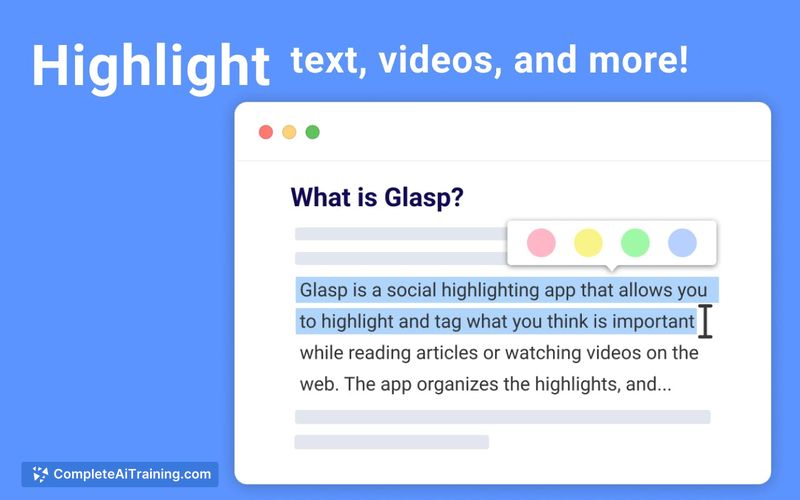
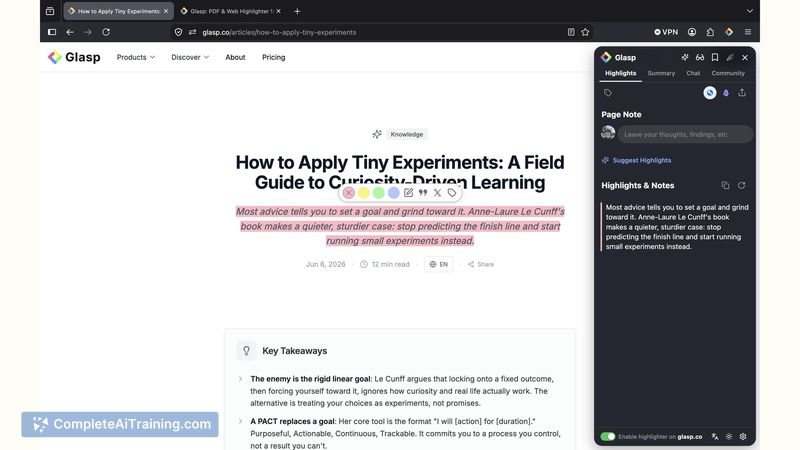
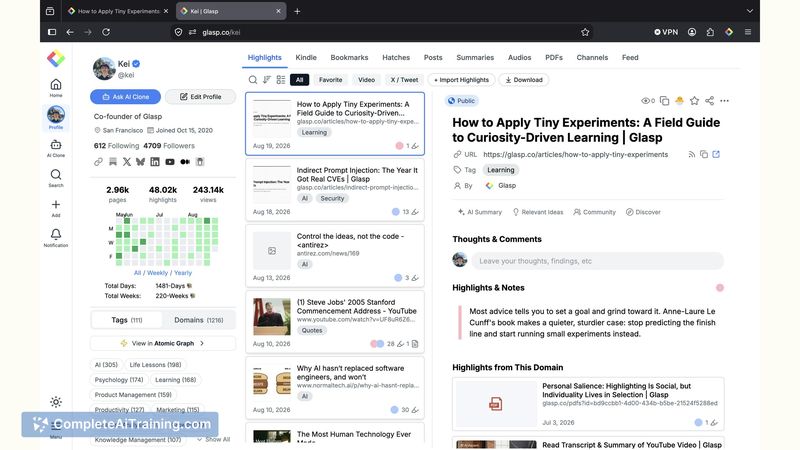
Firefox support was the most-requested feature from Glasp users, and the extension is now available. The tool positions itself as a social web highlighter, meaning highlights can be shared and discovered by other users. I tested the core highlighting flow and looked at how it handles sync, export, and the AI features.
Key Features
- Four-color highlighting for web articles, PDFs, and YouTube transcripts
- Notes and tags that attach to individual highlights
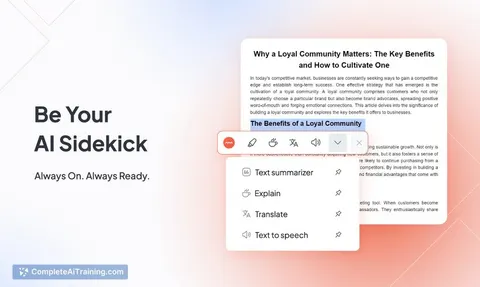
- AI summarization triggered from the highlight toolbar, with model choice between ChatGPT, Claude, or Gemini
- A searchable library that stores everything and exports to Notion, Obsidian, Markdown, CSV, or through an API
- Cross-platform sync via Firebase that pushes highlights from Firefox to the web app, mobile apps, and other browsers
Pricing and Value
The extension is completely free. The product page lists no paid tier, and the pricing section simply says "Free." There are no documented limits on the number of highlights or exports. The team mentions "nothing to migrate" because the existing account system handles cross-browser transfers, so switching browsers does not require moving old data.
Pros
- Highlights sync almost instantly across browsers and mobile apps because Firebase handles the infrastructure
- Every highlight gets a server-rendered web page, so content remains findable and shareable outside the extension
- PDF annotation and YouTube transcript highlighting are built into the same interface as web page highlighting
- Export covers Notion, Obsidian, Markdown, CSV, or an API, which gives users direct ownership of their notes
- The AI summarization works inside the tab rather than forcing a separate chat session
Cons
- Some advanced AI-related features from the Chrome version have not yet been ported to Firefox; the team lists "feature parity for the newest AI features" as upcoming work
- Firefox mobile support is listed as a future item, so desktop-only users may not get the same mobile sync experience
- People who prefer purely private note-taking without any social layer will find the highlight sharing dimension inconvenient; the default functionality allows other Glasp users to see your public highlights on the same pages
Glasp for Firefox makes sense for researchers and knowledge workers who already rely on Firefox and want their highlights to sync across devices. It also suits users who believe that public, shared learning adds value beyond private note-taking. For those who want siloed, offline-first annotation, a tool with stricter privacy controls would be a better fit.
Jobs Glasp for Firefox suits
We checked Glasp for Firefox against 500+ jobs; these get the most out of it.
Alternatives to Glasp for Firefox
Other tools that do the same main job. Our AI compared Glasp for Firefox with similar tools and kept the ones you could use instead.