
AI tool
Gradio Workflow
Gradio Workflow lets you connect Hugging Face Spaces, models, datasets, and Python functions on a visual canvas to build AI pipelines. It is for developers who want to compose, inspect, and swap components without rebuilding the entire workflow. Y...
About Gradio Workflow
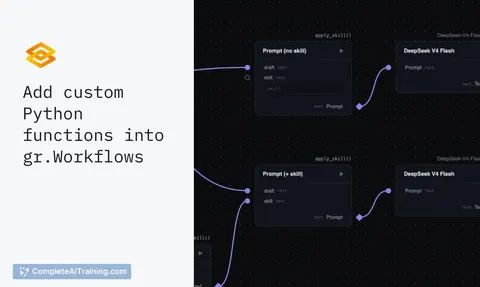
Gradio Workflow is a visual canvas tool for building AI pipelines by connecting nodes. It integrates directly with Hugging Face Spaces, models, datasets, and user-written Python functions. The tool generates a shareable URL and a REST API endpoint from the graph structure, with no separate UI development required.
Review
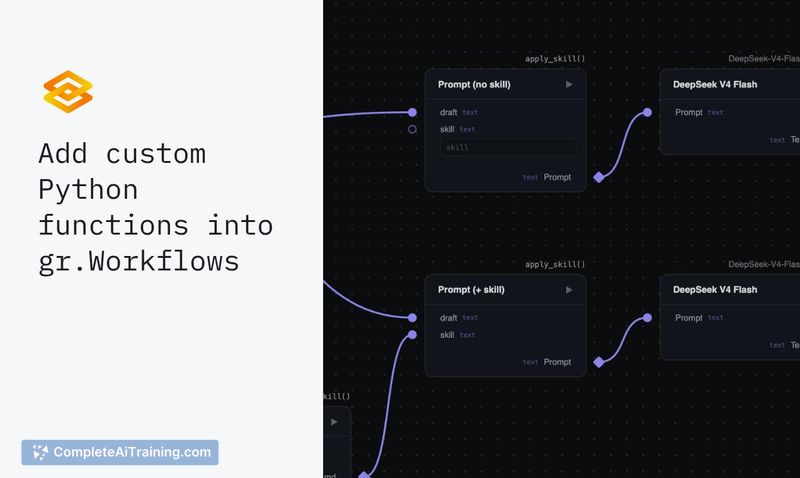
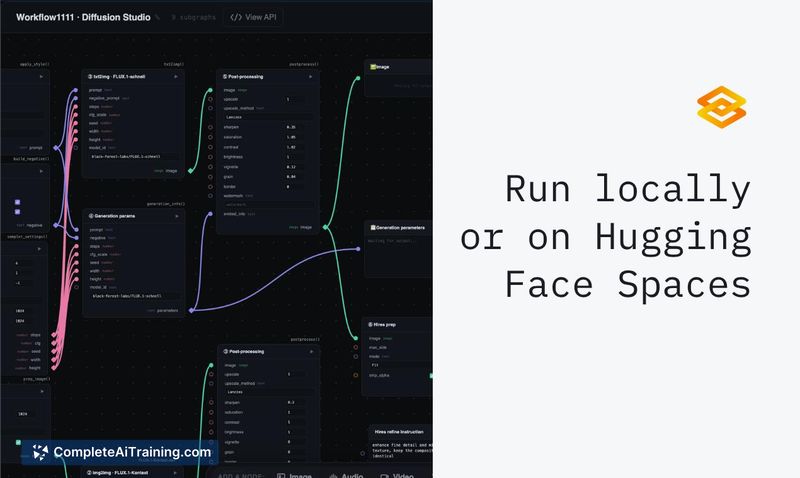
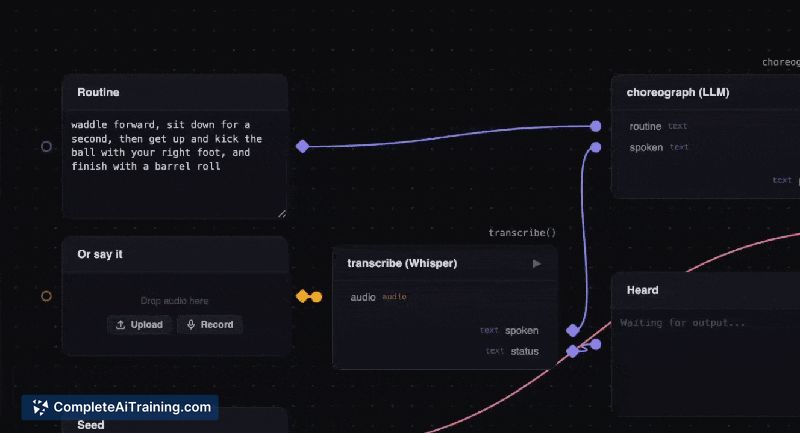
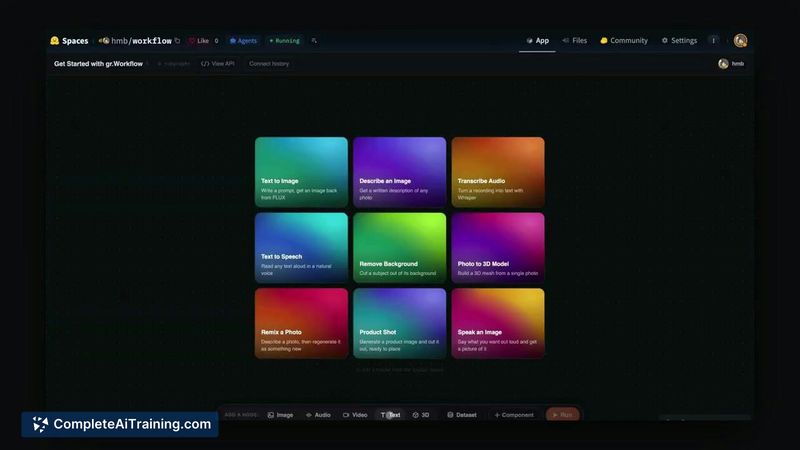
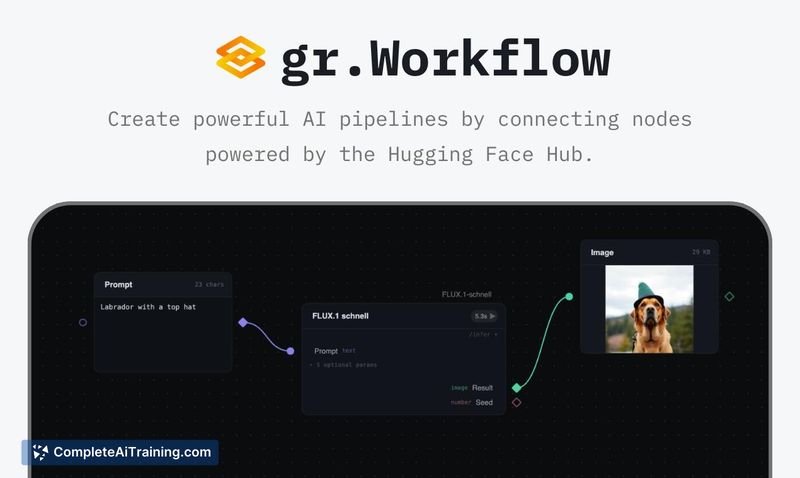
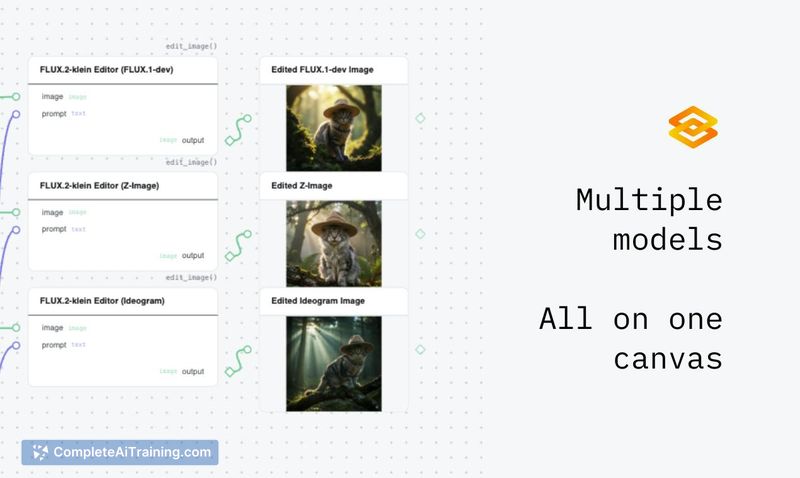
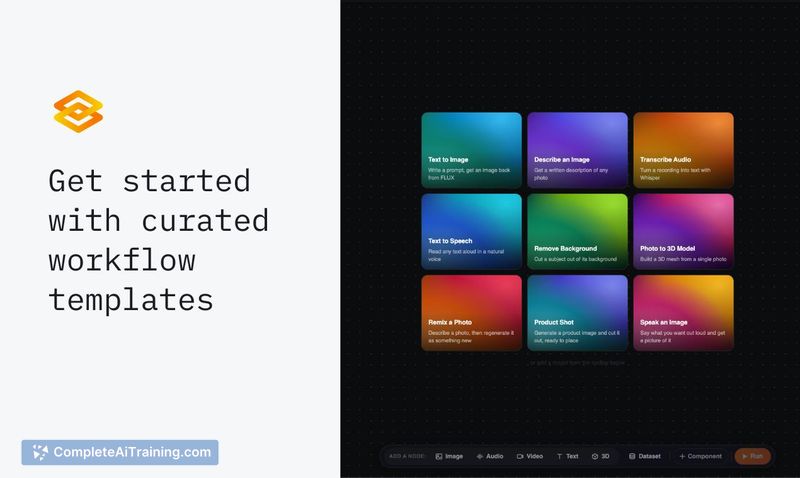
Gradio Workflow takes the familiar Gradio app-building approach and applies it to multi-step AI pipelines. Instead of writing wrapper code around each step, you place nodes on a canvas and wire them together. The graph itself becomes the shareable artifact, which means what you build is what others can run.
Key Features
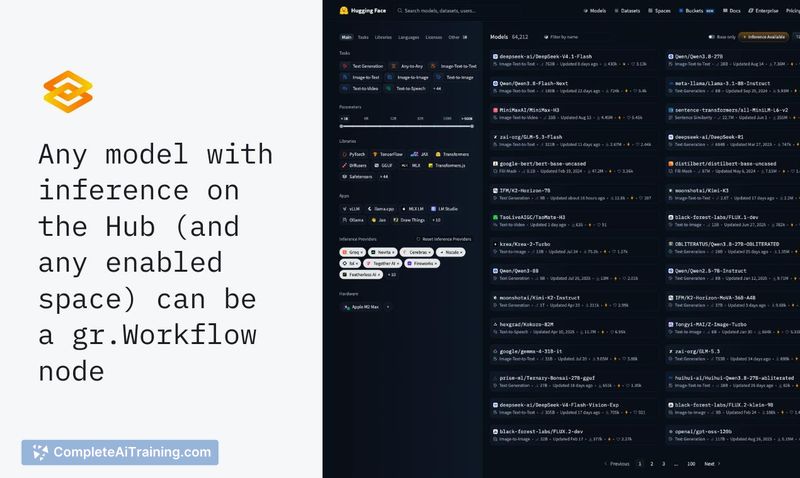
- Visual canvas where nodes represent Hugging Face models, Spaces, datasets, or custom Python functions
- AI agents can construct workflows programmatically, alongside manual node connection
- Intermediate inputs and outputs are inspectable at each node in the pipeline
- Models can be swapped without rebuilding the entire workflow
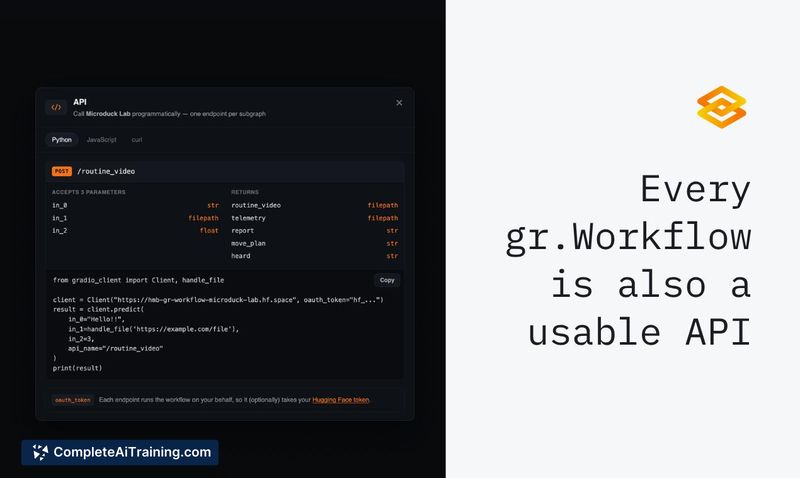
- Workflows deploy as a URL for sharing and as a REST API endpoint for programmatic access
Pricing and Value
Gradio Workflow is currently free. The product is in beta, and the launch page does not specify a future pricing model. Users should expect potential changes as the tool moves toward a stable release.
Pros
- No downloads or local setup needed-everything runs in the browser, connected to Hugging Face infrastructure
- Direct access to Hugging Face Hub resources means models and Spaces appear as native nodes without wrapping
- Python functions sit alongside hosted models on the same canvas, which keeps custom logic and pre-built components in one place
- Inspectable intermediate outputs make debugging multi-step pipelines more straightforward than black-box alternatives
- Outputs a REST API automatically, so the pipeline can be called from other applications without extra configuration
Cons
- The tool is in beta, so stability and feature completeness are not guaranteed for production workloads
- Reliance on Hugging Face infrastructure means workflows depend on external service availability and rate limits
- Not well suited for teams that need self-hosted or air-gapped pipeline execution outside the Hugging Face ecosystem
Gradio Workflow fits developers who already work within the Hugging Face ecosystem and want to chain models, Spaces, and custom code without managing separate orchestration layers. It's also practical for sharing reproducible AI pipelines with collaborators who need to inspect intermediate results. Teams with strict on-premise requirements or those building pipelines across multiple cloud providers will find the Hugging Face dependency limiting.
Jobs Gradio Workflow suits
We checked Gradio Workflow against 500+ jobs; these get the most out of it.



