AI tool
Highlighter
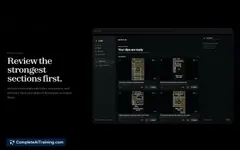
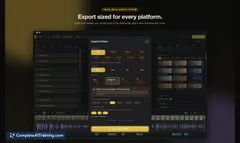
Highlighter by Augie Studio quickly identifies and extracts key moments from your videos. Upload, set a prompt, and let the AI generate social-ready highlights—streamlining video editing and sharing with unmatched speed and ease.
About Highlighter
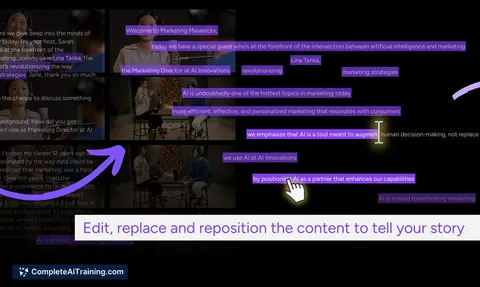
Highlighter is an AI-powered tool designed to transform any lengthy video into concise highlight reels quickly and effortlessly. By simply uploading a video and setting a prompt, users can automatically extract the most engaging moments without manual editing. This makes it ideal for creating social media-ready clips from various types of content.
Review
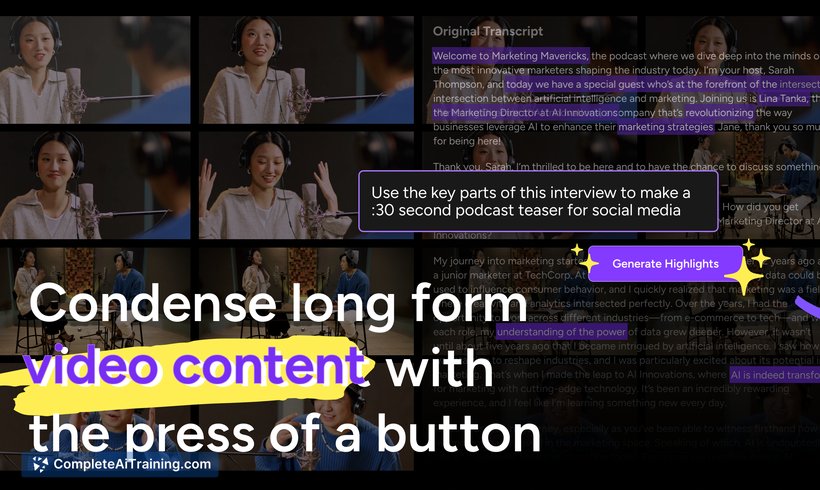
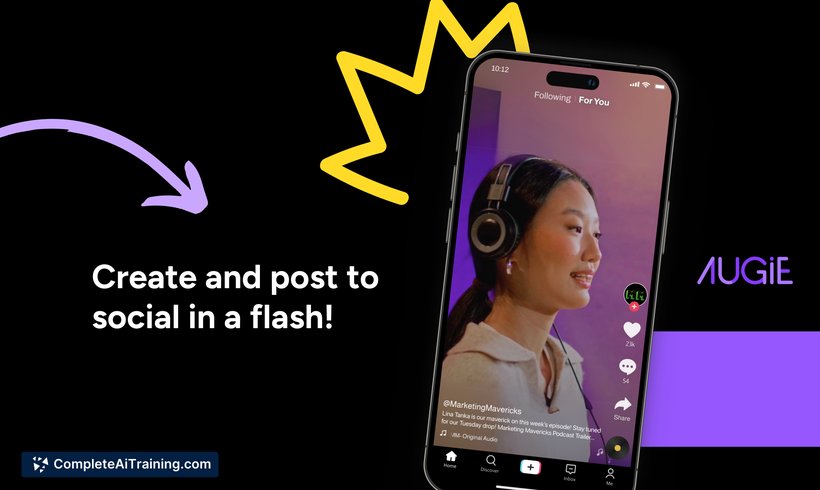
Highlighter offers a straightforward solution for those looking to repurpose long-form video content into shorter, impactful segments suitable for social sharing. Its ease of use and automation help reduce the time and effort typically required for video editing. The tool supports a range of content including podcasts, webinars, and branded videos.
Key Features
- Automatic highlight extraction based on user-defined prompts and desired clip length.
- Supports uploading of long-form videos such as webinars, podcasts, and branded content.
- Fast processing that delivers ready-to-use highlight reels within minutes.
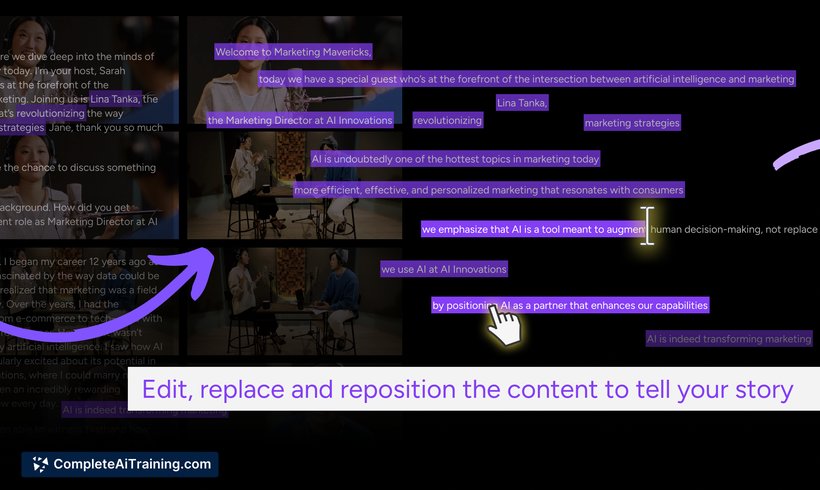
- Integration with a studio interface for refining and customizing the extracted clips.
- User-friendly workflow designed to be intuitive even for first-time users.
Pricing and Value
The tool operates on a paid model, offering a one-month free trial to new users. This allows individuals and businesses to test the service before committing financially. Considering the time saved on manual video editing and the ability to quickly generate social media content, Highlighter presents good value for content creators and marketers who frequently work with video material.
Pros
- Significantly reduces the time needed to create social media highlights from long videos.
- Simple and intuitive interface that requires minimal learning curve.
- Flexible prompt setting enables customization of highlight selection.
- Ideal for various content types such as podcasts, webinars, and marketing videos.
- Offers a free trial period to evaluate the tool’s capabilities.
Cons
- Requires payment after the trial period, which may not suit users with limited budgets.
- May occasionally miss subtle context when selecting highlights automatically.
- Limited information about advanced customization options for professional editors.
Highlighter is well-suited for content creators, social media managers, and marketers who want to efficiently produce engaging video snippets without extensive editing skills. It works particularly well for repurposing existing long-form content into shareable clips, making it a practical choice for those managing large video libraries or seeking to boost social media engagement.
Jobs Highlighter suits
We checked Highlighter against 500+ jobs; these get the most out of it.
Alternatives to Highlighter
Other tools that do the same main job. Our AI compared Highlighter with similar tools and kept the ones you could use instead.