AI tool
Ideapad
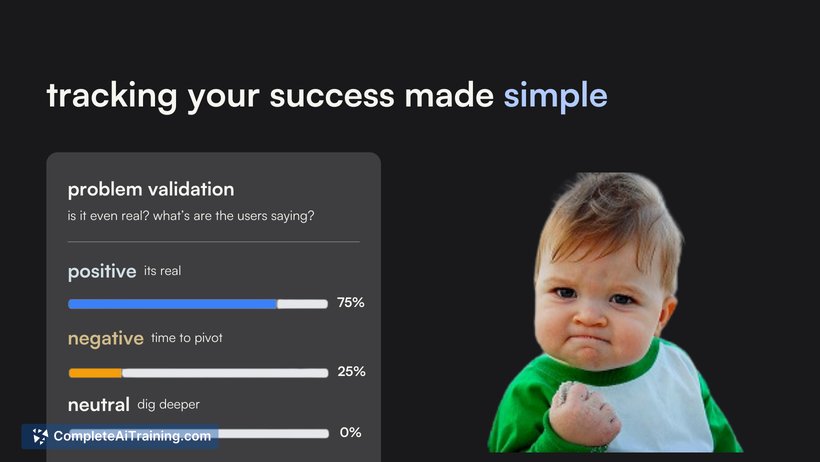
Ideapad helps you quickly launch and validate problem-solving ideas in 2 weeks. Create landing pages and connect your domain in under a minute, gain paying customers early, and track performance with a clear, jargon-free dashboard.

About Ideapad
Ideapad is an AI-powered tool designed to assist users in generating creative ideas and content efficiently. It offers a streamlined experience for brainstorming, content creation, and organizing thoughts in a digital workspace.
Review


Ideapad provides a straightforward platform for users seeking inspiration or help in developing ideas. Its interface is user-friendly, making it accessible for both beginners and experienced creators looking to enhance their workflow. The tool balances simplicity with useful features that support a wide range of creative tasks.
Key Features
- AI-driven idea generation to jumpstart creative processes
- Customizable templates for different types of content and brainstorming sessions
- Real-time collaboration allowing multiple users to contribute simultaneously
- Integrated export options to various formats for easy sharing and use
- Organizational tools such as tags and folders to keep ideas structured
Pricing and Value
Ideapad offers a tiered pricing model, including a free plan with basic features and premium subscriptions that unlock advanced capabilities such as unlimited projects, enhanced collaboration, and priority support. The pricing is competitive and offers good value for individuals and teams looking to streamline their creative tasks without investing in overly complex software.
Pros
- Easy to use interface with minimal learning curve
- Supports collaboration, making it suitable for team projects
- Flexible templates accommodate various creative needs
- Good export options facilitate integration with other tools
- Free plan provides enough functionality for casual users
Cons
- Advanced features require a paid subscription
- Some users may find the idea generation less nuanced for highly specialized topics
- Limited customization options for interface and workflow
Overall, Ideapad is a practical solution for individuals and small teams seeking a simple yet effective way to generate and organize ideas. It works well for content creators, marketers, and anyone involved in brainstorming sessions who values ease of use and collaborative features.
Jobs Ideapad suits
We checked Ideapad against 500+ jobs; these get the most out of it.
Alternatives to Ideapad
Other tools that do the same main job. Our AI compared Ideapad with similar tools and kept the ones you could use instead.