AI tool
Inbox Zero
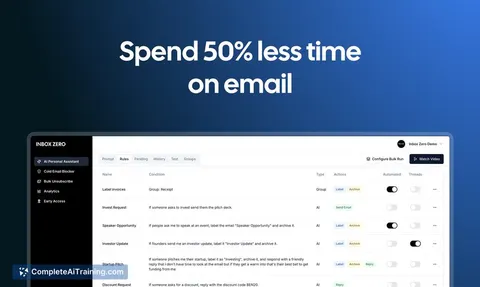
Inbox Zero is an open-source email app that automates newsletter management and provides in-depth email analytics, helping you efficiently organize and regain control of your inbox with AI-powered tools.
About Inbox Zero
Inbox Zero is an AI-powered email management tool designed to help users maintain a clean and organized inbox. It focuses on streamlining email handling by categorizing, prioritizing, and suggesting actions to reduce email overload efficiently.
Review
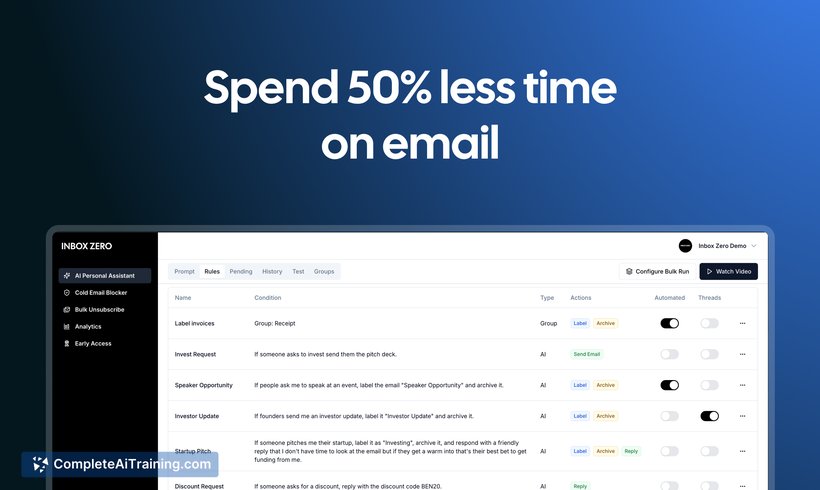
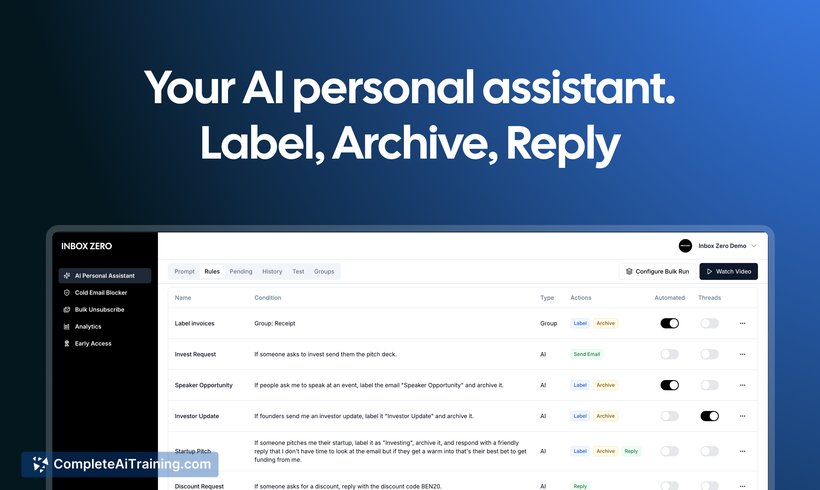
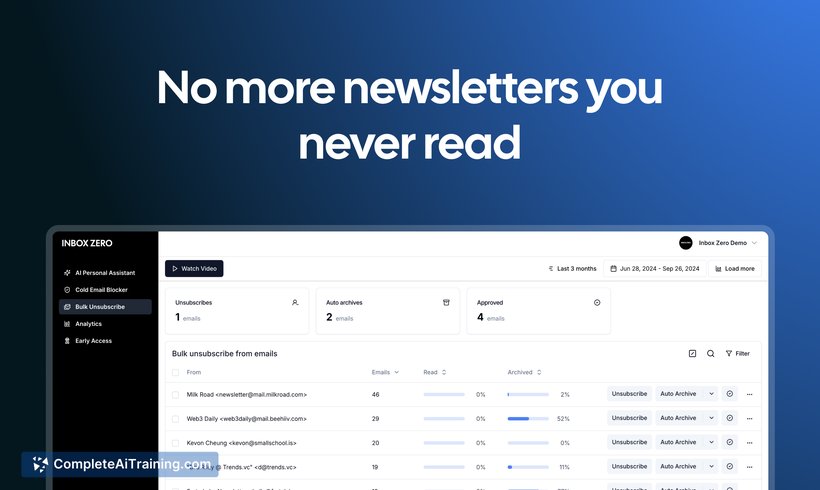
Inbox Zero offers a practical approach to managing email clutter by leveraging artificial intelligence to assist users in quickly sorting and responding to messages. Its features aim to save time and reduce the stress associated with a crowded inbox, making email management more manageable for professionals and individuals alike.
Key Features
- Automatic email categorization based on content and sender priority.
- Smart suggestions for quick replies and follow-up reminders.
- Bulk actions to archive, delete, or move multiple emails efficiently.
- Integration with popular email clients for seamless workflow.
- Customizable filters and rules to personalize inbox organization.
Pricing and Value
Inbox Zero offers a tiered pricing model including a free basic plan with essential features and premium plans that unlock advanced functionalities like unlimited integrations and priority support. Considering the time saved and increased productivity, its pricing is reasonable for individuals and teams seeking better email control.
Pros
- Reduces email clutter with intelligent sorting and prioritization.
- Enhances productivity through quick response suggestions.
- User-friendly interface with easy setup and customization.
- Supports multiple email platforms for flexibility.
- Offers both free and affordable premium plans.
Cons
- Some advanced features require premium subscription.
- AI suggestions may occasionally misinterpret email context.
- Limited offline functionality as it relies on internet connectivity.
Inbox Zero is ideal for professionals and anyone looking to reduce the time spent on email management. It works well for those handling high volumes of email daily and users who prefer an automated yet customizable approach to keeping their inbox organized and manageable.
Jobs Inbox Zero suits
Useful in almost any job. We checked Inbox Zero against 500+ jobs; these get the most out of it.
Alternatives to Inbox Zero
Other tools that do the same main job. Our AI compared Inbox Zero with similar tools and kept the ones you could use instead.