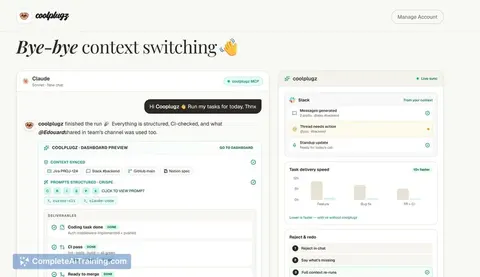
AI tool
Knowns CLI
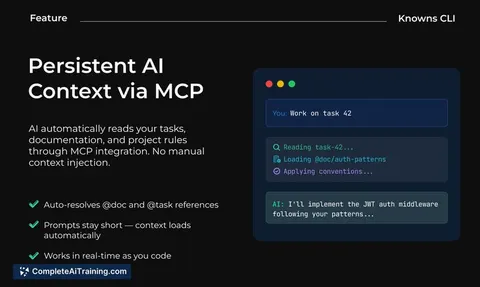
Knowns CLI lets AI read project tasks and docs via MCP so it knows the task, relevant docs, and coding conventions-and can update docs as it learns. Stop copy-pasting context or re-explaining project setup.
About Knowns CLI
Knowns CLI is an AI-first command-line tool for task management and documentation. It lets your AI agent read linked project documents and task context automatically, reducing the need to copy and paste context into every session.
Review
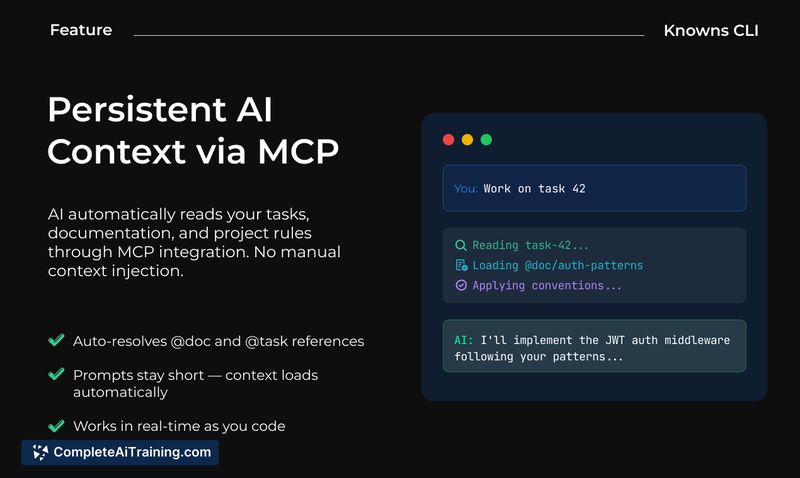
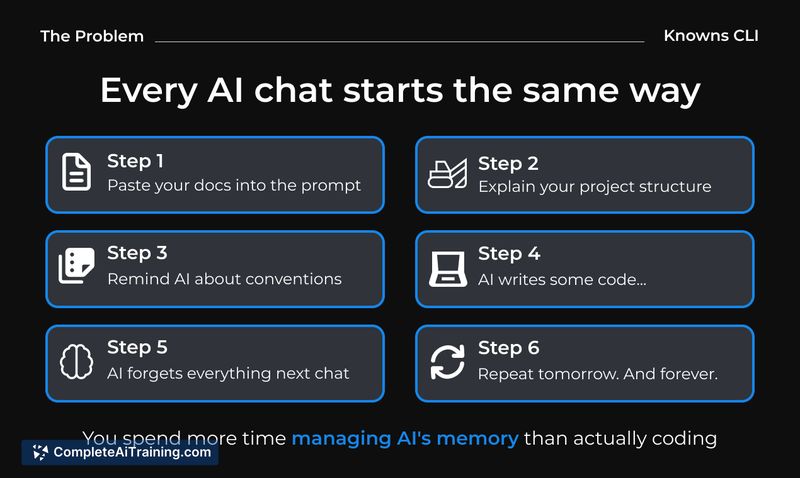
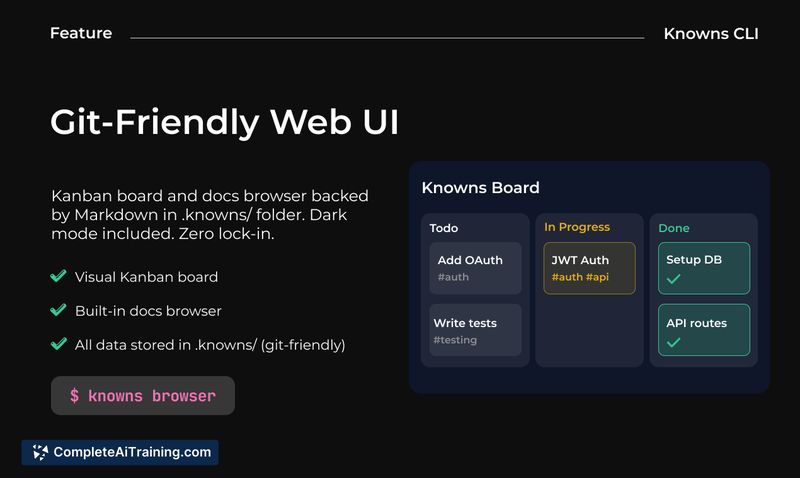
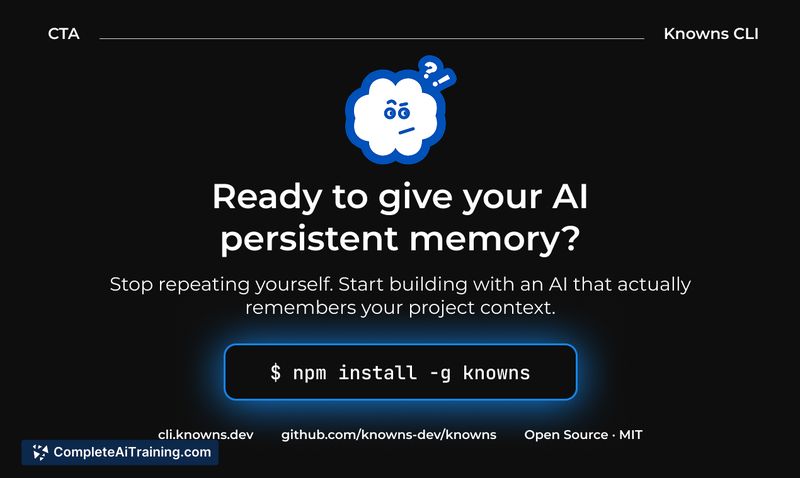
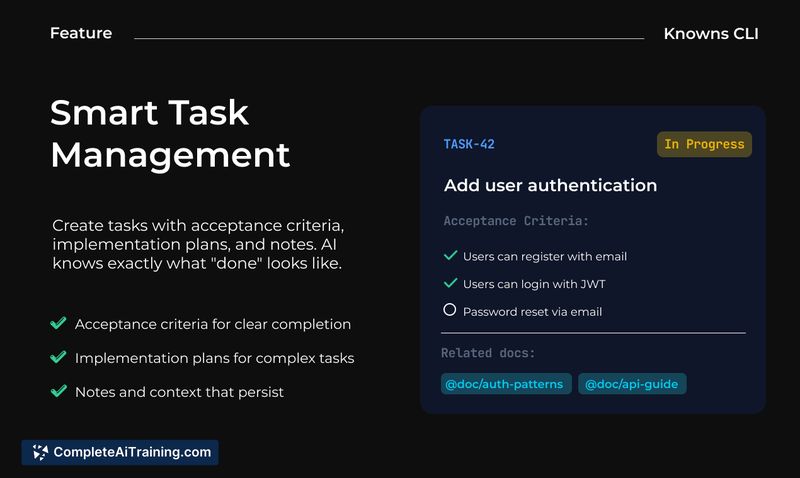
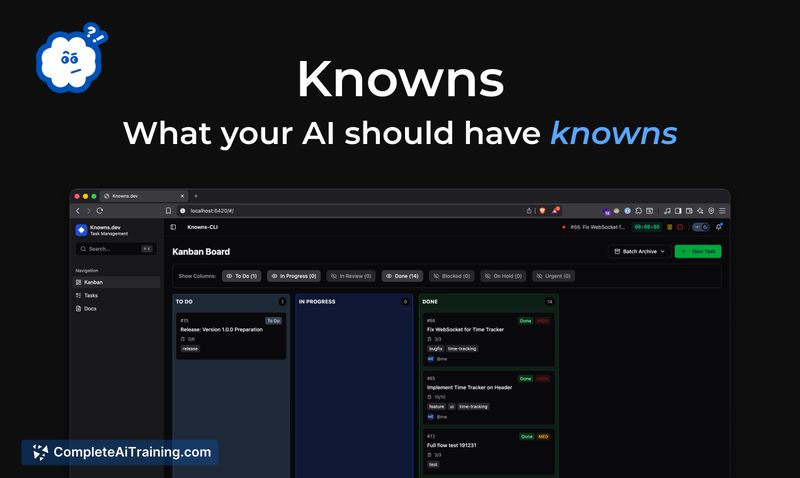
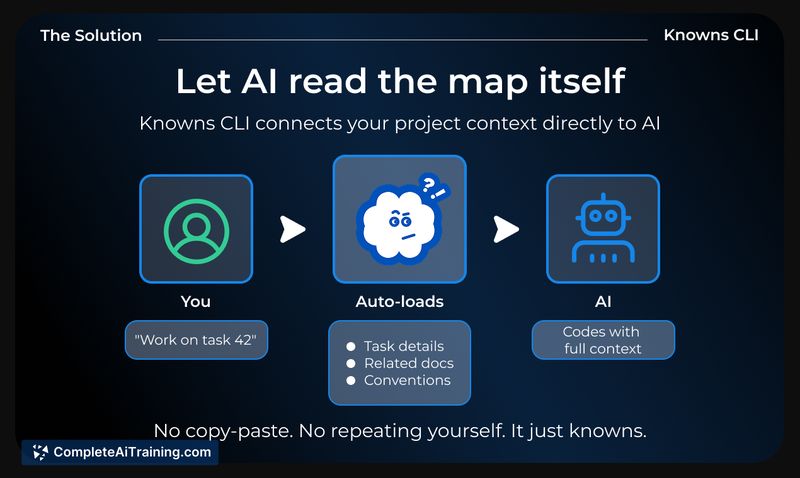
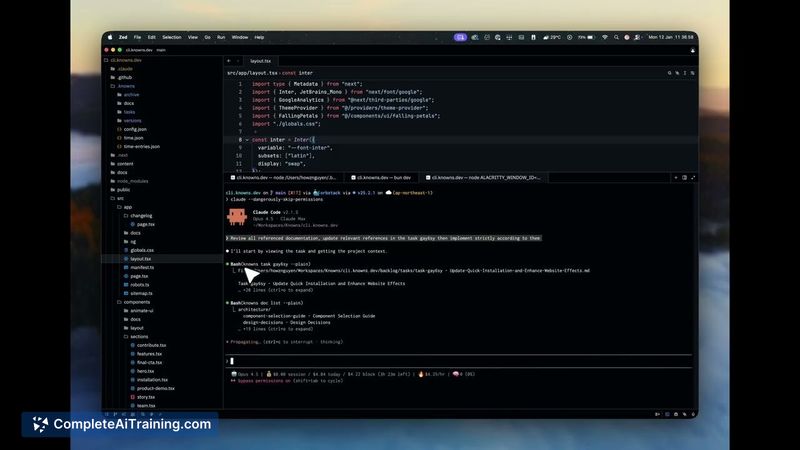
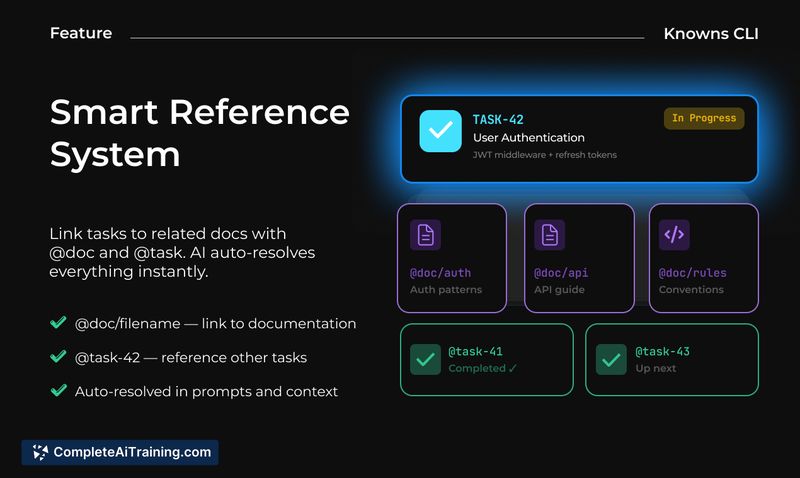
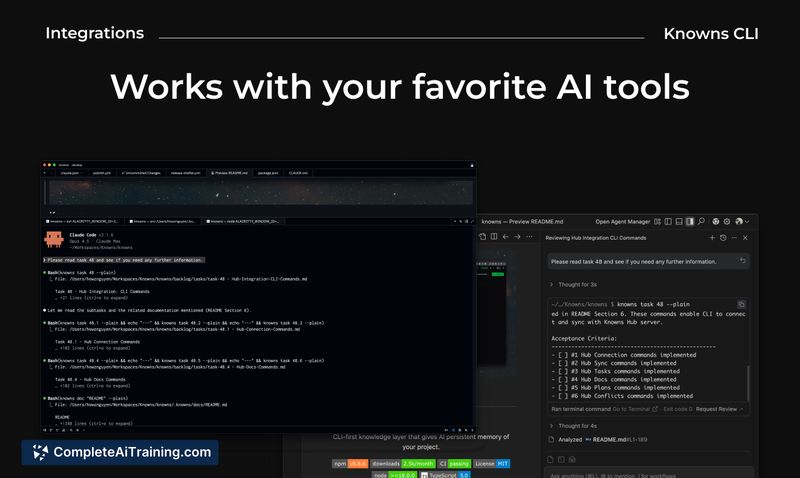
Knowns CLI focuses on making CLI workflows AI-aware so tasks and documentation remain connected. By surfacing relevant docs to the model and allowing the AI to update documentation, it reduces repetitive setup and helps keep project knowledge synchronized.
Key Features
- AI-aware CLI that consumes project context and linked documentation directly from tasks.
- Automatic context ingestion so users spend less time re-stating conventions and project structure.
- Write-back capability where the AI can update or create documentation as it learns while working.
- Task linking that attaches relevant docs to tasks, making context retrieval straightforward from the terminal.
- Roadmap includes options for a self-hosted central hub to store and sync project documentation across teams.
Pricing and Value
Knowns CLI is listed as free at launch, making it accessible for individuals and small teams to try. Its main value is time saved from repeated context setup and fewer interruptions for prompting, which can translate into higher developer productivity even at the early, free tier.
Pros
- Reduces repetitive copy-paste work by making documentation available to the AI from the CLI.
- Fits naturally into developer command-line workflows instead of requiring a separate UI.
- Can keep docs in sync by letting the AI update documentation during work sessions.
- Useful for multi-part projects where keeping conventions and architecture notes visible matters.
Cons
- Early-stage product with a limited set of integrations compared to more mature tooling.
- Reliance on external model capabilities and any hosted components raises privacy and operational questions for some teams.
- Teams may need to adapt workflows to get the most benefit from AI-driven write-backs and syncing.
Knowns CLI is a strong fit for developers and small teams that heavily rely on large language models and want to reduce context friction during coding sessions. It is particularly useful for projects where keeping documentation current matters; larger organizations should evaluate integrations and hosting options before committing to it for critical workflows.
Jobs Knowns CLI suits
We checked Knowns CLI against 500+ jobs; these get the most out of it.
Alternatives to Knowns CLI
Other tools that do the same main job. Our AI compared Knowns CLI with similar tools and kept the ones you could use instead.