AI tool
Kuse
Kuse is an AI-powered canvas that lets you organize files and LLM conversations in one space, enabling seamless information processing and generating custom images, documents, and web pages from your data.
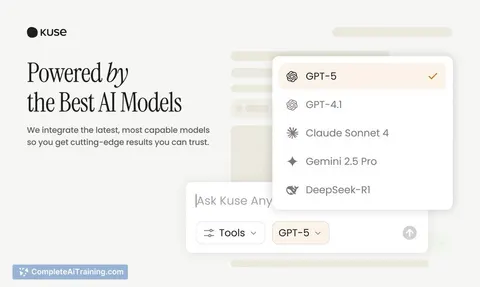
About Kuse
Kuse is an AI-powered workspace that transforms disorganized inputs into structured, actionable deliverables on a versatile canvas. It combines file management, conversational AI cards, and visual editing to create a flexible environment for organizing and generating content.
Review


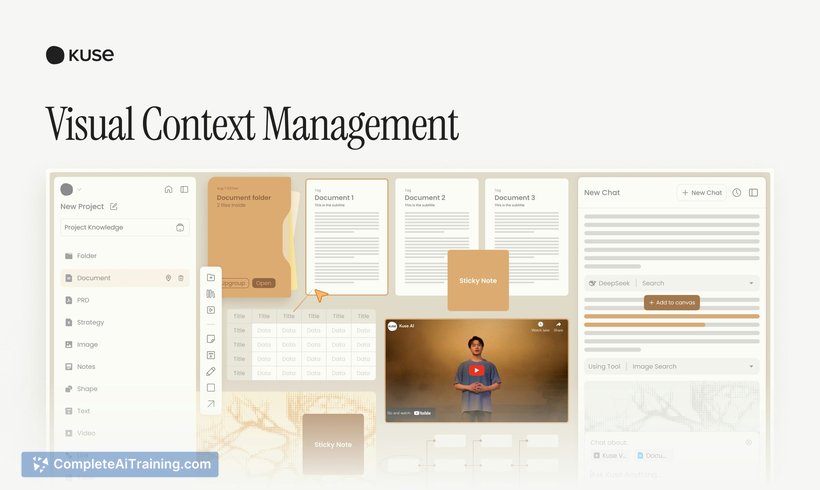

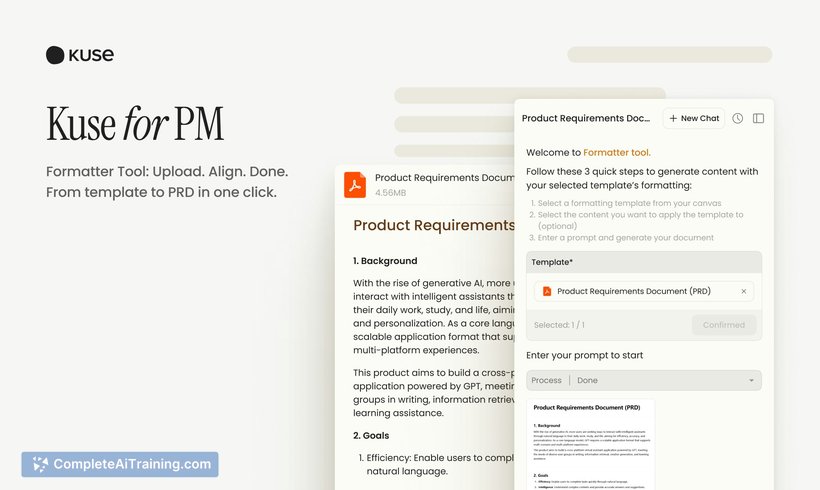
Kuse offers a unique approach to managing information by integrating multiple file types and AI interactions within a single visual workspace. This tool stands out for its flexibility and focus on producing clear outputs from varied and scattered data sources. It appeals to users who prefer a canvas-style interface for brainstorming, organizing, and collaborating.
Key Features
- Visual canvas that supports placing and organizing files alongside AI conversation cards.
- Support for a wide range of file types, allowing seamless integration of documents, images, and more.
- Capability to generate diverse deliverables such as images, documents, and web pages from uploaded content.
- Editable and reusable context that keeps information accessible and adaptable throughout projects.
- Collaboration features enabling teams to work together on the same canvas in real time.
Pricing and Value
Kuse offers free options to get started, with additional features likely available through paid plans as the product evolves. The value proposition centers on consolidating multiple workflows into a single, intelligent workspace, potentially reducing the need for switching between separate apps. For users managing complex projects or diverse content, this can streamline processes and save time.
Pros
- Intuitive visual workspace that enhances organization and clarity.
- Flexible integration of various file formats and AI-generated elements.
- Encourages a more interactive and outcome-driven approach to working with AI.
- Real-time collaboration supports teamwork and shared understanding.
- Helps convert chaotic data into structured, usable outputs efficiently.
Cons
- As a recently launched tool, some advanced functionalities may still be in development.
- Users unfamiliar with canvas-style interfaces might face a learning curve initially.
- Pricing details beyond free options are not fully detailed yet, which may impact budgeting decisions.
Overall, Kuse is well suited for professionals and teams who work with diverse information sources and need a dynamic space for collaboration and content creation. It is particularly helpful for those who prefer a visual and flexible environment to structure ideas and outputs. Individuals seeking an integrated platform for organizing files and AI interactions will find this tool beneficial.
Jobs Kuse suits
Useful in almost any job. We checked Kuse against 500+ jobs; these get the most out of it.
Alternatives to Kuse
Other tools that do the same main job. Our AI compared Kuse with similar tools and kept the ones you could use instead.