AI tool
Liminal
Liminal is a collaborative workspace that lets humans and AI agents edit and share local markdown files in a web browser. It is built for developers and teams using AI coding agents that need direct file access and real-time cloud sync.
About Liminal
Liminal is a collaborative workspace and second brain built for humans, agents, and teams. It renders local markdown and HTML files into a clean UI, syncs them in real time across devices, and keeps all content on disk as plain files that agents can read and write directly. The tool is a first public release from maker Justin Lam, launched to test whether the friction of agent-driven workflows resonates with others.
Review
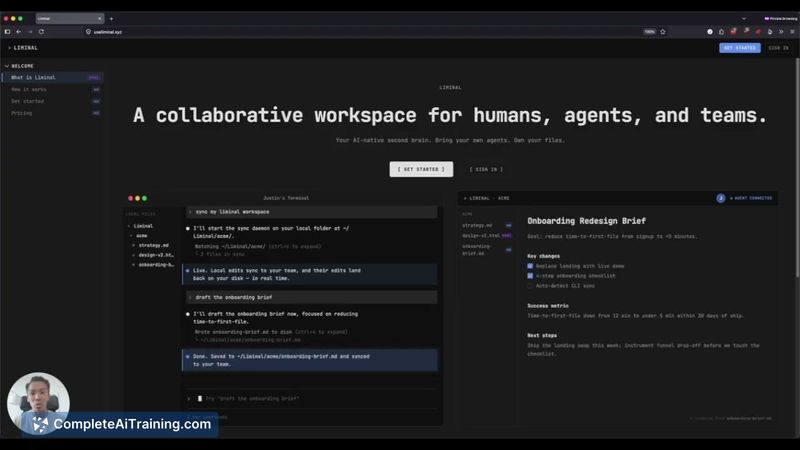
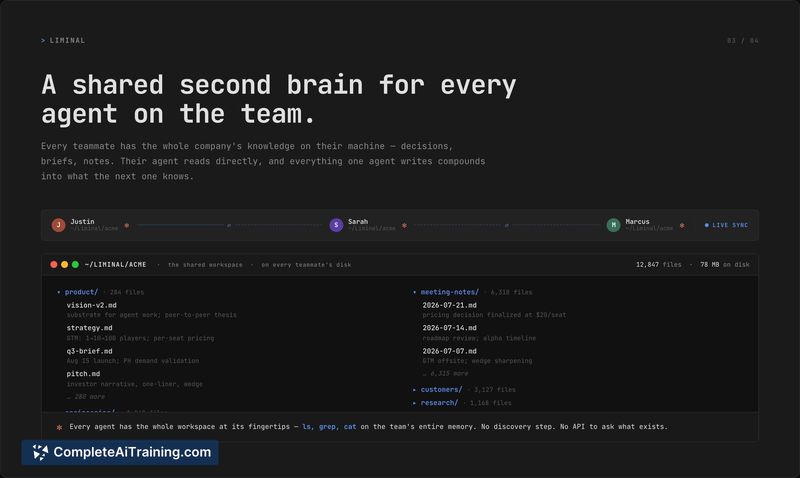
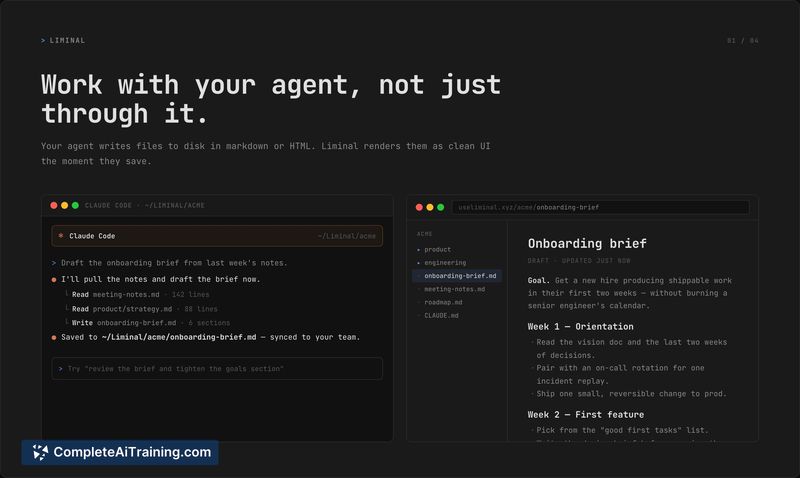
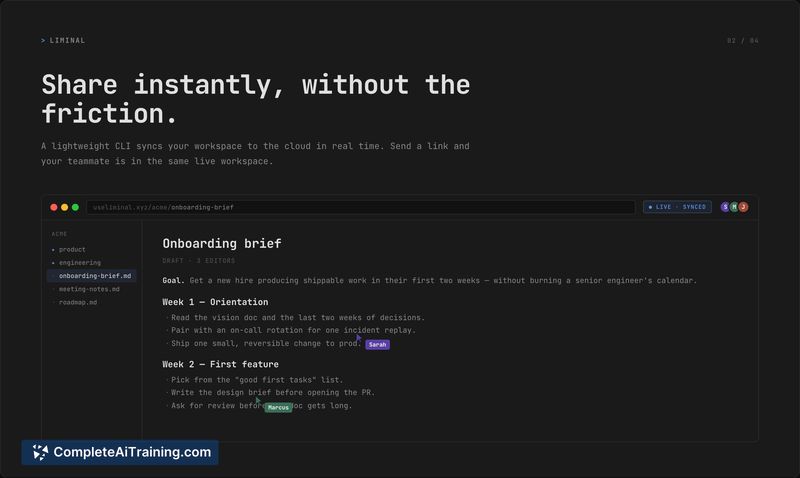
Liminal addresses a specific pain point: the mismatch between where AI agents do their best work (local markdown files) and where teams typically collaborate (cloud-based document editors). The tool wraps a WYSIWYG editor around local files, adds a sync layer via a CLI, and lets agents and humans share a workspace without converting formats or sending raw markdown around. It's an early release, so expectations should be calibrated accordingly.
Key Features
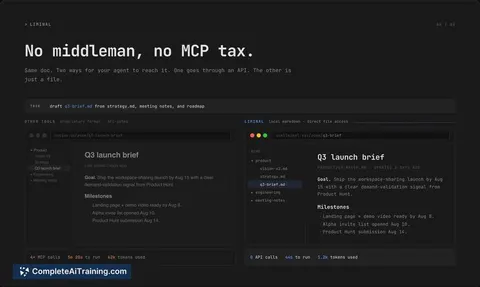
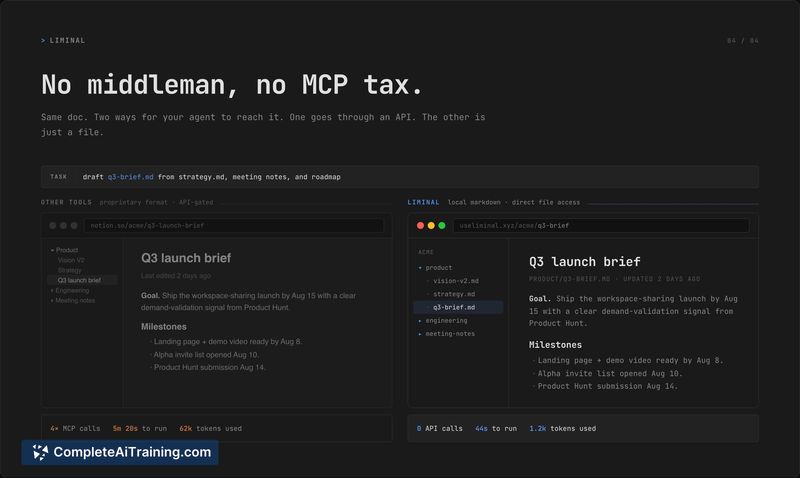
- Agent-native file handling. Agents write markdown or HTML to disk; Liminal renders it as formatted UI on save. No proprietary formats or MCP round-trips needed.
- Real-time sync and sharing. A lightweight CLI watches a workspace folder and syncs bidirectionally with the cloud. Sending a link gives teammates a live, editable browser view of the same workspace.
- Shared second brain. Every team member and their agents can access the same set of files locally, keeping context fresh without external calls or token waste.
- Per-file access controls. Users can keep personal workspaces private or limit access to specific files in shared workspaces, similar to Notion or Google Docs.
- Offline-first with conflict resolution. All files sit on your machine for always-on offline access. When syncing after offline work, the UI surfaces diffs per file for manual conflict resolution.
Pricing and Value
Liminal is currently free. The maker has not announced any future pricing model, so it's unclear whether the tool will remain free, introduce paid tiers, or adopt a subscription structure. For now, users get the full feature set at no cost. The direct file access model cuts out token overhead from MCP calls and avoids lock-in to a proprietary format, which could reduce costs for teams that rely heavily on agents.
Pros
- Works with any agent that can read and write local files; no special integrations needed.
- Renders markdown and HTML instantly, removing the need to switch between raw text and a preview pane.
- Syncs across machines and the browser without requiring users to host their own HTML or manage file transfers.
- Offline mode keeps all content accessible, and merging handles conflicts when reconnecting.
- Per-file permissions allow granular control over what gets shared with a link.
Cons
- No built-in search; users must rely on their agent's ability to grep the workspace, which can become cumbersome as the file count grows.
- As a first public release, it may contain bugs or rough edges that haven't been smoothed out yet.
- Not well suited for teams that don't use CLI-based agent workflows or need rich document formatting beyond what markdown and HTML provide.
Liminal fits teams that already spend most of their day directing an agent like Claude Code or Codex and want a shared workspace that treats local markdown as the source of truth. It's less relevant for groups that prefer traditional collaborative editors or need advanced document layout features. The tool's usefulness will likely grow as it matures and if the maker adds search and smarter conflict handling down the road.
Jobs Liminal suits
We checked Liminal against 500+ jobs; these get the most out of it.
Alternatives to Liminal
Other tools that do the same main job. Our AI compared Liminal with similar tools and kept the ones you could use instead.