AI tool
SidekickBar
SidekickBar combines 30+ AI assistants like ChatGPT, Copilot, Claude, and Gemini in one sidebar, enabling faster writing, coding, translating, and creating across Windows, macOS, and Linux for seamless multitasking and productivity.

About SidekickBar
SidekickBar is a multi-agent AI assistant that integrates over 30 AI tools, including popular models like ChatGPT, Copilot, Claude, and Gemini, into a single sidebar. It operates system-wide and supports Windows, macOS, and Linux, allowing users to write, code, translate, and create more efficiently without switching between apps.
Review
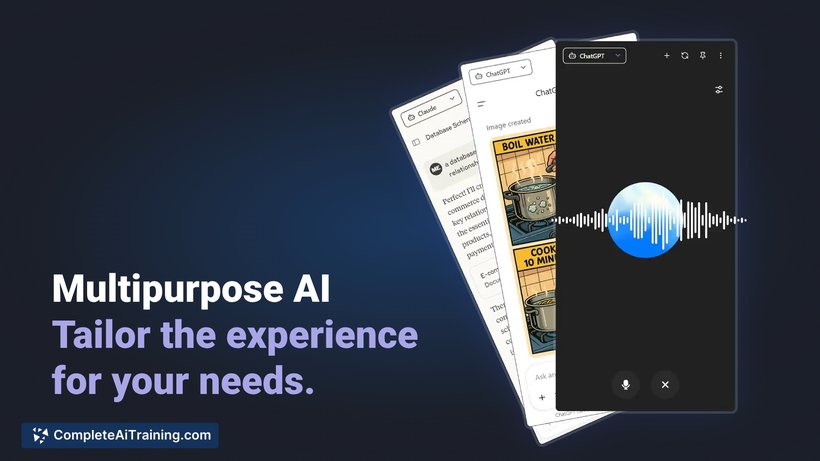
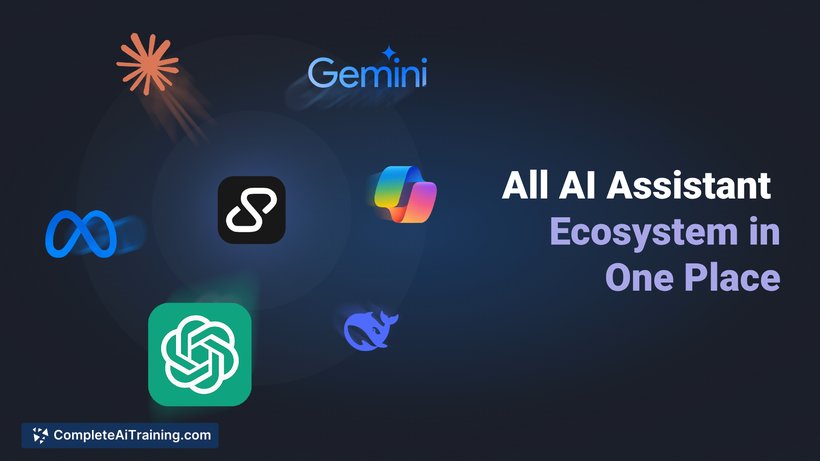
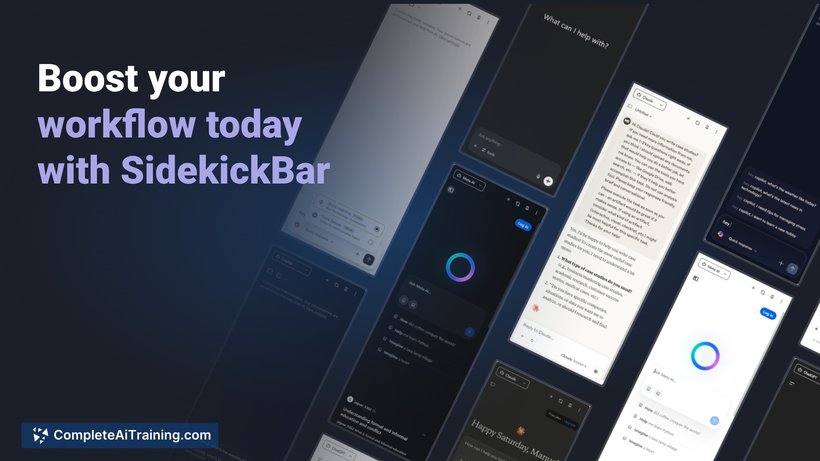
SidekickBar offers a convenient solution for users who frequently rely on different AI assistants for various tasks. By consolidating multiple AI agents into one sidebar, it reduces interruptions and streamlines workflows. This approach is especially appealing for those who work across multiple platforms and prefer quick access to diverse AI capabilities.
Key Features
- Integration with 30+ AI assistants, including ChatGPT, Copilot, Claude, and Gemini
- Cross-platform compatibility with Windows, macOS, and Linux
- System-wide sidebar that stays accessible without needing to open a browser
- Ability to switch seamlessly between different AI agents depending on the task
- Lightweight design built with Electron and styled using Tailwind and Svelte for responsive UI
Pricing and Value
SidekickBar offers free options, though detailed information about query limits or subscription tiers is not clearly outlined. This could present some uncertainty about long-term costs or usage restrictions. However, the initial free access provides a valuable opportunity to test the tool’s capabilities across multiple AI assistants without immediate financial commitment.
Pros
- Consolidates multiple AI assistants into one easily accessible sidebar
- Supports major operating systems, making it suitable for diverse user environments
- Reduces the need to switch between different apps or browser tabs
- Customizable choice of AI agents depending on the specific task or preference
- Lightweight and fast with a clean, minimal interface
Cons
- Lacks clear pricing details and query limitations, which may affect budgeting
- May require some setup or adjustment time for users unfamiliar with switching between multiple AI agents
- As a relatively new tool, it may still have some rough edges or limited community feedback
Overall, SidekickBar is well suited for professionals and developers who frequently use different AI assistants and want a unified, quick-access tool. It is ideal for users who value productivity and prefer minimal disruption during their workflows. Those who prioritize transparent pricing and extensive user support might want to monitor updates as the tool matures.
Jobs SidekickBar suits
Useful in almost any job. We checked SidekickBar against 500+ jobs; these get the most out of it.
Alternatives to SidekickBar
Other tools that do the same main job. Our AI compared SidekickBar with similar tools and kept the ones you could use instead.