AI tool
murmur
murmur: an iOS app that lets you rehearse stressful calls with AI that plays realistic voices, shows emotion and pushes back, then gives actionable feedback.
About murmur
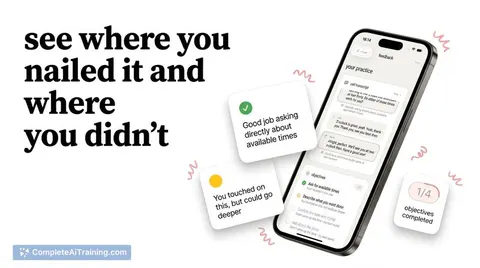
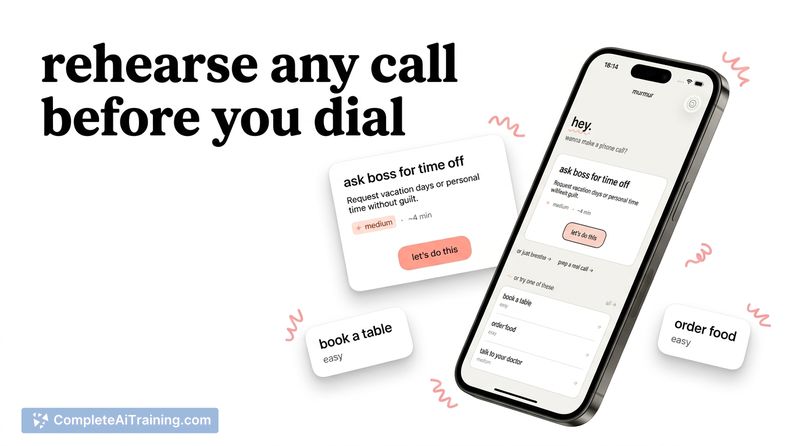
murmur is an iOS app that lets you rehearse real-life phone calls with an AI voice agent before making them for real. Choose from built-in scenarios or create your own, have a natural spoken conversation with the AI, and receive immediate feedback on what you said and how to improve.
Review
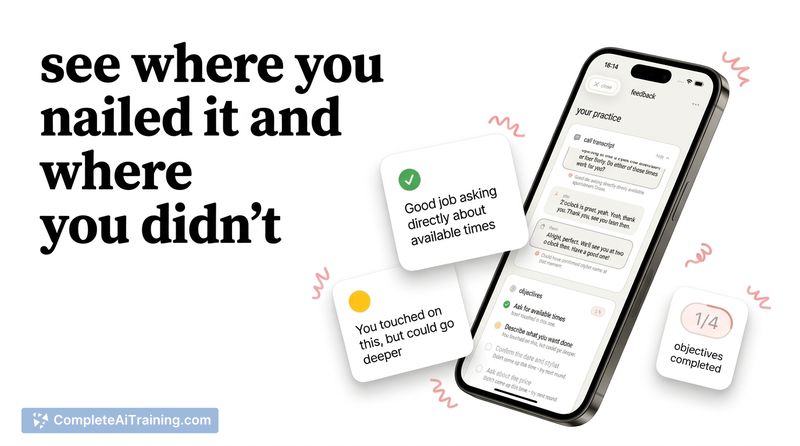

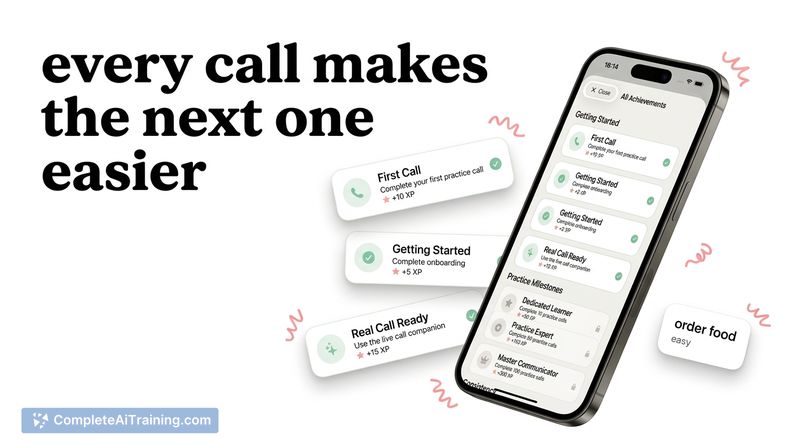
murmur focuses on the specific problem of phone-call anxiety by simulating actual voice conversations rather than a text chatbot. The simulations include emotional cues and occasional pushback from the AI, which helps make practice sessions feel closer to real interactions.
Key Features
- Real voice call simulation with AI that speaks, hesitates, and responds like a person on the other end of the line.
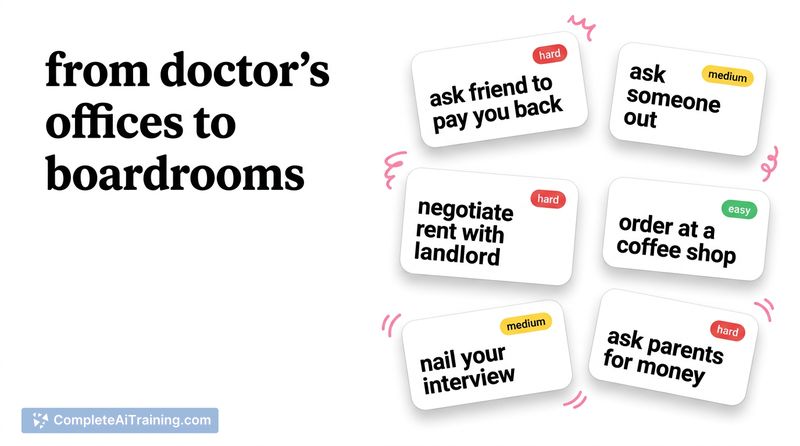
- 40+ built-in scenarios (doctor calls, returns, landlord conversations, interviews, salary talks) plus the option to create custom scenarios.
- Instant spoken feedback and coaching after each practice call to highlight areas for improvement.
- Works with different languages in conversation - if you start speaking another language, the agent can switch to match you.
Pricing and Value
murmur offers a free tier or demo mode with limited access, while a paid subscription unlocks the full scenario library and additional practice time or features. Subscriptions are handled through the iOS in-app purchase flow. For users who frequently face stressful calls-job hunters, people managing appointments, or those practicing a second language-the subscription can be worthwhile; however, some users may find the initial demo access too limited before committing to payment.
Pros
- Very natural-sounding spoken interactions that feel closer to a phone call than a text-based roleplay.
- AI can express hesitation, annoyance, or refusal, which helps prepare you for tougher real-world responses.
- Wide variety of ready-made scenarios and the ability to create custom situations for specific needs.
- Immediate feedback after calls helps you iterate quickly on phrasing and tone.
Cons
- Discovery on the App Store can be tricky; users may need precise search terms to find the app.
- Free/demo access feels constrained for some users, which can make it hard to evaluate before subscribing.
- Currently iOS-only and some interface controls (language settings, speech speed) appear limited or tucked behind premium features.
Overall, murmur is best suited for people who get anxious about real phone calls-job seekers, people handling appointments or negotiations, and learners practicing spoken languages. If you primarily use iOS and want realistic, voice-based rehearsal with actionable feedback, murmur is worth trying; those on other platforms or who need extensive free trials may find it less convenient.
Jobs murmur suits
We checked murmur against 500+ jobs; these get the most out of it.