
Learning path
Learning AI as a Change Manager
Change managers guide people through new systems and processes. This path shows you how to use AI for impact maps, stakeholder messages, training plans, and adoption tracking.
Your path
Everything in the Change Manager AI kit, in the order that makes sense. Members tick off each step and see their progress.
Set up your AI
We guide you through each click.
Let skills do your everyday tasks
Connect your apps and pick your AI apps
Hand whole tasks to AI agents
Build your own tools
Keep growing
Everything for change managers
All the courses, certifications, AI tools, MCP servers and apps for change managers, most relevant first. Open any list to see more.
Take the prompt courses
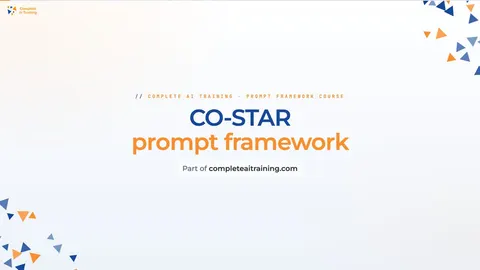
A short framework course to learn how to ask, then 8 lessons with ready-to-use prompts for change managers.
Start with this framework: how to talk to AI
CO-STAR helps you tailor change announcements to each audience, like rewriting a system rollout email for skeptical managers versus frontline staff.
Then your prompt course for change managersWatch the video courses or add them to your Favorites for later
107 video courses our AI picked for change managers, most useful first. Save the ones you want to watch later with the heart.
Favorites are saved to your account: sign in or get your AI kit first.
Show all 107 video courses
Get certified, or add certifications to your Favorites
Every course ends in an exam and a certificate you can add to LinkedIn. Save the certifications you are aiming for with the heart.
Favorites are saved to your account: sign in or get your AI kit first.
More certifications for change managersShow all 24 certifications
Try the AI tools for change managers
24 AI tools our AI matched to the work of change managers, best fit first. Each review shows what it does, its alternatives and the jobs it suits.
Favorites are saved to your account: sign in or get your AI kit first.
Show all 24 AI tools
Connect your AI to the apps change managers use
MCP servers let ChatGPT, Claude or Copilot look things up and get work done in other apps, like your email, calendar or bookkeeping software. These 12 fit the work of change managers best, well-known apps first.

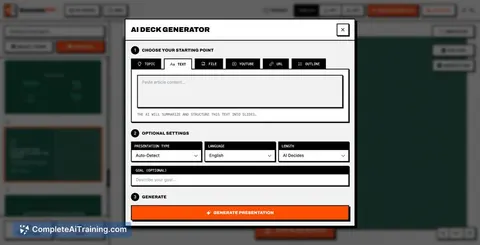
Presentations.AI MCP server
by slidecraft-inLet your AI build and edit slide decks for you, then export them as PPTX, PDF, images or a share link.
Productivity Official
PipesHub MCP server
by pipeshub-aiLets your AI search across your work apps like Google Workspace, Microsoft 365, Slack and Jira, and answer with the sources it found.

Microsoft Teams MCP server
by InditexTechLet your AI read and post Microsoft Teams messages, reply in threads, and mention people for you.

Google Workspace MCP server
by taylorwilsdonLets your AI read and write your Gmail, Calendar, Drive, Docs, Sheets and more, all from one chat.

Ragie MCP server
by ragieaiLet your AI search your Ragie knowledge base and pull back the right passages when you ask a question.

Slack MCP server
by korotovskyLets your AI read, search, and post in your Slack channels, threads, and DMs for you.
Show all 12 MCP servers

Google Docs MCP server
by A1-x-TechLet your AI read, summarize, edit and comment on your Google Docs without leaving the chat.

Google Chat MCP server
by A1-x-TechLets your AI read, search, and send messages in your Google Chat spaces and direct messages.

Feishu / Lark MCP server
by EthanQCLet your AI send Feishu messages as you, and read chats, docs, tables, calendars and tasks.

Box MCP server
by boxLet your AI search your Box files, answer questions about them, and pull out details for you.
Productivity Official
Outlook MCP server
by dockndevaiLets your AI read, search, draft and send Outlook email and browse your OneDrive files for you.

Outlook Assistant MCP server
by littlebearappsLets your AI read, search, send, and organise your Outlook email, calendar, and contacts from the chat.
Build your own AI apps for change managers
Apps you build yourself with your own AI, no coding needed and no monthly fee. Our AI picked the 11 that fit the work of change managers.
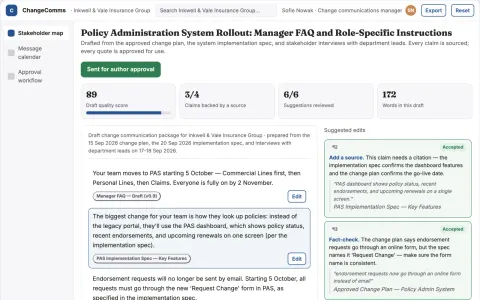
Change communication planner
Role-specific instructions linked to rollout milestones.
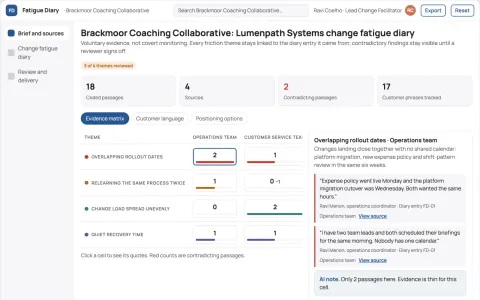
Internal change fatigue diary
Voluntary evidence rather than covert sentiment monitoring.
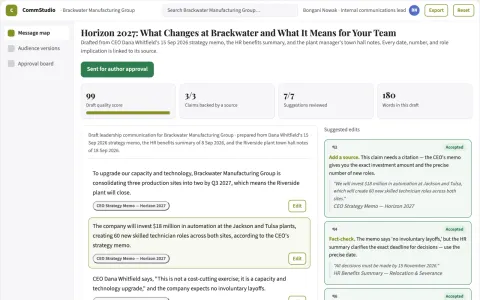
Leadership communication studio
Every audience version explains practical implications and next steps.
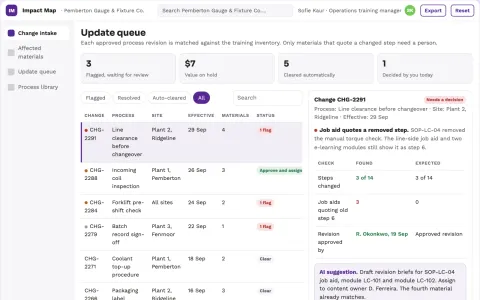
Operations training change impact map
Connect each process change to affected learning materials.
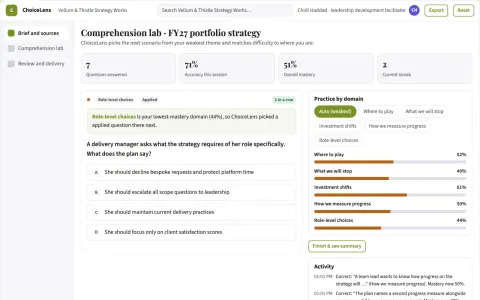
Strategy communication comprehension lab
Test practical understanding of strategic choices.
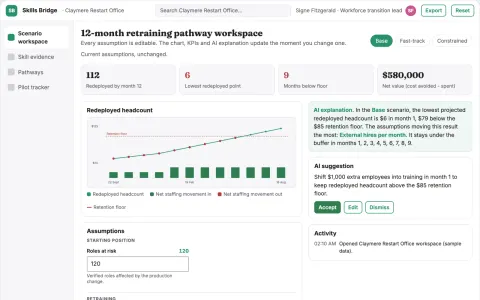
Skills-transition workforce scenario engine
Expose alternatives to external hiring or displacement.
Show all 11 apps
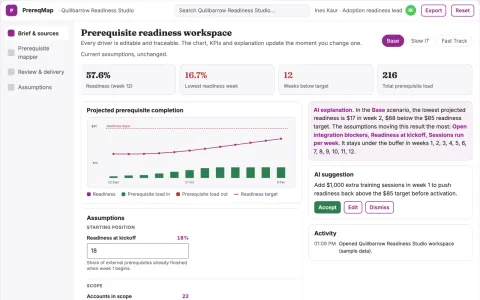
Product adoption prerequisite mapper
Explain adoption dependencies beyond interface design.
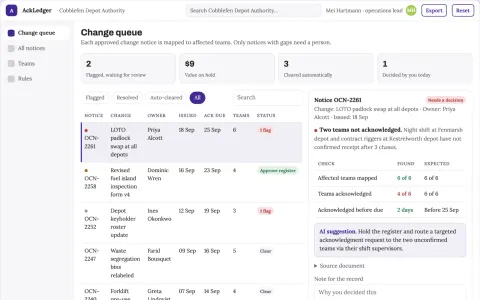
Operational change notice acknowledgment
Confirm receipt and understanding of approved changes.
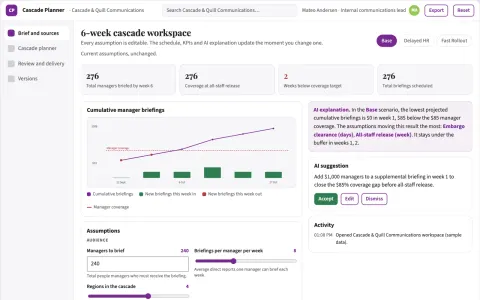
Internal announcement cascade planner
Coordinated delivery of approved internal messages.
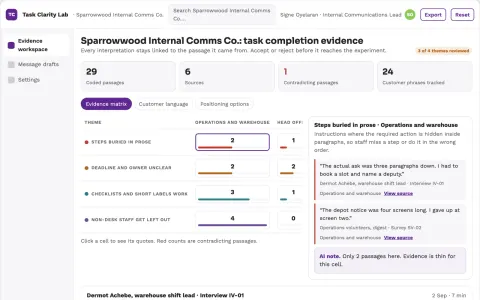
Internal communication task completion lab
Reduce failed administrative actions caused by unclear instructions.
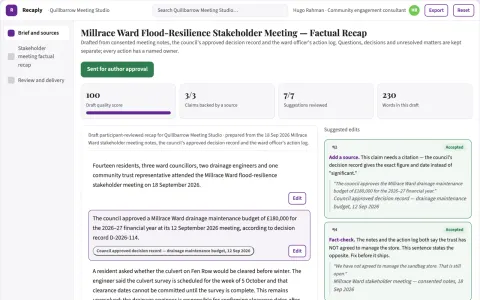
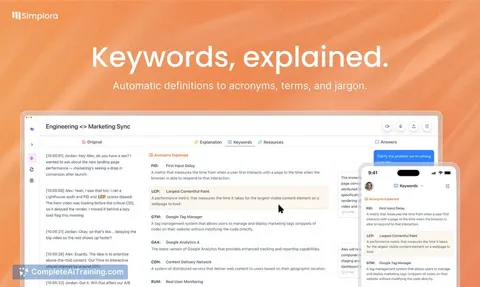
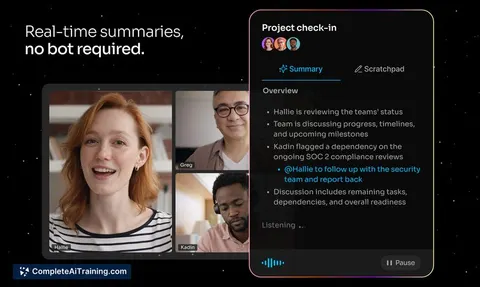
Stakeholder meeting factual recap
Neutral recap with explicit unresolved matters.


































































































About this learning path
6 topicsPractical AI skills for change managers
Change work is part project management, part communication, and part coaching. You are often the person who holds the plan, the message, and the training together while keeping people informed.
This learning path shows you how to use AI as a thinking partner for that work. You will set up your tools, learn prompts for each part of a change rollout, and pick video courses that match your daily responsibilities.
Why AI matters now
Changes are coming faster, and teams expect clear communication from day one. AI can help you turn scattered notes into a first draft of an impact map, a stakeholder message, or a training outline.
Your judgment and relationships still drive adoption. AI simply removes the blank page and the repetitive writing that slows you down.
What the learning path includes
You start with setup questions to get your AI tools ready. Then you connect your AI, learn job-specific skills inside it, and work through this prompt course.
The path also recommends video courses picked for change managers, along with the certifications those courses offer. You finish with a set of prompts you can use on your next rollout.
How it saves time
The prompts turn your rough meeting notes into structured drafts you can edit. You spend less time staring at a blank page and more time talking with people.
Each lesson takes a small part of the change cycle, so you can apply it the same day. The time you win back goes to the conversations that actually move adoption.
How it protects your career
AI does not replace the change manager. It handles the first draft, the summary, and the comparison so you can focus on judgment, empathy, and decisions.
When you use AI well, you become the person who can move faster without losing the human touch. That is a skill organizations value in every rollout.
How to start
Begin with the setup questions to check your access and preferences. Then connect your AI tool and take the prompt course one lesson at a time.
After that, pick one video course that matches your current project. Use the certification as a way to show what you have learned.
Frequently asked questions
Do I need technical skills to use AI for change management?
No. If you can write an email and follow a recipe, you can use these prompts. The course walks you through setup, tool connection, and each prompt step by step.Which AI tools will I use?
The course works with popular tools like ChatGPT, Claude, and Gemini. You can use whichever one your organization allows. The prompts are written to work across them.How long does the learning path take?
You can move through the setup and prompt course in a few short sessions. The video courses are self-paced, so you can fit them around your current change project.Will AI replace change managers?
No. AI can draft and summarize, but it cannot build trust or read a room. Change management is still a human job. AI just helps you do the human parts faster.