AI tool
OneCLI
OneCLI is an open-source agent harness for teams that gives each employee a sandboxed AI agent connected to GitHub, Gmail, Notion, Dropbox, or a CRM. Agents never hold real secrets; a gateway injects credentials at the network layer after human ap...
About OneCLI
OneCLI is an open-source agent harness for teams, launched this week. It gives each employee a sandboxed AI agent that connects to tools like GitHub, Gmail, Notion, Dropbox, or a CRM, accessible from Slack or the web. The system is designed so agents never hold real credentials; a gateway injects secrets at the network layer after a request is approved.
Review
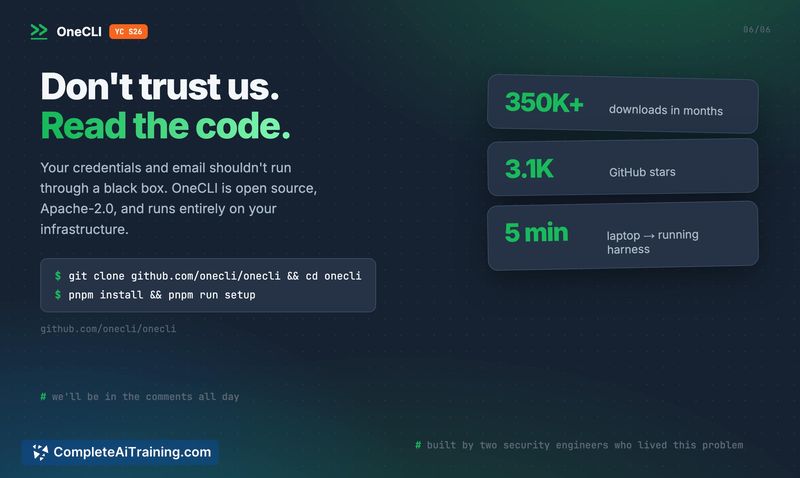
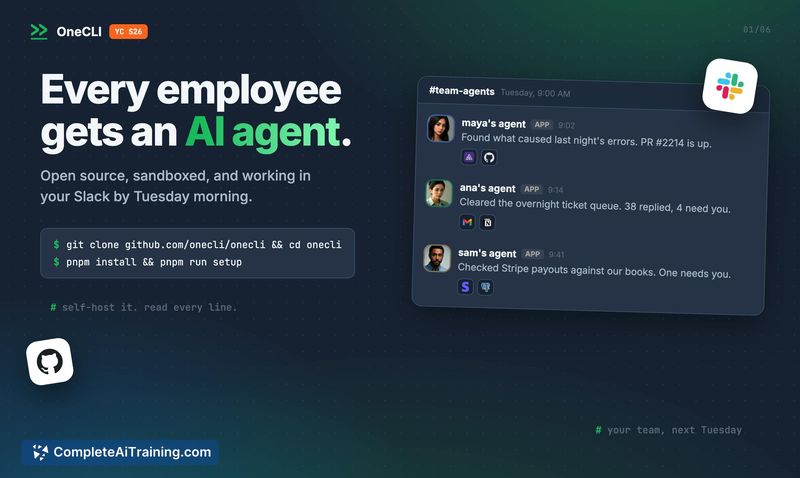
OneCLI addresses a specific pain point: giving AI agents access to real systems without exposing real passwords or keys. The core mechanism is that agents only see placeholders, and the gateway adds the real secret per request, only after approval. The project is YC-backed, fully open source, and reports 350K+ downloads.
Key Features
- Sandboxed agents per employee, hosted on your own servers or via a managed service
- Connections to GitHub, Gmail, Notion, Dropbox, or CRM from Slack or the web
- Secrets are never stored with the agent; the gateway injects them at the network layer per approved request
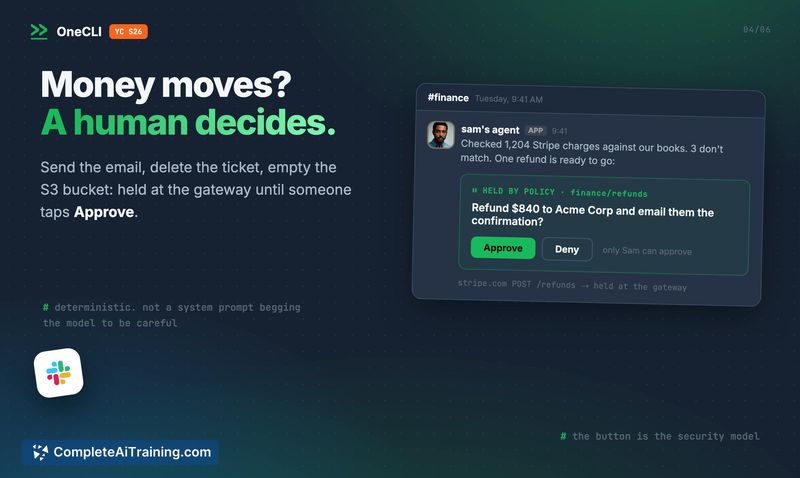
- Human-in-the-loop approval for sensitive actions like sending email or deleting tickets
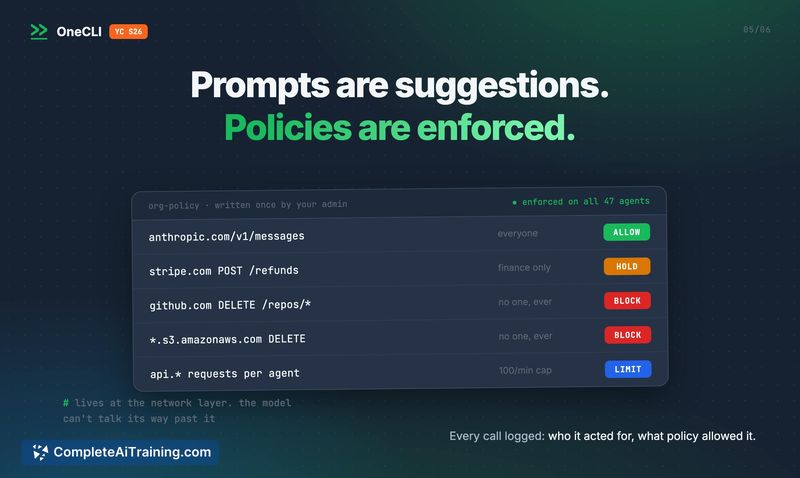
- Policy controls for managing access per agent based on ownership
Pricing and Value
OneCLI has a free tier that requires no credit card. Self-hosting is available and can be set up in minutes via the GitHub repository. A managed service is also offered, but specific pricing for that tier is not defined in the launch materials. The project is fully open source.
Pros
- Agents never hold real secrets, reducing the risk of credential leakage
- Human approval gates risky actions, adding a control layer for sensitive operations
- Open source with a free tier and self-hosting option, lowering the barrier to trial
- Works from Slack or web, fitting into existing workflows
Cons
- Pricing for the managed service is not yet defined, making cost comparison difficult
- Human-in-the-loop approvals could slow down workflows for teams that need high-volume autonomous actions
- Not well suited for individual users or small teams that don't need multi-agent policy management and prefer a simple single-user assistant
OneCLI fits teams that need to give AI agents access to business tools but cannot accept the risk of exposed credentials. Security-conscious organizations with existing approval workflows will find the model familiar. If you're a solo developer or a team without a need for granular per-agent policy controls, a simpler assistant tool may be a better fit.
Jobs OneCLI suits
We checked OneCLI against 500+ jobs; these get the most out of it.
Alternatives to OneCLI
Other tools that do the same main job. Our AI compared OneCLI with similar tools and kept the ones you could use instead.