AI tool
Otter Script
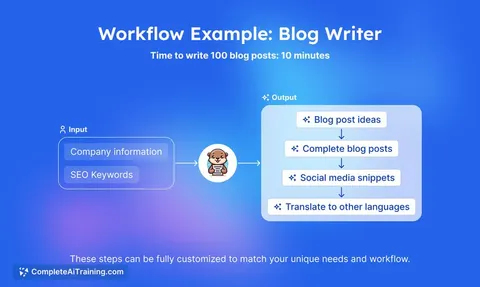
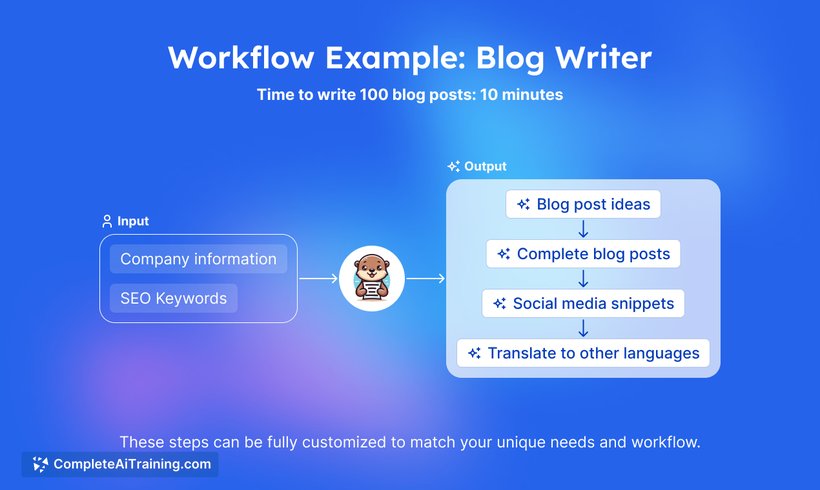
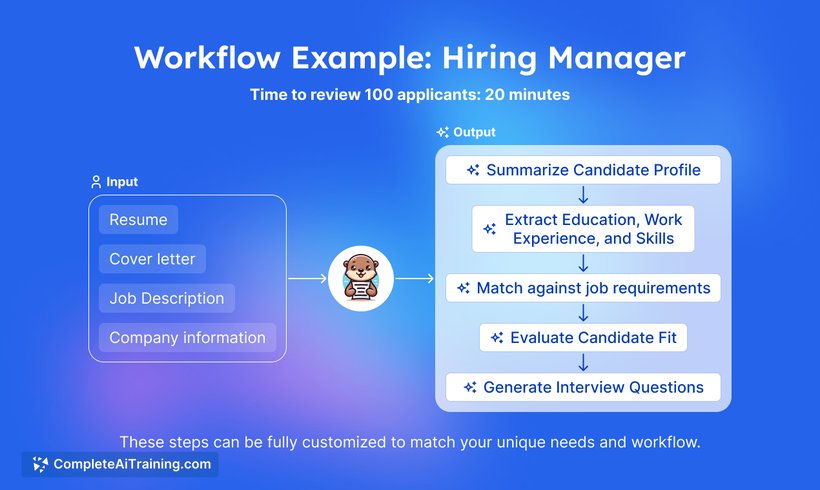
Otter Script automates and streamlines text-based workflows, helping you efficiently manage content, marketing, and bulk tasks with customizable options. Simplify your processes and save time with this versatile AI tool.
About Otter Script
Otter Script is an AI-powered transcription tool that converts audio and video recordings into written text. It offers real-time transcription with high accuracy, making it useful for meetings, interviews, and lectures. The tool also includes features for editing and organizing transcripts efficiently.
Review
Otter Script provides a straightforward solution for users looking to transcribe spoken content quickly and accurately. It balances ease of use with useful functionality, appealing to a broad audience including professionals, students, and content creators. Its integration options and collaborative features further enhance its utility.
Key Features
- Real-time transcription with speaker identification
- Ability to import audio and video files for transcription
- Editable transcripts with timestamp and keyword search
- Collaboration tools allowing sharing and commenting on transcripts
- Integration with popular meeting platforms for seamless recording and transcription
Pricing and Value
Otter Script offers multiple pricing tiers, including a free plan with limited transcription minutes and basic features. Paid plans provide increased transcription limits and advanced features such as bulk import and export options. The value proposition is strong for users who require frequent transcription and collaboration tools, as the pricing is competitive compared to similar services.
Pros
- High accuracy in transcription with speaker differentiation
- User-friendly interface that simplifies editing and organizing transcripts
- Supports multiple file formats and live recording transcription
- Collaboration features support team workflows effectively
- Reasonably priced plans with a useful free tier
Cons
- Occasional inaccuracies with heavy accents or overlapping speech
- Some advanced features are locked behind higher-tier plans
- Dependent on internet connection for real-time transcription
Otter Script is well-suited for professionals who regularly attend or conduct meetings, educators capturing lectures, and anyone needing quick, editable transcripts. Its combination of accuracy, collaboration tools, and flexible pricing makes it a practical choice for both individuals and teams seeking reliable transcription services.
Jobs Otter Script suits
We checked Otter Script against 500+ jobs; these get the most out of it.
Alternatives to Otter Script
Other tools that do the same main job. Our AI compared Otter Script with similar tools and kept the ones you could use instead.