AI tool
Perium AI Image Editor
Perium AI Image Editor lets you edit images by simply typing your instructions. Add, remove, or restyle elements instantly in-browser—no downloads or design skills needed. Fast, intuitive editing for creators and marketers.
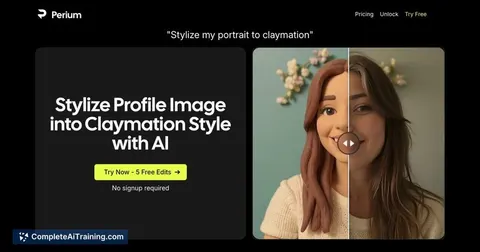
About Perium AI Image Editor
Perium AI Image Editor is a browser-based tool that allows users to edit images simply by describing the changes they want to make. It eliminates the need for traditional design skills or complex software, making image editing accessible and straightforward through natural language commands.
Review
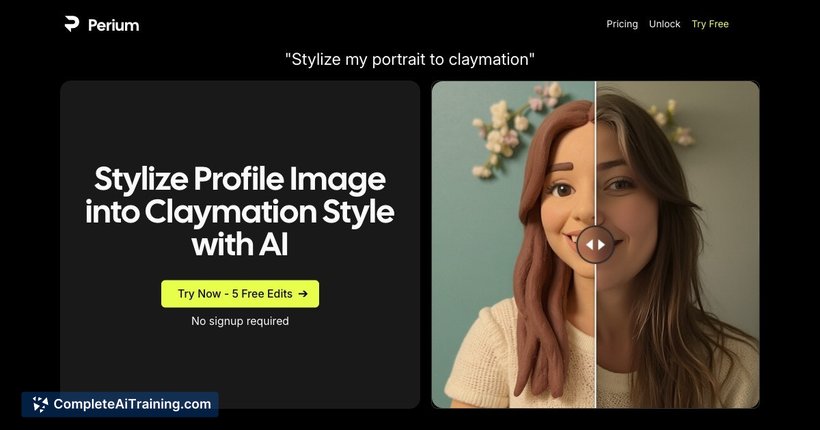
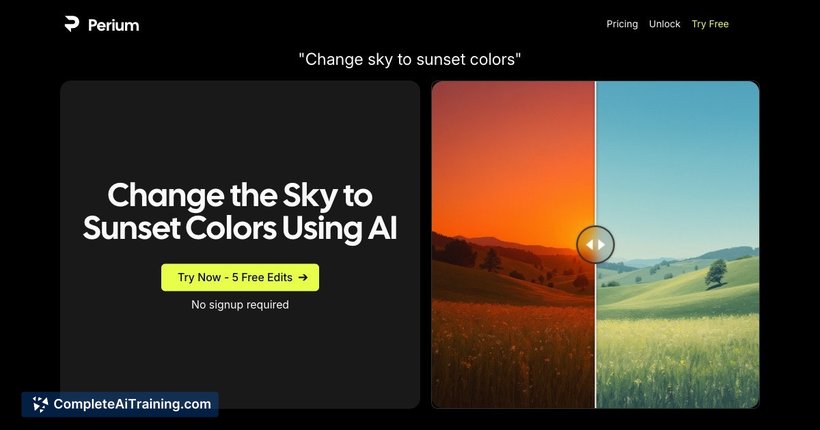


Perium AI Image Editor offers an innovative approach to image editing by letting users modify visuals using text descriptions. This tool aims to simplify the editing process, providing a fast and intuitive experience directly in the browser without requiring downloads or prior design knowledge.
Key Features
- Edit images by typing natural language instructions to add, change, or remove objects.
- Restyle images and adjust colors through simple text commands.
- Completely browser-based with no software installation needed.
- User-friendly interface designed for creators, marketers, and visual thinkers.
- Quick response time, enabling smooth and efficient image editing.
Pricing and Value
Perium AI Image Editor offers free options, allowing users to try the tool without an upfront cost. While detailed pricing tiers are not explicitly stated, the availability of free access provides good initial value for individuals seeking a straightforward editing solution. This makes it a practical choice for users who want to experiment with AI-powered editing before committing to any paid plans.
Pros
- Intuitive text-based editing reduces the learning curve significantly.
- No downloads or installations required; works entirely in-browser.
- Suitable for users without any prior design experience.
- Fast and responsive with a clean, minimalistic interface.
- Flexible editing options, including adding or removing objects and restyling images.
Cons
- May have limitations for highly detailed or professional-grade image editing.
- Dependence on AI interpretation can sometimes result in unexpected edits.
- Pricing details beyond the free tier are not clearly communicated.
Overall, Perium AI Image Editor is well-suited for creators, marketers, and casual users looking for a simple method to modify images without the complexities of traditional software. It works best for quick edits and creative adjustments where ease of use and speed are priorities.
Jobs Perium AI Image Editor suits
We checked Perium AI Image Editor against 500+ jobs; these get the most out of it.
Alternatives to Perium AI Image Editor
Other tools that do the same main job. Our AI compared Perium AI Image Editor with similar tools and kept the ones you could use instead.