AI tool
PhotoFairy
PhotoFairy combines intuitive design with advanced AI to offer seamless photo editing and graphic creation on an infinite canvas. Effortlessly select and edit any image element, empowering limitless creativity with a user-friendly interface.
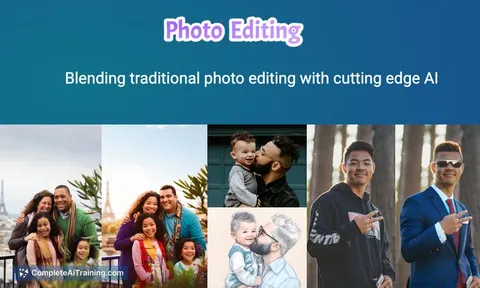
About PhotoFairy
PhotoFairy is an AI-powered photo enhancement tool that assists users in improving the quality and aesthetics of their images with minimal effort. It offers automated editing features that help transform ordinary photos into visually appealing ones quickly.
Review
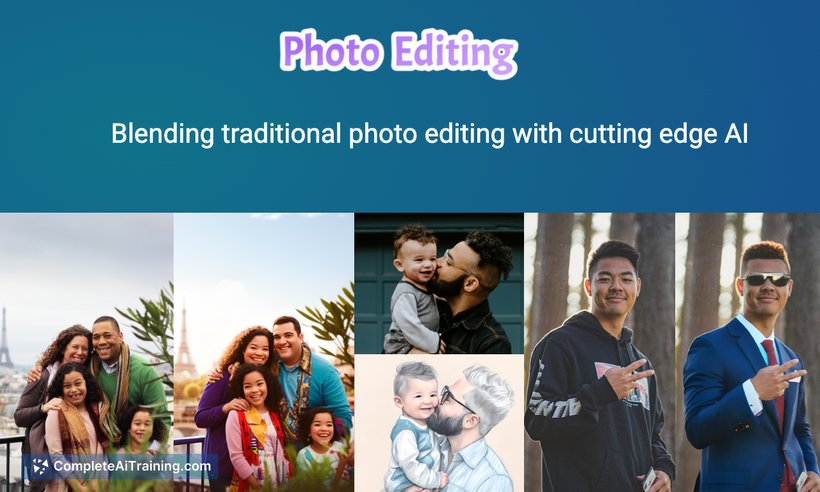

PhotoFairy presents a straightforward solution for individuals looking to enhance their photos without requiring advanced editing skills. The tool leverages AI technology to provide features such as noise reduction, color correction, and background enhancement, making photo editing accessible to a wide audience. Its user-friendly interface simplifies the process, allowing users to achieve polished results in just a few steps.
Key Features
- Automatic photo enhancement including color adjustment and contrast optimization
- Noise reduction to improve image clarity
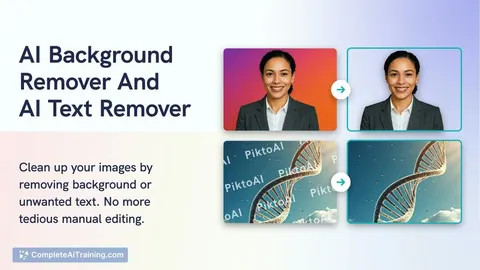
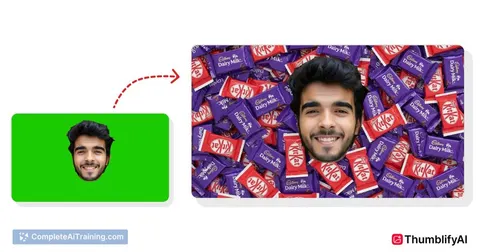
- Background enhancement and replacement options
- Batch processing for editing multiple photos simultaneously
- Simple drag-and-drop interface with preview capabilities
Pricing and Value
PhotoFairy offers several pricing options, including a free tier with basic features and premium plans that unlock advanced editing tools and higher-resolution exports. The subscription model is competitively priced, making it accessible for casual users and professionals alike. Considering the range of automated features, the tool provides good value for those who need quick photo improvements without investing in complex software.
Pros
- Easy to use with minimal learning curve
- Efficient batch processing saves time
- Effective noise reduction and color correction
- Affordable pricing with a free option to try
- Supports a variety of image formats
Cons
- Limited manual control for advanced users
- Background replacement options could be more versatile
- Performance may vary with very low-quality images
Overall, PhotoFairy is well suited for casual photographers, social media enthusiasts, and small business owners who need quick and easy photo enhancements. Its automation and batch processing features make it an efficient choice for users seeking straightforward edits without the complexity of professional-grade software.
Jobs PhotoFairy suits
We checked PhotoFairy against 500+ jobs; these get the most out of it.
Alternatives to PhotoFairy
Other tools that do the same main job. Our AI compared PhotoFairy with similar tools and kept the ones you could use instead.