AI tool
Pixlie
Pixlie is an AI video studio for producing marketing and social media clips. It helps marketers and content creators queue video jobs, reuse assets, and work across web and iOS from a single account.
About Pixlie
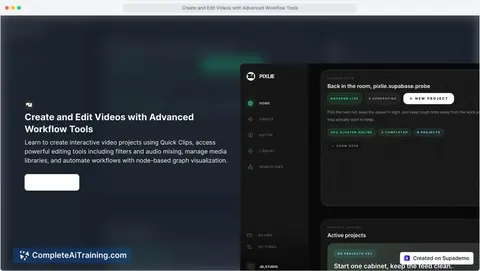
Pixlie is an AI video studio that converts text and images into video clips using cloud-based generation. It includes a unified library for managing assets and a cloud queue that shows render position and estimated time. The tool is accessible via web and iOS, with the same account working across both platforms.
Review
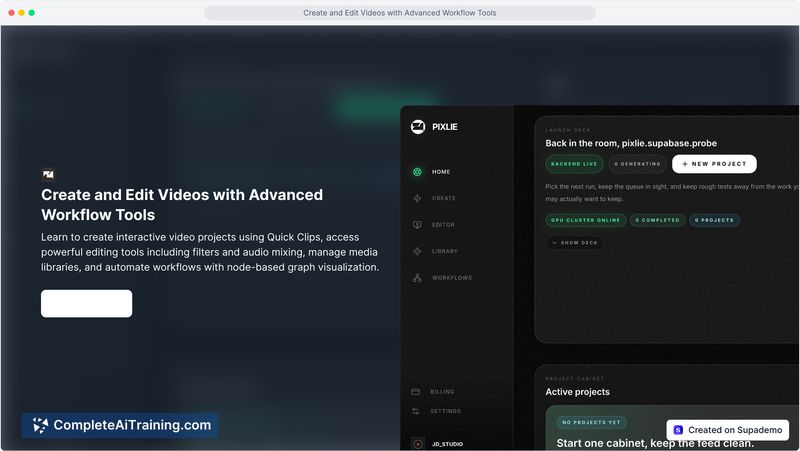
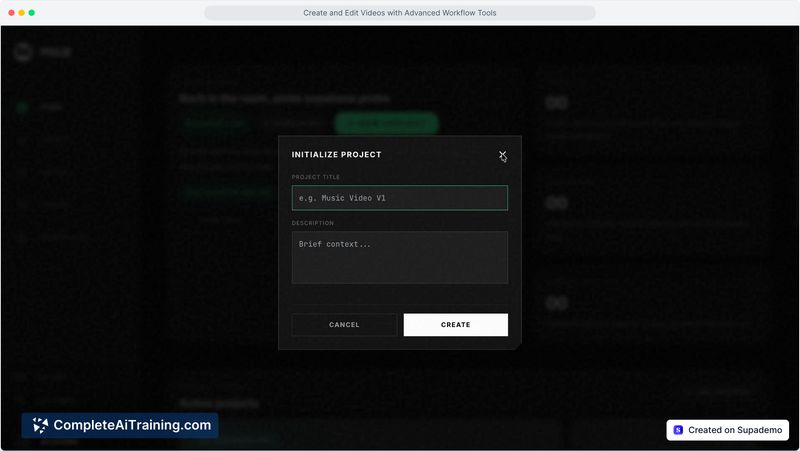
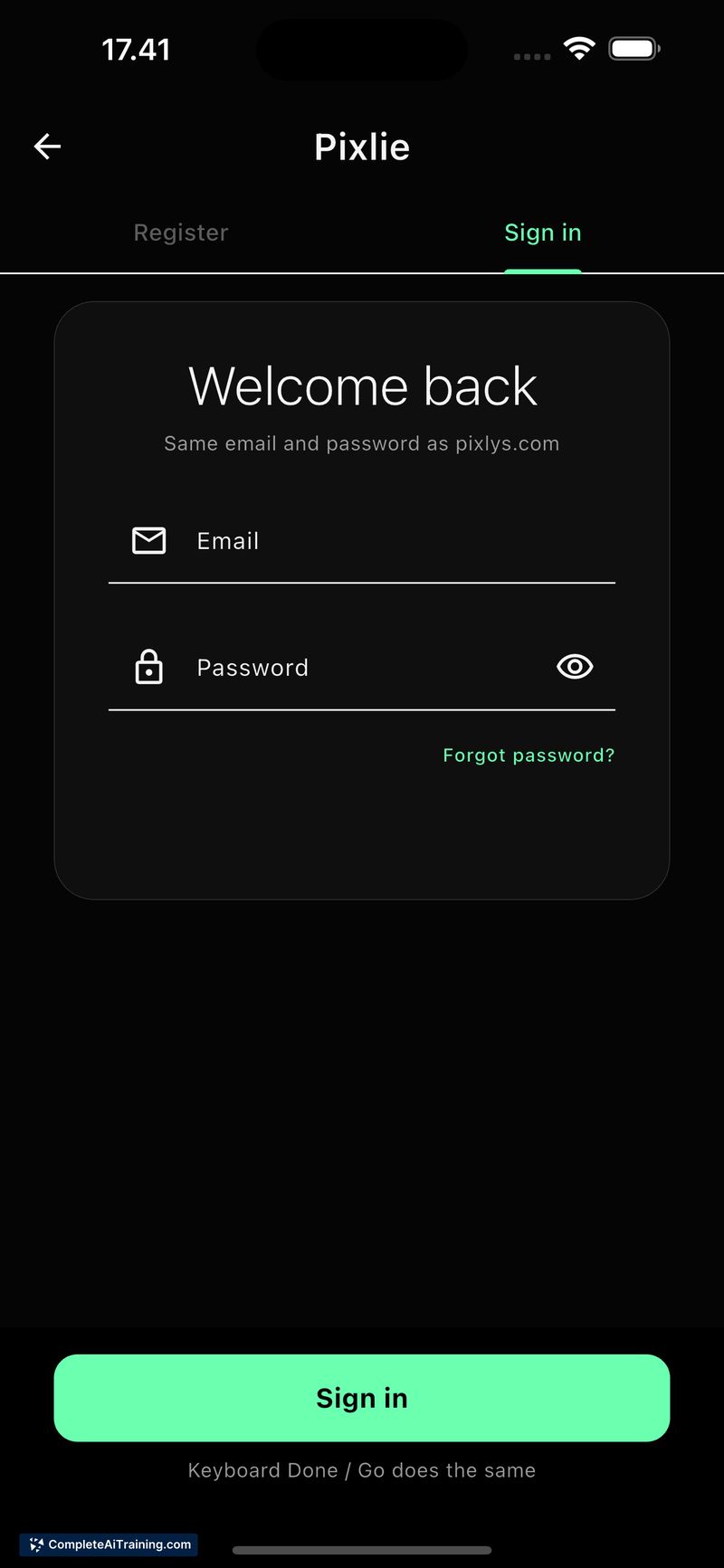
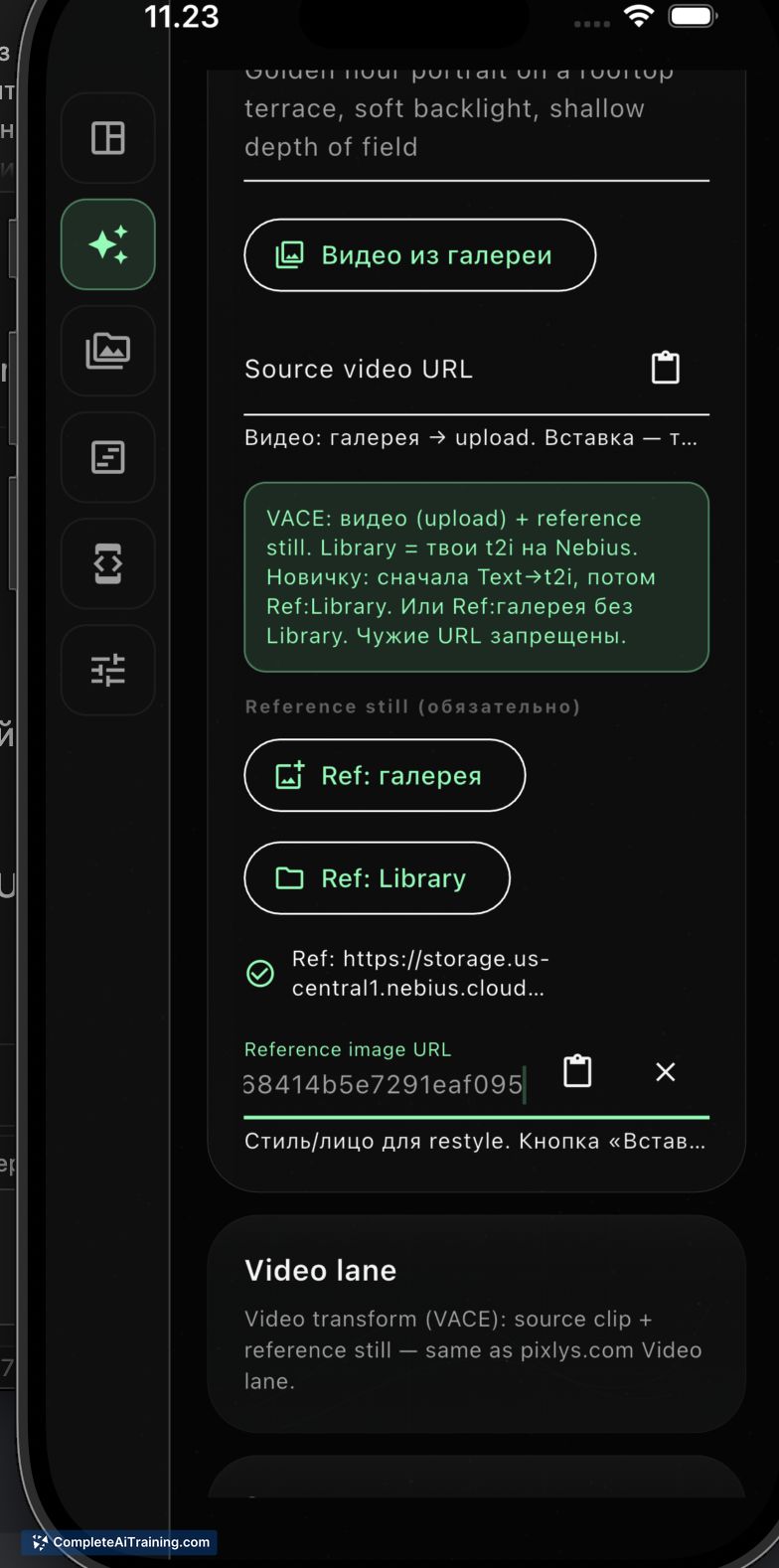

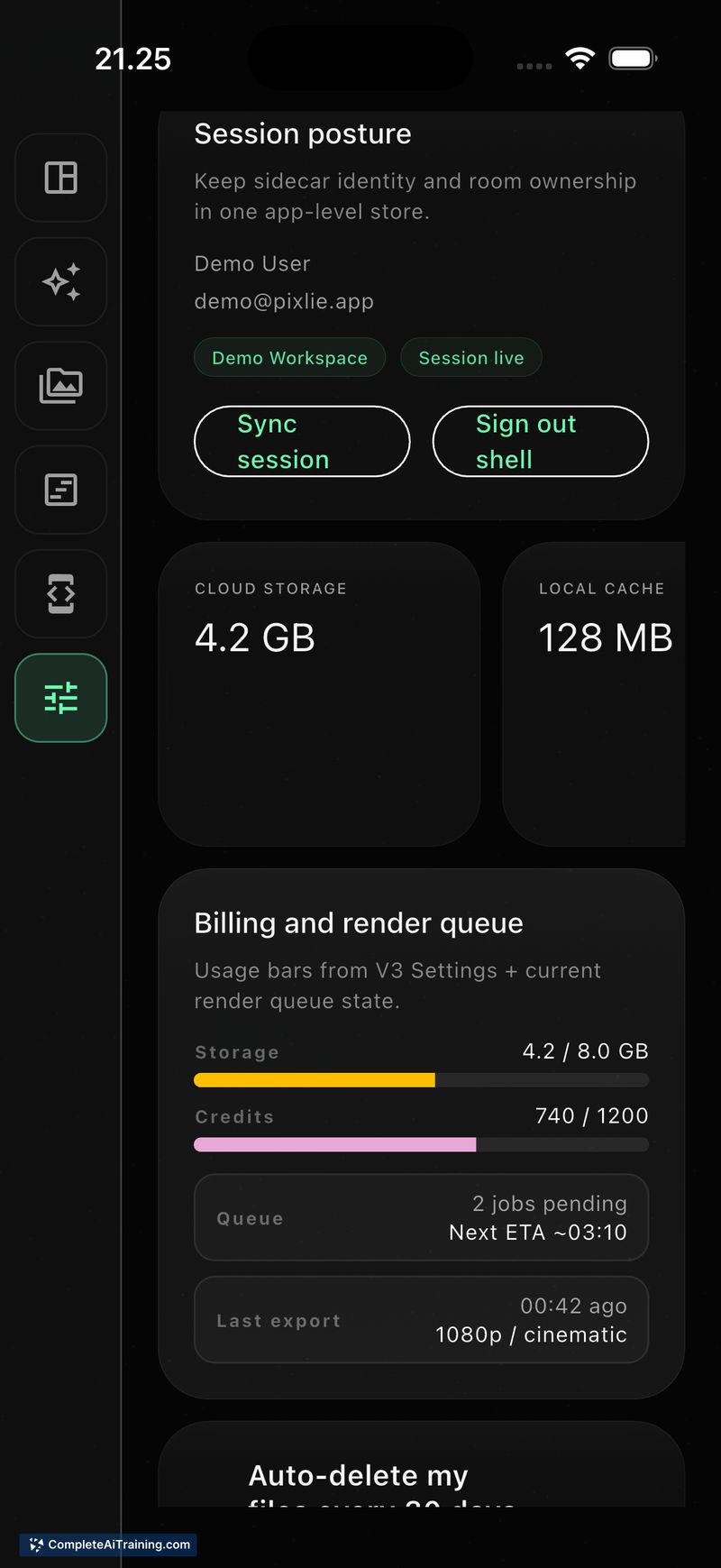
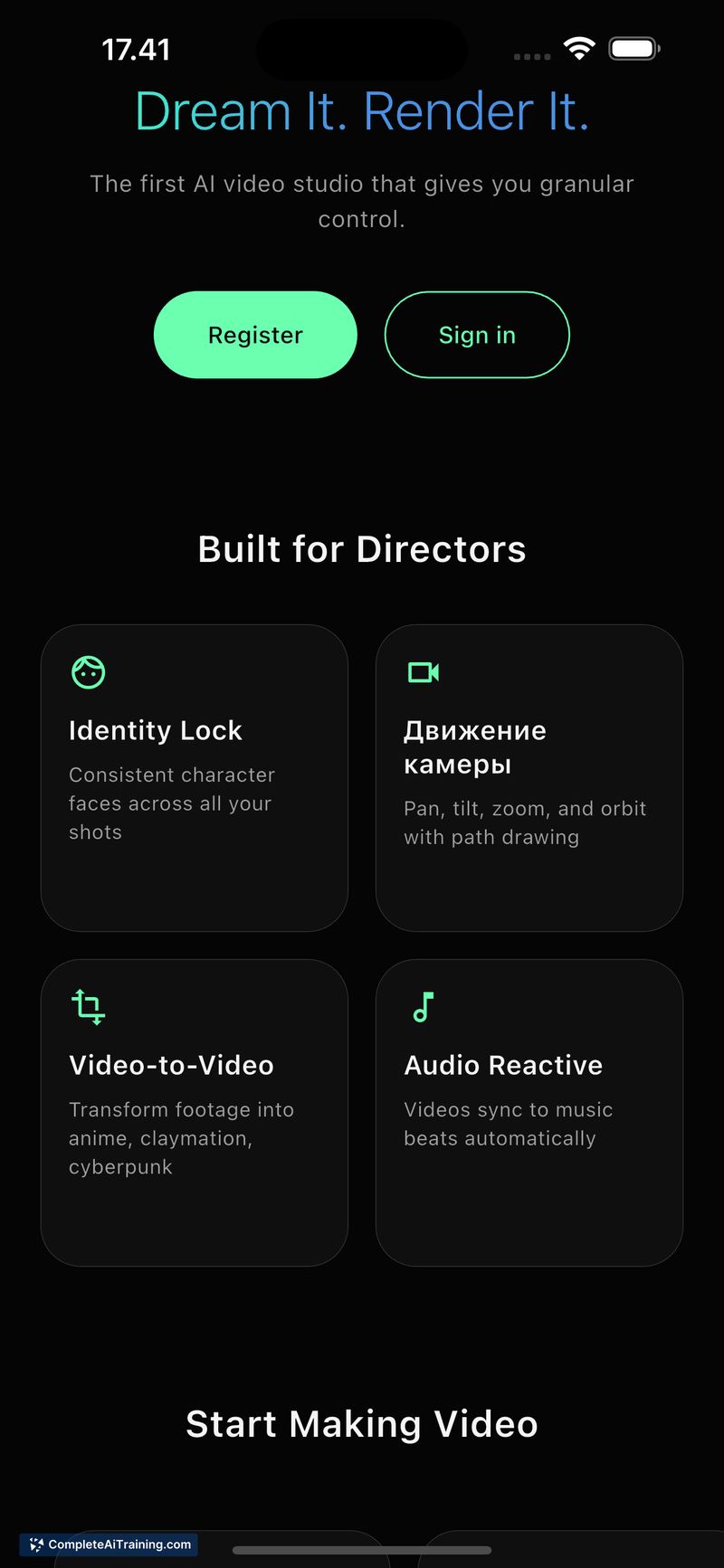
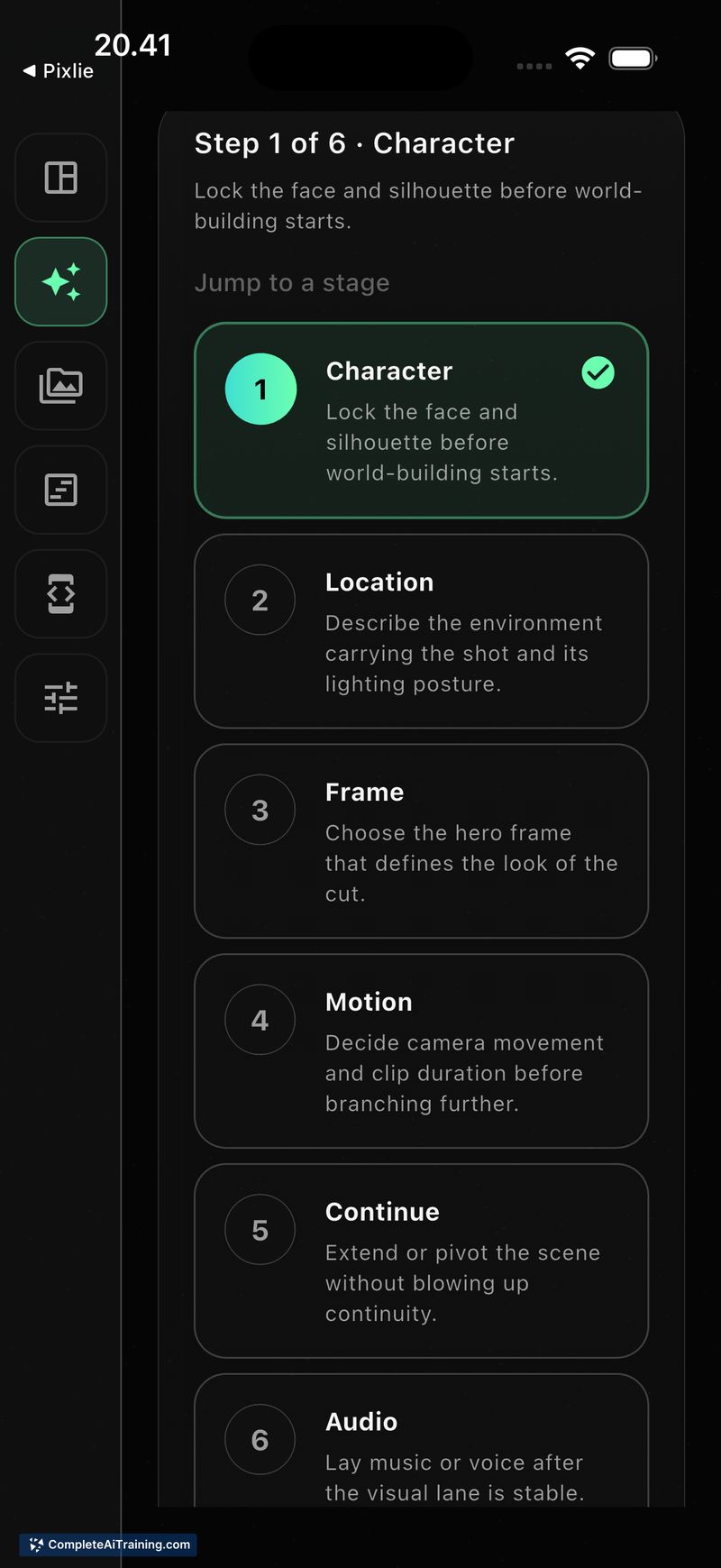
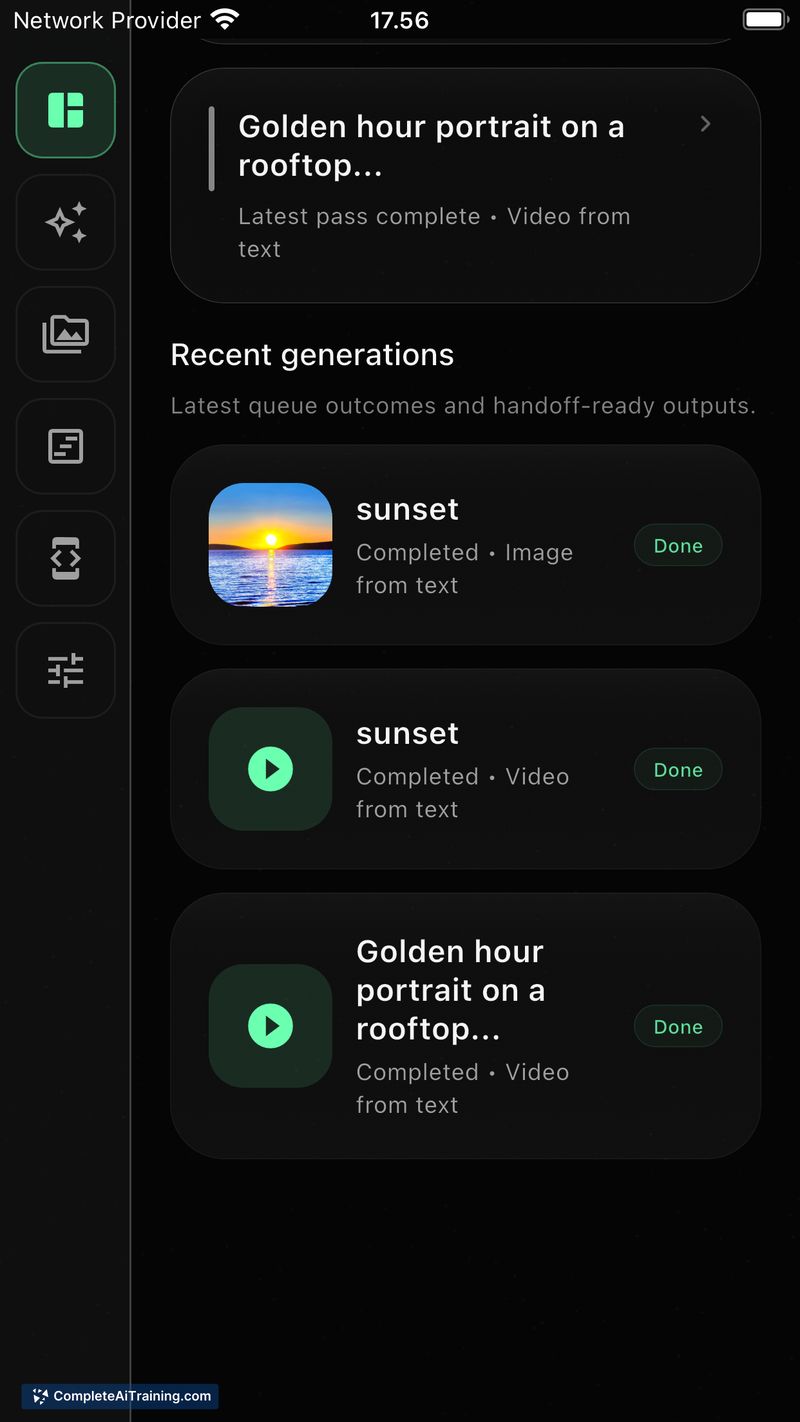
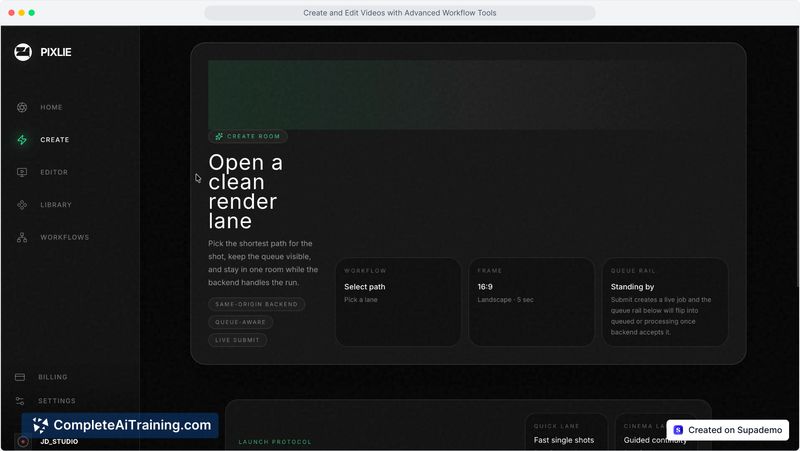
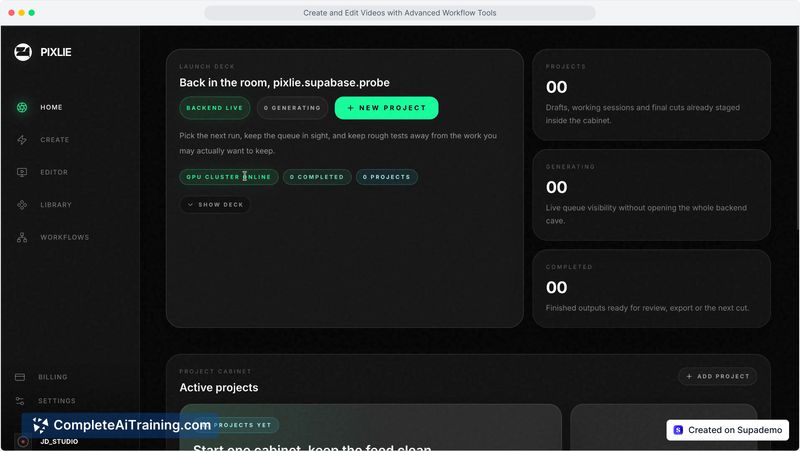
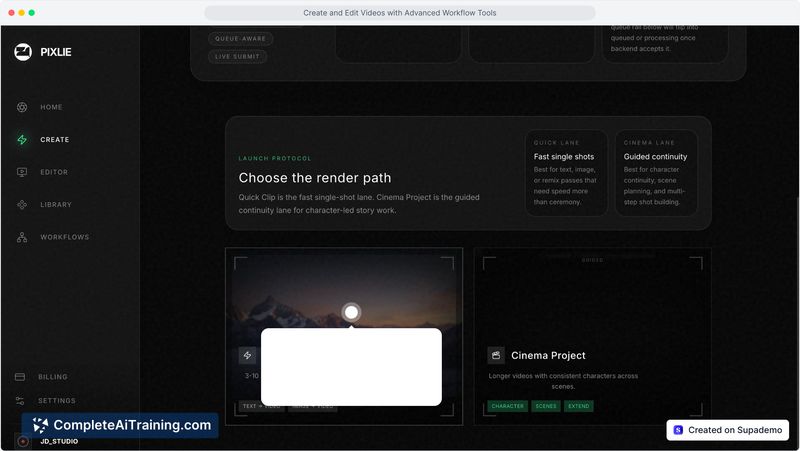
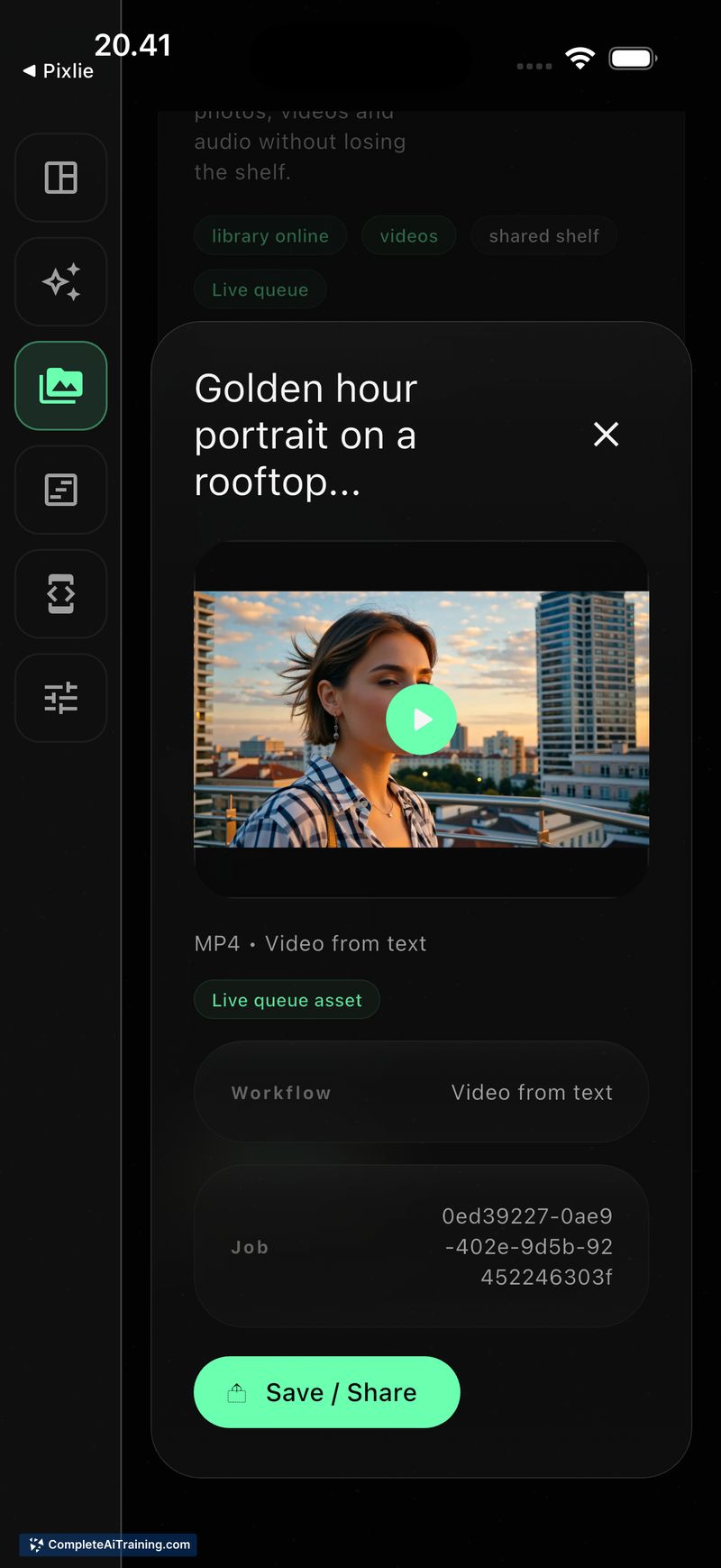
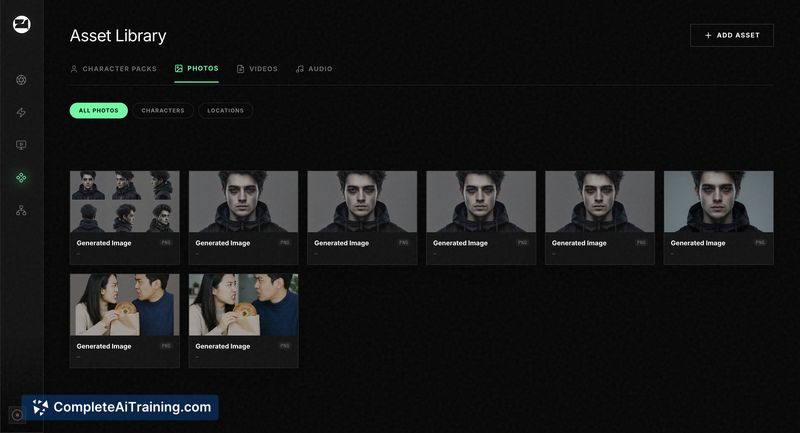
Pixlie approaches AI video generation with a workflow built around a job queue and asset reuse, rather than single-use generation. It launched this week as a live product from a solo founder, with an iOS app already on the App Store and a web version at pixlys.com. The tool targets creators who want to track renders and re-feed their own images into new clips.
Key Features
- Text2Video and Image2Video generation that accepts a starting image to lock visual style
- Cloud queue that displays render position, status, and ETA - no manual refresh needed on the web dashboard
- Shared media library for storing and reusing clips or images across sessions and devices
- Push notifications on iOS when a render job finishes and lands in the library
- Granular creative workflow: you feed an image as the first frame, then let the model animate it, rather than relying on a single prompt
Pricing and Value
At launch, new users get 200 credits to try the service. No further pricing tiers or subscription models are defined on the product page yet. The credit consumption rate per render is not specified, so long-term costs remain unclear.
Pros
- Renders a typical 5-second clip in 3-7 minutes, depending on GPU load and model routing
- Same account works on both web and iOS, with automatic syncing of the library and queue
- Transparent job status removes the guesswork of whether a render is still processing or crashed
- Image-to-video lets you lock a starting frame, which helps maintain visual anchors across clips
- Active founder iterates based on user feedback and ships updates rapidly
Cons
- Output is limited to short clips of around 5 seconds, which may not suit long-form content creation
- The iOS app is not available in the EU due to GDPR and regulatory requirements
- Current release lacks character sheets and style presets - creators needing consistent character faces or reusable style templates across projects will have to wait for these roadmap features
Pixlie suits creators who already have source images and want a straightforward cloud queue for generating short video clips without babysitting renders. It works well if you need to repurpose product shots or brand visuals as animated snippets. Teams that rely on pre-saved style presets or multiple-character consistency might find the current freeform approach too manual, but the planned additions could change that.
Jobs Pixlie suits
We checked Pixlie against 500+ jobs; these get the most out of it.
Alternatives to Pixlie
Other tools that do the same main job. Our AI compared Pixlie with similar tools and kept the ones you could use instead.