AI tool
Record Once
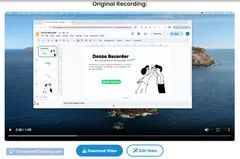
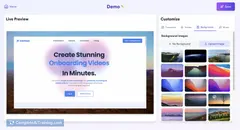
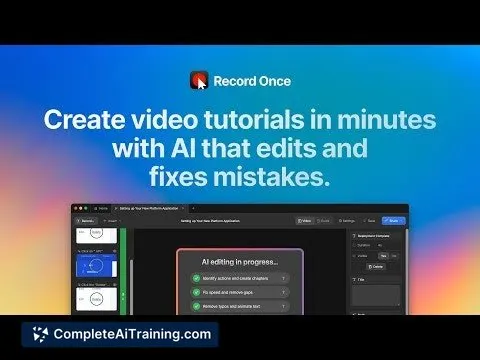
Record Once lets you quickly demo your product by recording in one take. Its AI automatically edits out mistakes, eliminating retakes and delivering polished videos in minutes. Save time and streamline your demo creation process.
About Record Once
Record Once is an AI-powered tool designed to simplify audio and video recording processes by enabling users to capture content efficiently with minimal setup. It focuses on providing a streamlined experience for creating high-quality recordings quickly.
Review
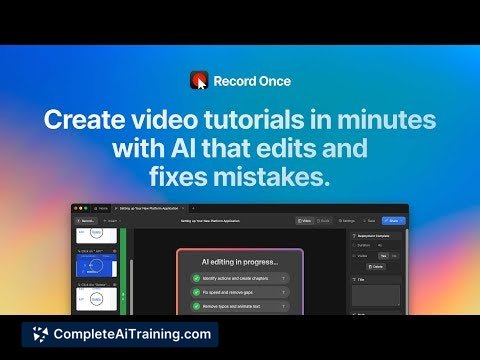
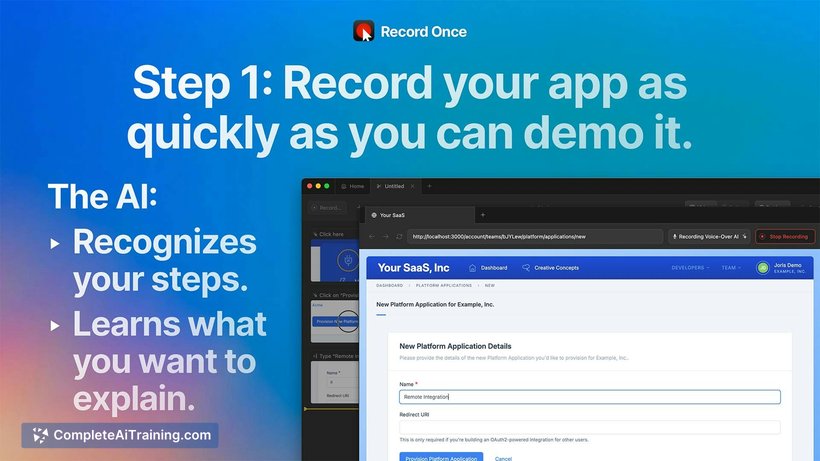
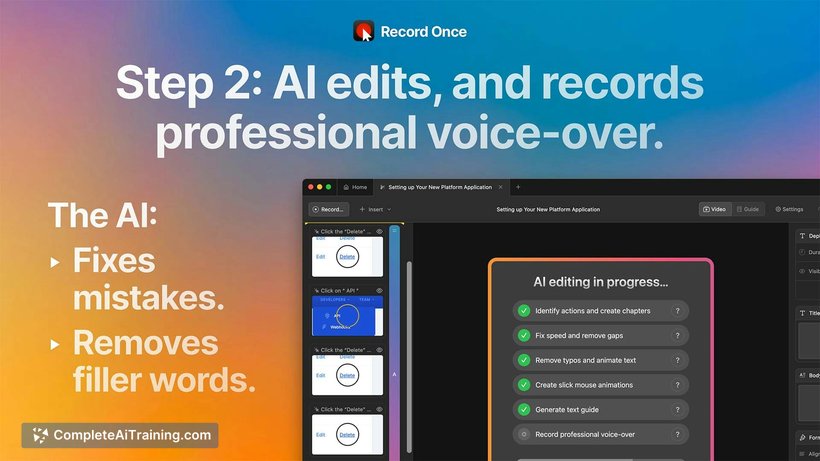
Record Once offers a straightforward approach to recording, making it accessible for both beginners and experienced users. Its user-friendly interface combined with AI enhancements aims to reduce the time and effort typically required for capturing audio or video content.
Key Features
- One-click recording setup that minimizes configuration time.
- AI-driven noise reduction to improve audio clarity.
- Automatic file organization for easy management of recordings.
- Multi-format export options to suit various needs.
- Integration with popular communication and collaboration platforms.
Pricing and Value
Record Once offers several pricing plans including a free tier with basic recording features and premium subscriptions that unlock advanced functionalities such as higher quality exports and extended storage options. The pricing is competitive and provides good value, especially for users who require frequent recording with minimal hassle.
Pros
- Simple and intuitive interface that reduces learning curve.
- Effective AI noise reduction enhances recording quality.
- Supports multiple export formats for flexibility.
- Good integration capabilities with other productivity tools.
- Automatic organization helps keep files tidy and accessible.
Cons
- Limited advanced editing features within the app.
- Some users may find the free plan’s storage capacity restrictive.
- Occasional minor glitches reported during longer recording sessions.
Overall, Record Once is well-suited for professionals, content creators, and educators who need a hassle-free recording solution without compromising on basic quality. It works best for those seeking quick captures rather than extensive post-production editing.
Jobs Record Once suits
We checked Record Once against 500+ jobs; these get the most out of it.
Alternatives to Record Once
Other tools that do the same main job. Our AI compared Record Once with similar tools and kept the ones you could use instead.