AI tool
Screenify Studio
Screenify Studio records product demos on a Mac and turns them into finished videos with photorealistic 3D device frames, camera motion, and cinematic effects. It serves developers and marketers who need polished demo videos, with options for AI-d...
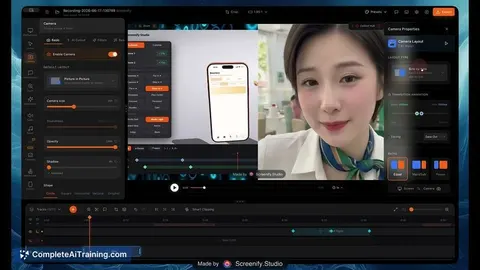
About Screenify Studio
Screenify Studio is a Mac screen recorder that turns rough recordings into finished product demos. It launched this week on Product Hunt and runs entirely on-device on Apple Silicon, with nothing uploaded to a server. The tool combines an AI-driven browser recorder, a 3D presentation stage, and a manual editing timeline into one application.
Review
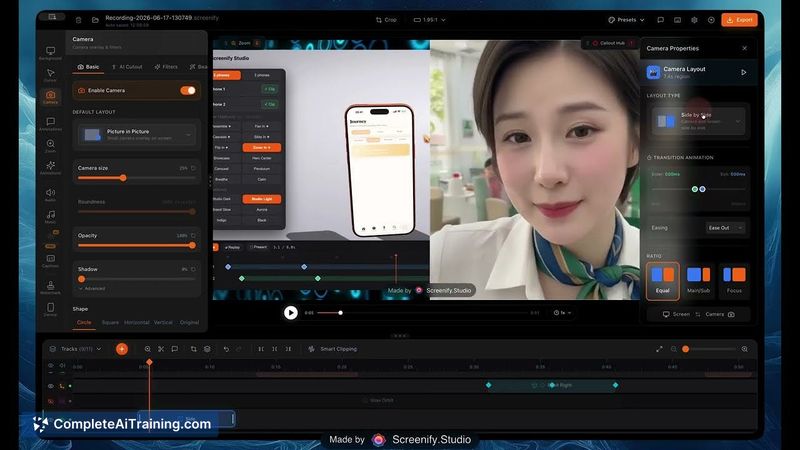
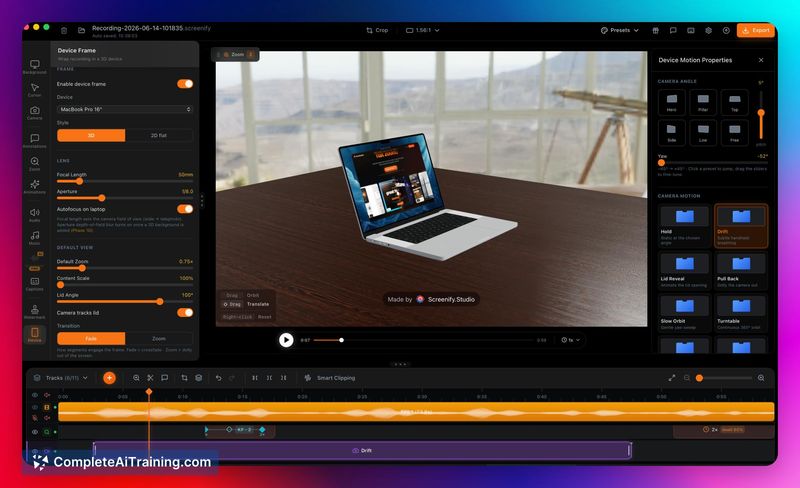
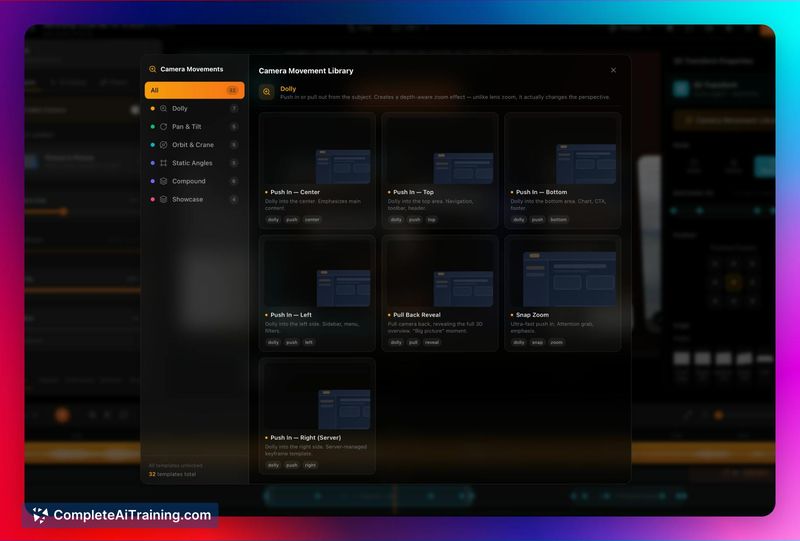
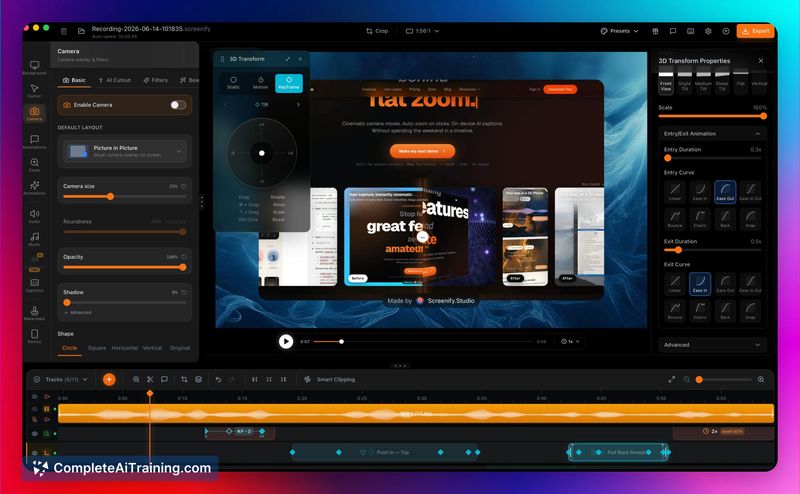
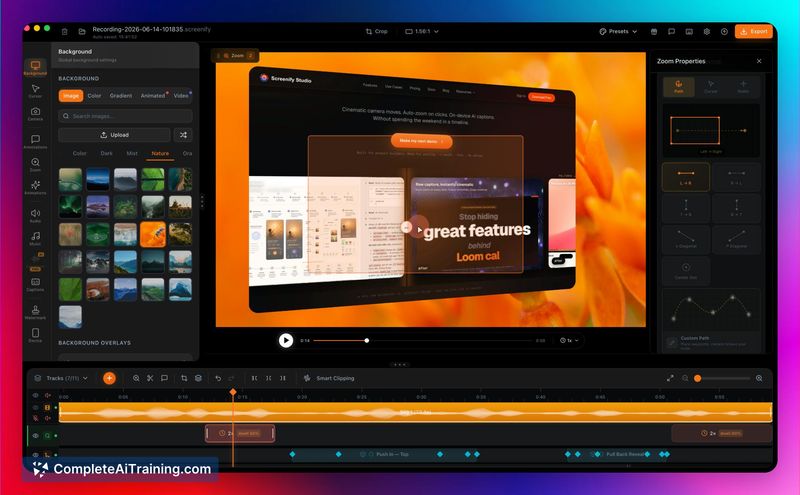
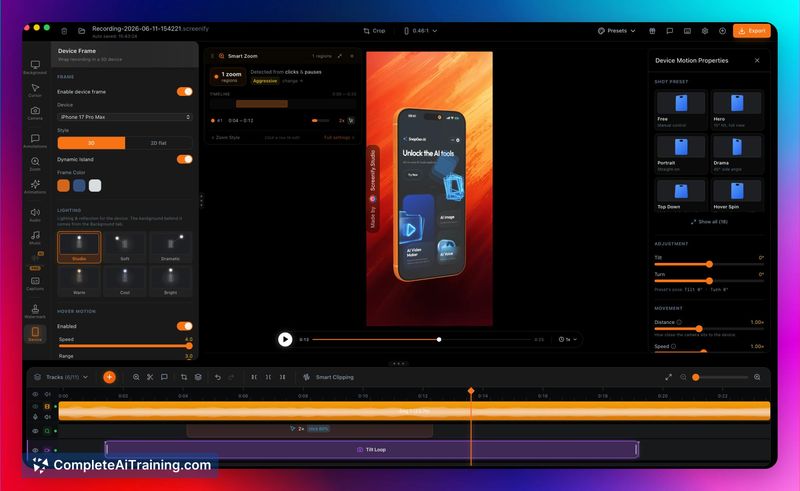
Screenify Studio targets a specific pain point: product demos that look flat and static after hours of editing. The tool approaches this from two angles, an AI agent that records web demos for you and a deep editor for manual control. I tested the workflow described in the launch materials and looked at how the pieces fit together.
Key Features
- AI web recording: Describe a demo in plain English and an AI drives a real Chromium browser through Playwright to record it. The agent can follow a deterministic action script or read the page and decide each step on its own.
- 3D device staging: Drop recordings into a photoreal 3D MacBook, iPhone, or iPad, or stage multiple devices together in one cinematic shot. You can pick a camera motion and export a finished MP4.
- Cinematic post-processing: The tool adds 3D camera moves, spotlights, and callouts to recordings automatically. A deep editor with manual zoom keyframes exists for full control.
- CLI and MCP support: A JSON-speaking CLI can drive recording and styling from the terminal. The tool also speaks MCP, so Claude, Claude Code, or Cursor can record, style, and hand back a finished video.
- Login session handling: The
screenify web logincommand saves a named browser profile after you authenticate manually, so the recording agent never sees credentials. Sessions expire and need re-running, but profiles are per name.
Pricing and Value
The tool is free to start. The maker states you only upgrade when you need higher-quality exports and more advanced features, but specific pricing tiers and costs are not defined in the launch materials. Everything runs on-device on Apple Silicon, which keeps recordings local.
Pros
- Re-running a script after a UI change re-records a web demo without manual editing, which suits teams whose product changes frequently.
- Smart Zoom keys off discrete events like clicks and typing, not cursor travel, so even teleported cursors produce correct zoom regions.
- The CLI can record a native Mac app window via ScreenCaptureKit, and synthesized zoom still tracks clicks even when external tools like AppleScript move the cursor.
- Login handling splits cleanly: you authenticate once by hand, the agent picks up inside the product, and credentials never pass through the tool.
Cons
- Native Mac app automation does not exist - the AI drives browsers only, so recording a native app requires bringing your own driver like AppleScript or XCUITest.
- Push-based 2FA that re-challenges every session can break the workflow, since device trust flags in the browser profile don't override account policies that force re-authentication.
- Teams needing polished demos of native desktop applications without scripting infrastructure will find the browser-only AI limiting; they'd have to build their own UI automation layer first.
Screenify Studio suits solo makers and small product teams who demo web applications and want to cut editing time. The browser recording path handles the common case well, while the CLI and MCP server give automation-minded users a way to script the whole pipeline. Teams with heavy native app demo needs or strict 2FA policies should evaluate those constraints before committing.
Jobs Screenify Studio suits
We checked Screenify Studio against 500+ jobs; these get the most out of it.
Alternatives to Screenify Studio
Other tools that do the same main job. Our AI compared Screenify Studio with similar tools and kept the ones you could use instead.