AI tool
SnapRewrite
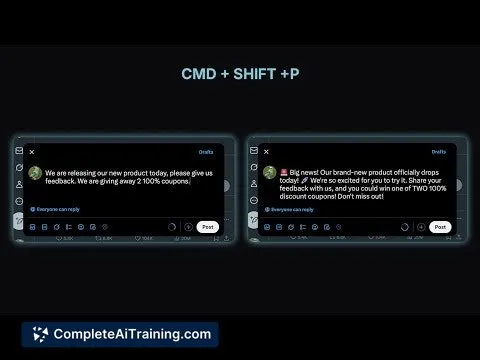
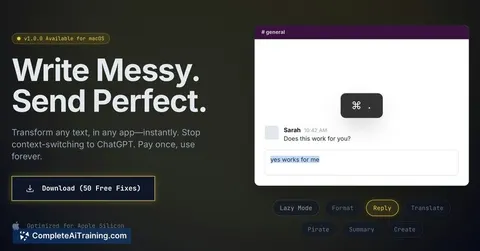
SnapRewrite lets you select text in any macOS app, run an AI command, and replace it in-place with clearer, more professional writing. Supports rewrites, grammar fixes, custom commands and OpenAI-compatible APIs.
About SnapRewrite
SnapRewrite is a macOS writing assistant that rewrites selected text in place, so you can improve copy without switching apps. It focuses on quick edits, polishing, and custom rewrite commands that integrate directly into desktop workflows.
Review
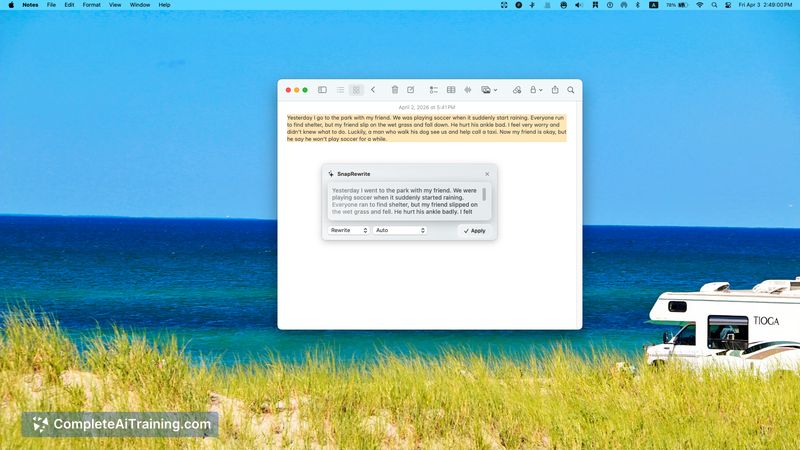
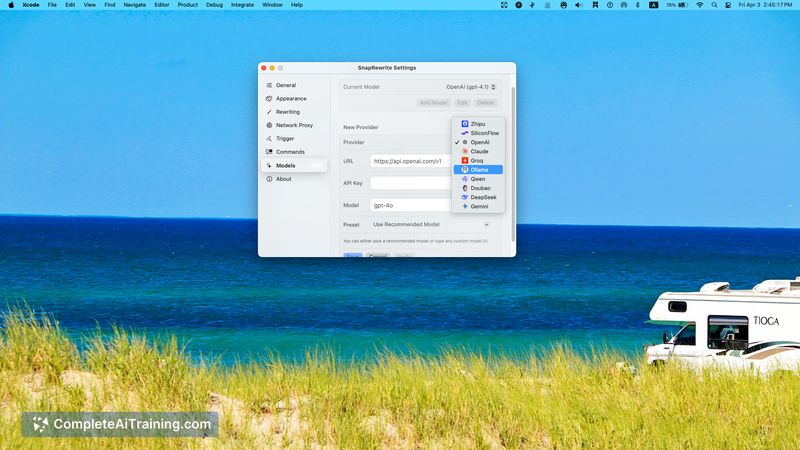
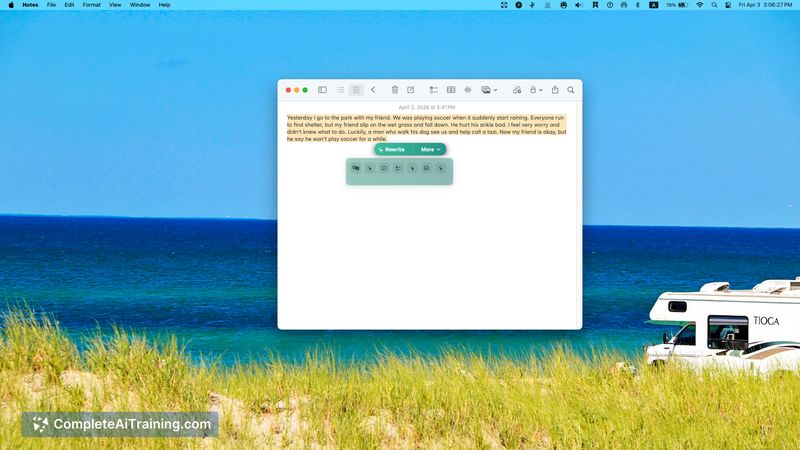
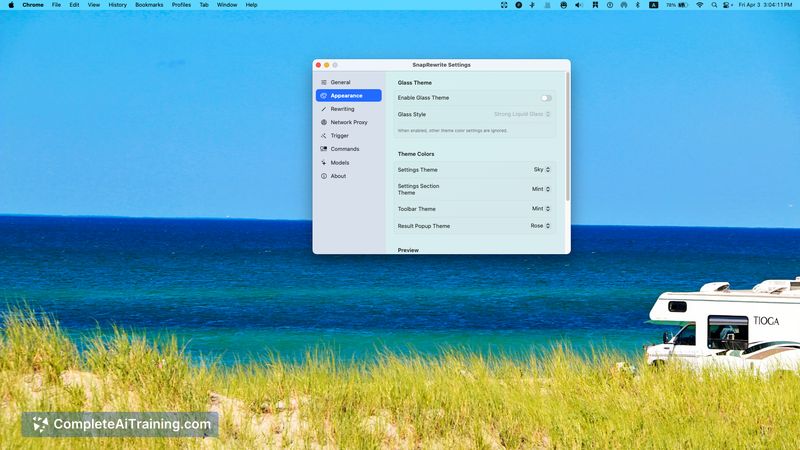
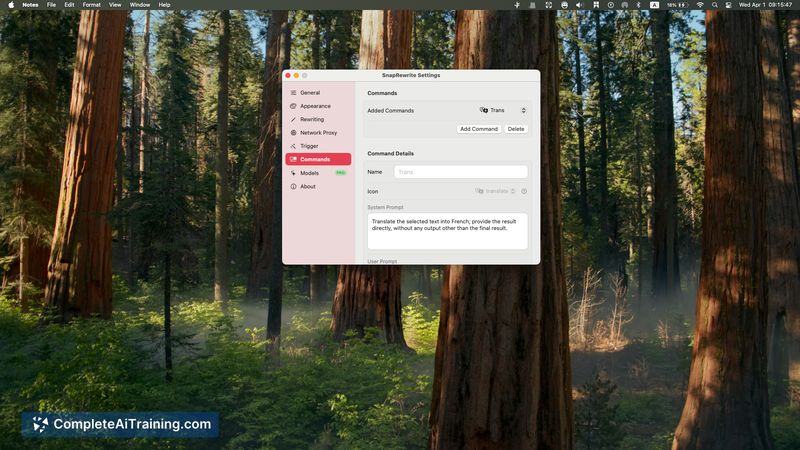
SnapRewrite streamlines small-to-medium writing tasks by letting you select text in any macOS app and apply an AI-powered rewrite without copy-pasting. The app is lightweight and aims to reduce friction for people who edit a lot of short items like emails, support replies, and product copy.
Key Features
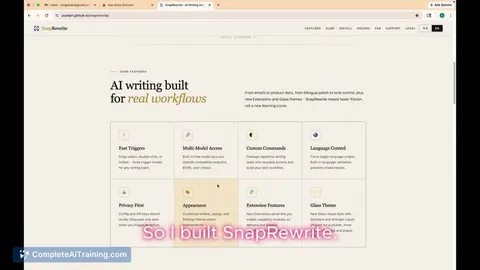
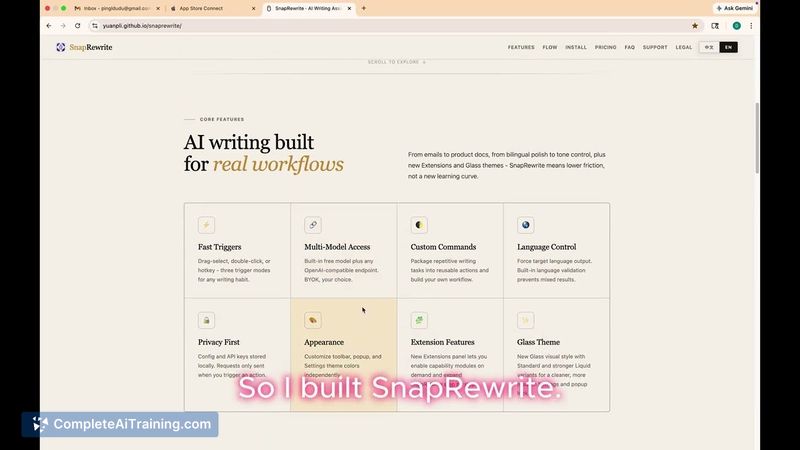
- Select-and-rewrite in place across macOS apps - trigger an action and replace the highlighted text without switching windows.
- Create reusable custom AI commands and system prompts to enforce a consistent tone or style for repeated tasks.
- Choose from built-in free models or connect your own AI API credentials so you can control model choice and usage.
- Native macOS design to fit into standard desktop workflows with minimal setup.
Pricing and Value
SnapRewrite offers free usage options for basic rewriting via included models. For heavier or customized use, you can connect your own AI API credentials (which may incur costs from your chosen API provider). The value is primarily time saved and reduced context switching when editing text across desktop apps; exact cost depends on how often you use external APIs and which models you select.
Pros
- Saves time by editing selected text in place rather than moving between tools.
- Custom commands let you standardize tone and style across many small edits.
- Option to use built-in free models or supply your own API credentials for more control.
- Works across most desktop apps on macOS with a native app experience.
Cons
- macOS only - no official support for other operating systems yet.
- Output quality depends on the model and prompts you choose, so results can vary without tuning.
- New launch with a small user base, so some edge-case compatibility or feature gaps may remain.
Ideal users are people who write frequently across desktop apps-non-native English writers, indie makers, product writers, and support teams who need quick, consistent rewrites. For those users, SnapRewrite is a convenient way to speed up routine editing while keeping control over model selection and prompts.
Jobs SnapRewrite suits
Useful in almost any job. We checked SnapRewrite against 500+ jobs; these get the most out of it.
Alternatives to SnapRewrite
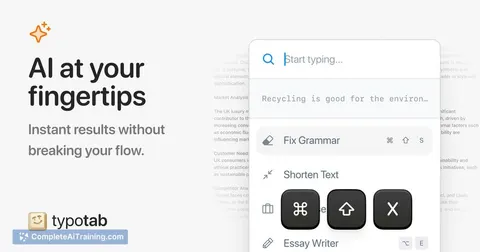
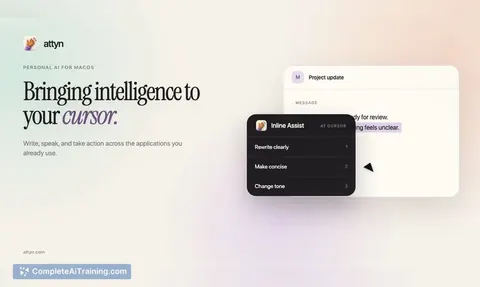
Other tools that do the same main job. Our AI compared SnapRewrite with similar tools and kept the ones you could use instead.