AI tool
Rewrait
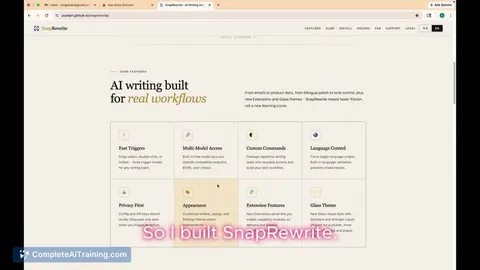
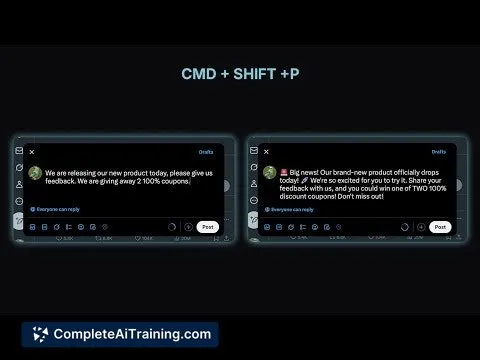
Rewrait is a Mac app that instantly rewrites any selected text using AI. Highlight, press a shortcut, and get a clearer, shorter, or friendlier version in your style—no extra tabs or steps, just smooth, efficient editing.
About Rewrait
Rewrait is a Mac application that enables users to instantly rewrite any selected text using AI technology. It seamlessly integrates into your workflow by allowing quick text improvements without the need to switch between apps or browser tabs.
Review
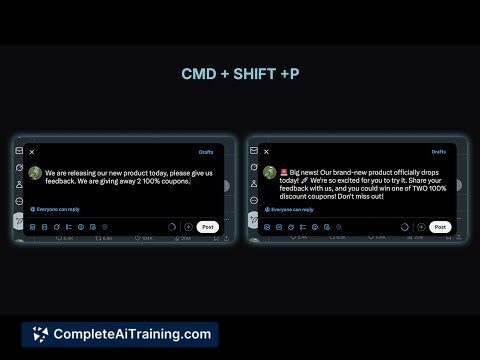
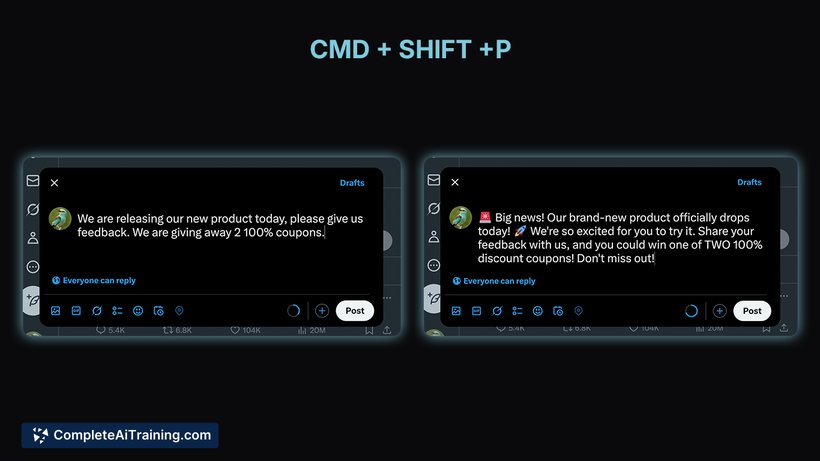
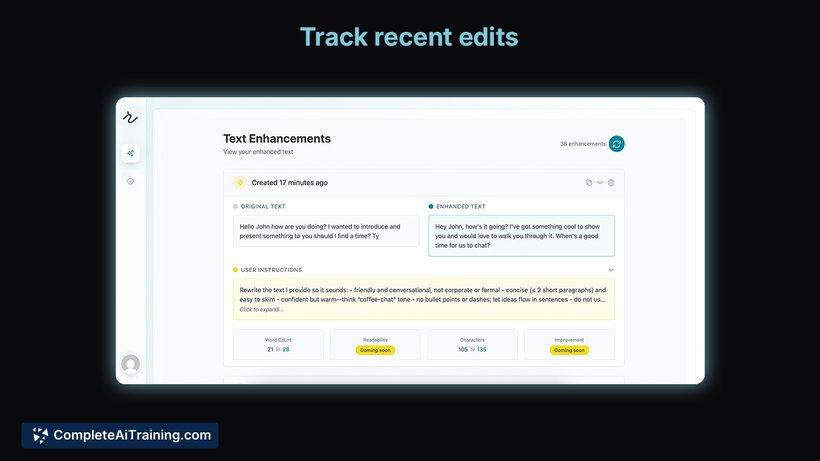
Rewrait offers a straightforward and efficient way to enhance writing across various platforms on Mac. Whether refining emails, Slack messages, or documents, it provides a convenient shortcut to improve clarity, tone, or brevity without disrupting your flow.
Key Features
- Instant rewriting of selected text anywhere on Mac with a customizable keyboard shortcut.
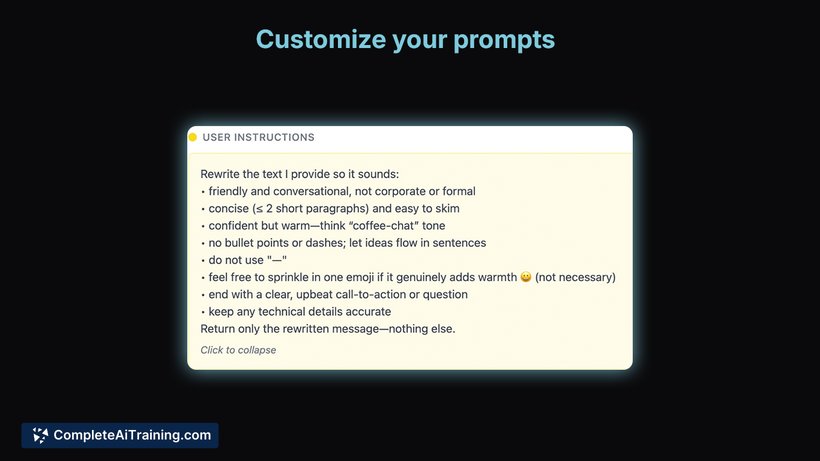
- Ability to choose from built-in prompts such as making text shorter or friendlier, or create personalized prompts.
- Native Mac app ensuring smooth performance and integration without opening additional tabs or windows.
- Automatic detection and support for multiple languages.
- Free tier available with daily usage limits and an open beta format encouraging user feedback.
Pricing and Value
Rewrait offers a free tier which includes a daily limit on text rewriting, making it accessible for casual users. While specific paid plans are not detailed, the free version provides good value for those seeking basic rewriting assistance. For users who require frequent or extensive rewriting, upgrading to a paid plan (if available) could enhance productivity and remove limitations.
Pros
- Quick and easy rewriting directly within any app on Mac without switching contexts.
- Customizable shortcuts and prompts to suit individual writing styles and needs.
- Supports multiple languages with automatic detection.
- Lightweight native application with minimal friction in use.
- Free version allows users to test core features before committing.
Cons
- Currently available only for Mac, limiting use for Windows or mobile users.
- Details on paid plans and extended features are not fully disclosed yet.
- As a new product in open beta, occasional bugs or limitations might be present.
Overall, Rewrait is well-suited for Mac users who frequently write emails, messages, or content and want quick, in-place text enhancement without interrupting their workflow. It is especially useful for professionals and casual writers looking for an effortless way to improve tone and clarity on the go.
Jobs Rewrait suits
Useful in almost any job. We checked Rewrait against 500+ jobs; these get the most out of it.
Alternatives to Rewrait
Other tools that do the same main job. Our AI compared Rewrait with similar tools and kept the ones you could use instead.