AI tool
Speech To Markdown
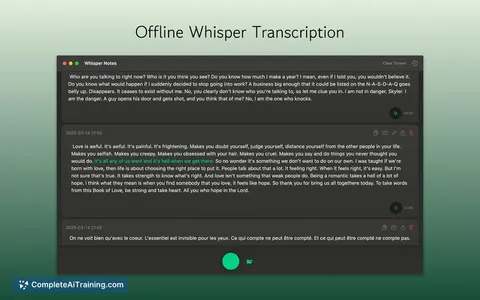
Speech To Markdown is a Mac app that transcribes spoken audio into structured markdown text. It processes speech through local language models, serving professionals who dictate product ideas and notes.
About Speech To Markdown
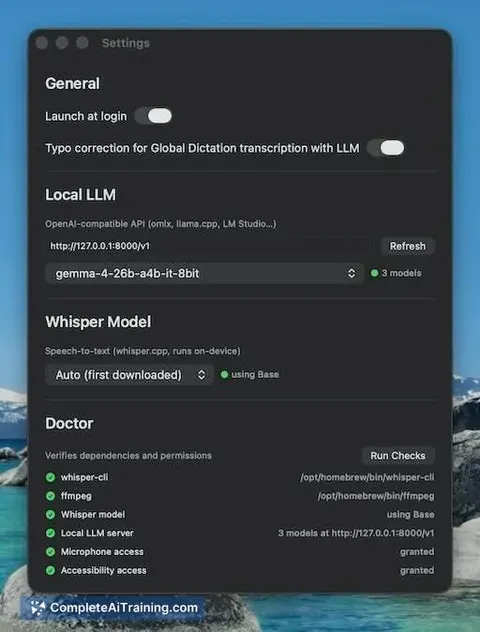
Speech To Markdown is a macOS and iOS application that converts spoken words into structured markdown text. The tool processes audio locally using Whisper for speech-to-text and a local large language model to format the output. Users can dictate directly into the app editor or use a global hotkey to dictate into other text fields.
Review
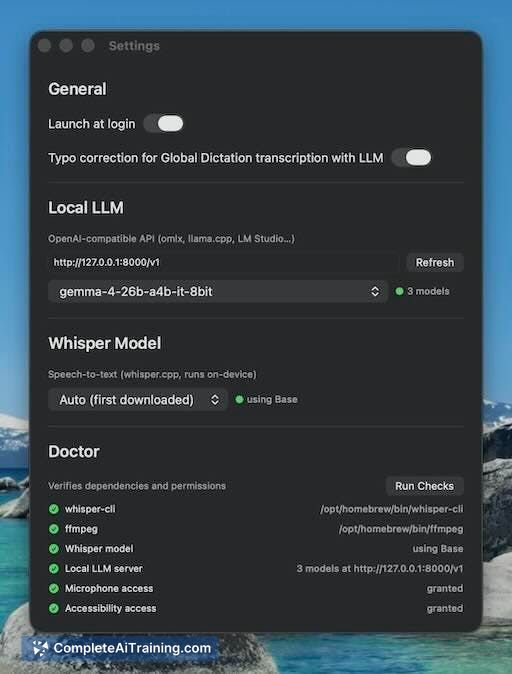
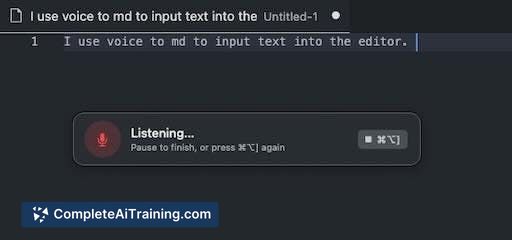
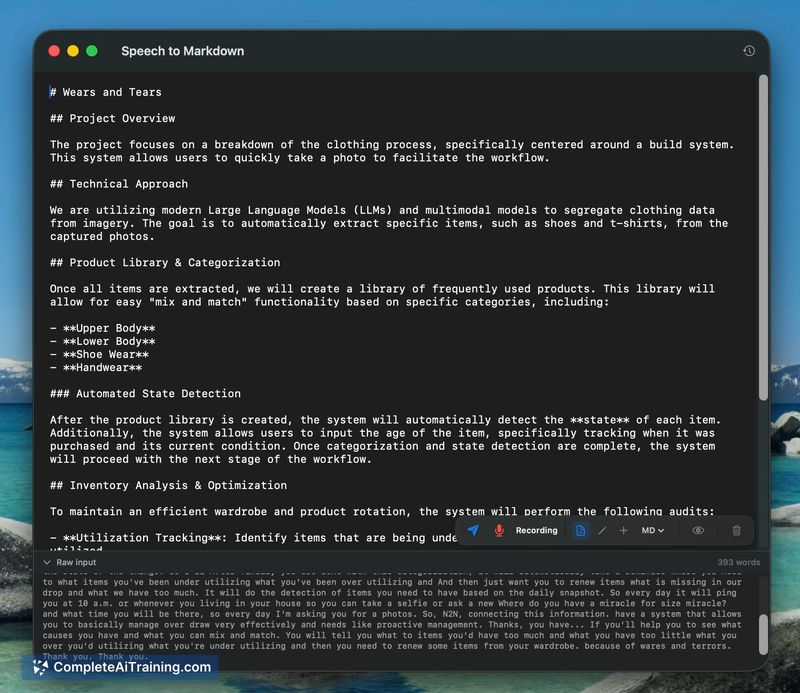
The application addresses the need for offline voice transcription by keeping all audio and text processing on the device. It translates spoken thoughts into formatted documents to reduce the manual editing required after dictation.
Key Features
- Local processing using Whisper for speech recognition and a local LLM for text formatting.
- Global dictation hotkey that allows voice input in any active text field.
- Live markdown editor that applies on-the-fly corrections and structural formatting.
- Option to use the dictation mode with or without the LLM for basic grammar fixes.
Pricing and Value
The application is currently available for free. Because it relies entirely on local models, there are no API keys or cloud subscription fees required to process the audio and text.
Pros
- All audio and text data remain on the local machine, eliminating cloud transmission.
- A global hotkey allows users to dictate into third-party applications without switching windows.
- Spoken rambling is formatted into structured markdown, reducing manual document setup.
- Users can toggle the LLM processing off for simple transcription without grammar alteration.
Cons
- Processing quality and speed depend heavily on the local hardware, meaning older or base-tier Macs may experience performance limitations.
- The application is not well suited for users who need to dictate in noisy environments or require high accuracy for messy speech with frequent self-corrections.
- Interface design currently lacks the polish and distinct visual identity of more established dictation software.
Speech To Markdown fits into the workflow of professionals who draft long specifications or personal notes and require strict data privacy. It serves individuals who prefer keeping their unfiltered thoughts entirely offline while still wanting automated markdown formatting.
Jobs Speech To Markdown suits
We checked Speech To Markdown against 500+ jobs; these get the most out of it.
Alternatives to Speech To Markdown
Other tools that do the same main job. Our AI compared Speech To Markdown with similar tools and kept the ones you could use instead.