AI tool
Supavoice
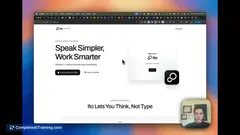
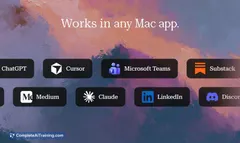
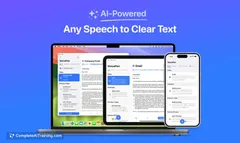
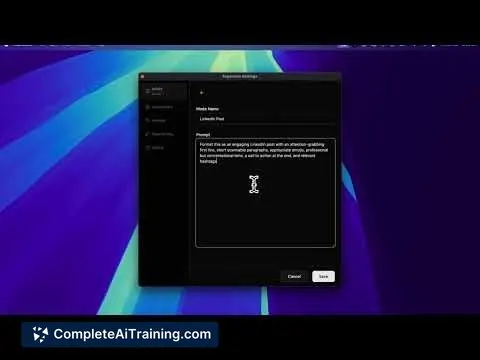
Supavoice converts your speech into perfectly formatted text across any Mac app. Use smart formatting modes to dictate emails, notes, and posts effortlessly. One-time purchase with your own OpenAI API key for full cost control.
About Supavoice
Supavoice is a voice-to-text application designed specifically for macOS users. It allows users to dictate text directly into any Mac app, converting speech into well-formatted written content efficiently. By integrating with your own OpenAI API key, it offers control over usage costs while providing smart formatting options.
Review
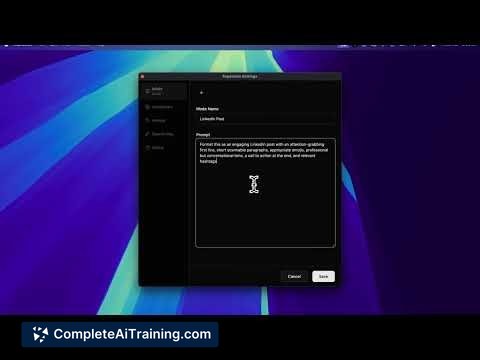
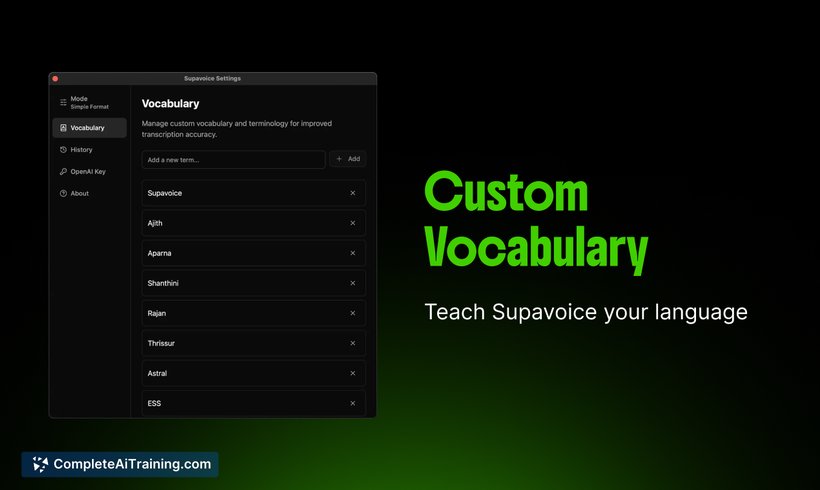
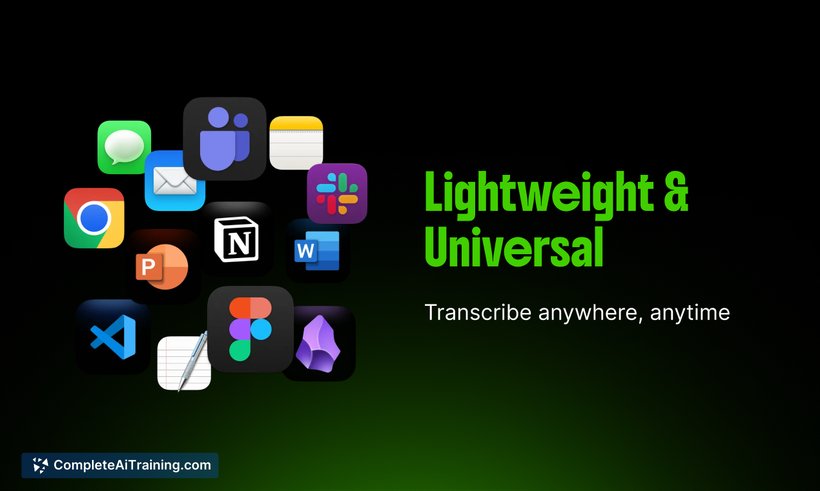
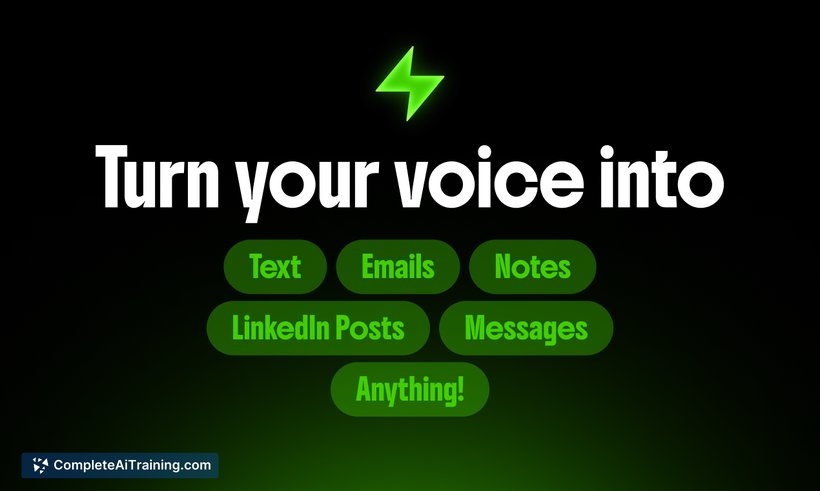
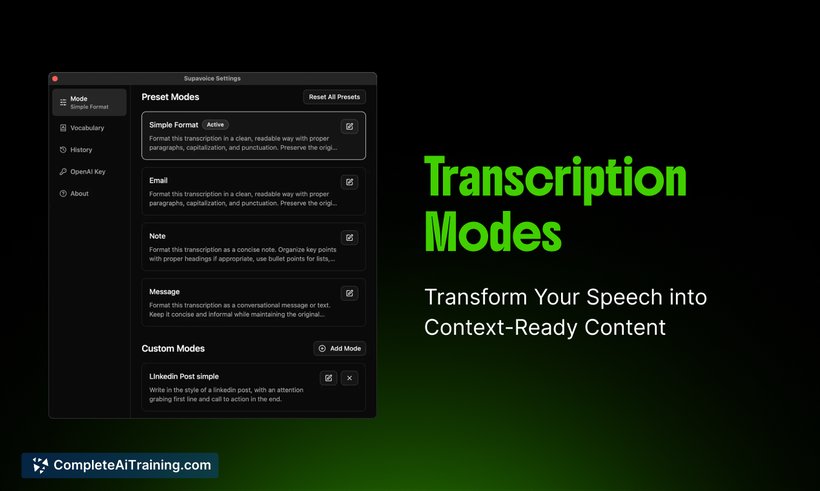
Supavoice offers a straightforward solution for those looking to reduce typing by using voice dictation across macOS applications. Its ability to produce neatly formatted text in real time makes it a convenient tool for composing emails, notes, and social media posts. The simplicity of use combined with customizable formatting modes adds value to everyday workflows.
Key Features
- Voice-to-text conversion that works seamlessly in any Mac application.
- Smart formatting modes to automatically structure dictated text.
- One-time purchase model with user-controlled costs via personal OpenAI API key.
- Supports dictation for emails, notes, social posts, and prompt creation for AI chatbots.
- Lightweight and easy to set up without complicated configurations.
Pricing and Value
Supavoice is available through a one-time purchase, which makes it appealing for users who prefer to avoid subscription fees. Since it uses your own OpenAI API key, you manage the ongoing costs based on your API usage. This approach offers transparency and flexibility, allowing users to scale usage according to their needs without surprise charges. Overall, the pricing model provides good value for users seeking a reliable dictation tool without recurring payments.
Pros
- Integrates smoothly with any macOS app, enhancing versatility.
- Smart formatting saves time on editing dictated text.
- One-time purchase avoids subscription fatigue.
- Users retain control over API costs, promoting budget management.
- Simple and user-friendly interface suitable for a wide range of users.
Cons
- Dependent on OpenAI API, which may require some technical setup.
- Functionality limited to macOS, excluding Windows or mobile users.
- Lacks advanced voice command customization found in some competitors.
Supavoice is ideal for Mac users who frequently need to convert spoken words into text without fuss. It suits professionals, writers, and anyone who wants to speed up their writing process with minimal setup. Its cost structure and ease of use make it a practical choice for those comfortable managing their own API keys and seeking consistent dictation performance across multiple applications.
Jobs Supavoice suits
Useful in almost any job. We checked Supavoice against 500+ jobs; these get the most out of it.
Alternatives to Supavoice
Other tools that do the same main job. Our AI compared Supavoice with similar tools and kept the ones you could use instead.