AI tool
Stitch
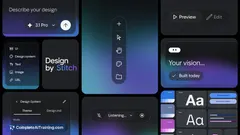
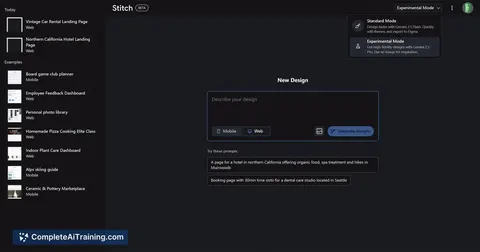
Stitch by Google Labs transforms prompts and images into UI designs and frontend code using Gemini 2.5 Pro, enabling seamless export to Figma and code for efficient design-to-development workflows.
About Stitch
Stitch is an AI-powered tool that transforms text prompts or images like sketches and wireframes into complete UI designs along with frontend code. It integrates with popular design platforms such as Figma, enabling a seamless transition from concept to functional user interface.
Review
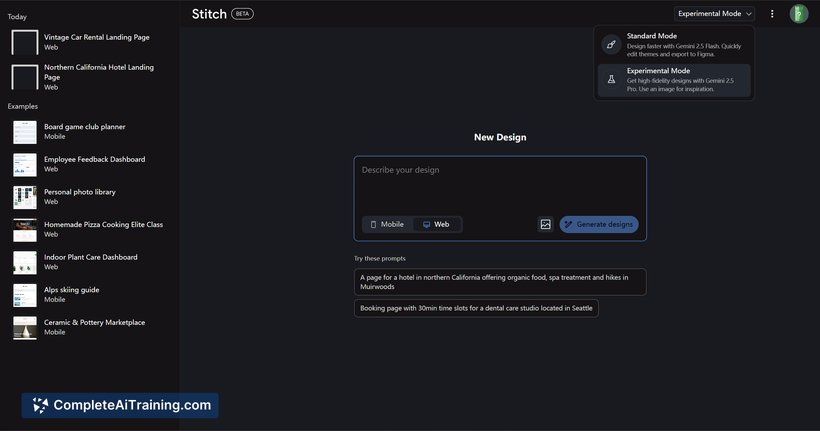
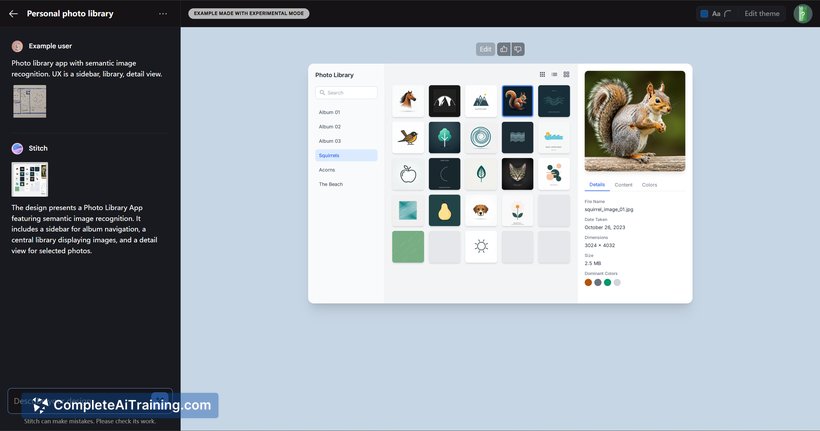
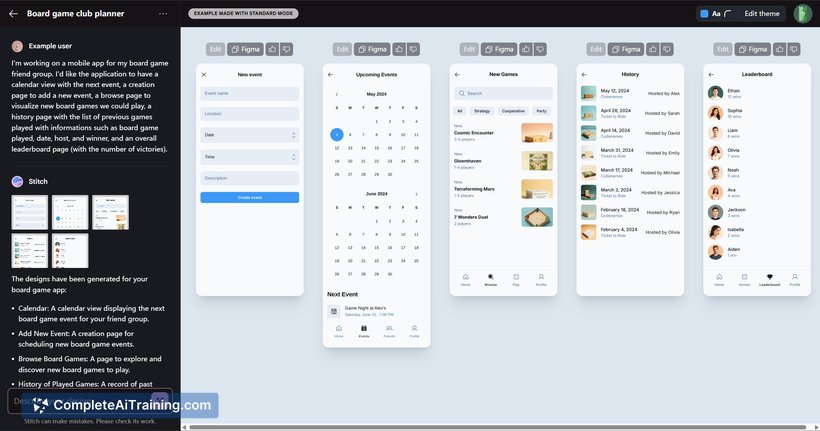
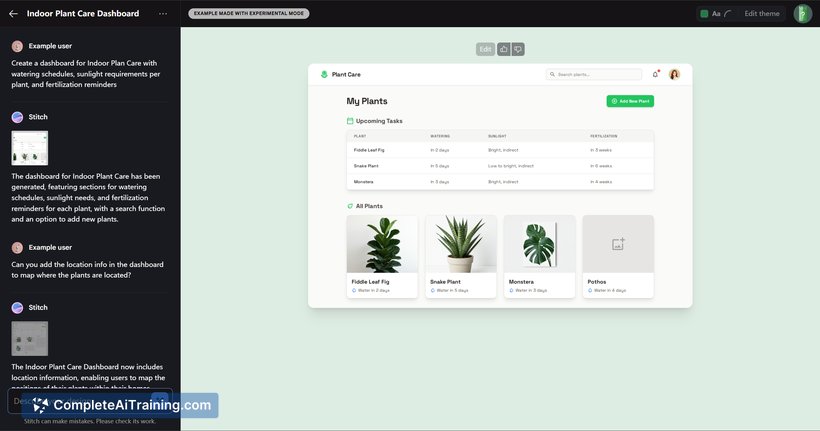
Stitch offers a practical solution for designers and developers looking to speed up the process of creating user interfaces. By generating both design layouts and corresponding code, it reduces the usual back-and-forth between design and development teams. Its use of advanced AI technology makes it a promising option for those focused on frontend design workflows.
Key Features
- Generates UI designs from simple text prompts or input images like sketches and wireframes.
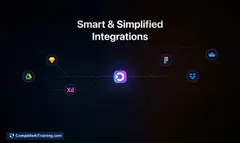
- Exports designs directly to Figma for easy further editing and collaboration.
- Produces frontend code alongside the design, facilitating faster development handoff.
- Powered by Gemini 2.5 Pro, providing high-quality and context-aware design outputs.
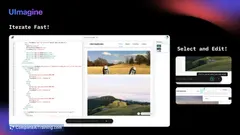
- Supports iterative design adjustments based on user feedback within the tool.
Pricing and Value
Stitch is currently available as a free launch, allowing users to explore its capabilities without cost. Given its dual focus on design generation and code export, it offers significant value by streamlining the UI creation process and reducing manual coding efforts. This makes it attractive for startups, individual designers, and teams looking to optimize their frontend development workflow.
Pros
- Easy to use with intuitive input methods including text and images.
- Combines design creation and code generation, saving time and effort.
- Seamless integration with Figma enhances collaboration and design refinement.
- Allows quick iteration on UI concepts without needing advanced coding skills.
- Free to use during launch phase, encouraging experimentation and feedback.
Cons
- Still in beta, so some features may be limited or require refinement.
- Generated code might need manual adjustments for complex projects.
- Primarily focuses on frontend UI, with less emphasis on backend or full-stack solutions.
Overall, Stitch is well suited for UI designers, frontend developers, and small teams aiming to accelerate the design-to-code process. Its ability to transform simple prompts into usable interfaces makes it especially useful for rapid prototyping and early-stage project development. Users seeking a straightforward tool to bridge design and development will find Stitch a valuable addition to their toolkit.
Jobs Stitch suits
We checked Stitch against 500+ jobs; these get the most out of it.
Alternatives to Stitch
Other tools that do the same main job. Our AI compared Stitch with similar tools and kept the ones you could use instead.