AI tool
Tabbit AI
Tabbit AI lets you point a GUI agent at browser tabs, files, and screenshots to run tasks, generate formatted output, and save reusable workflows. It is built for product managers, developers, and technical teams who research and build on the web.
About Tabbit AI
Tabbit is an AI browser that identifies what you're working on and can execute tasks across the web. Users can point it at specific pages, screenshots, local files, and selected text, then assign jobs to its GUI Agent, which operates websites and produces HTML, PDFs, or presentations. Workflows can be saved as Skills for reuse or sharing.
Review
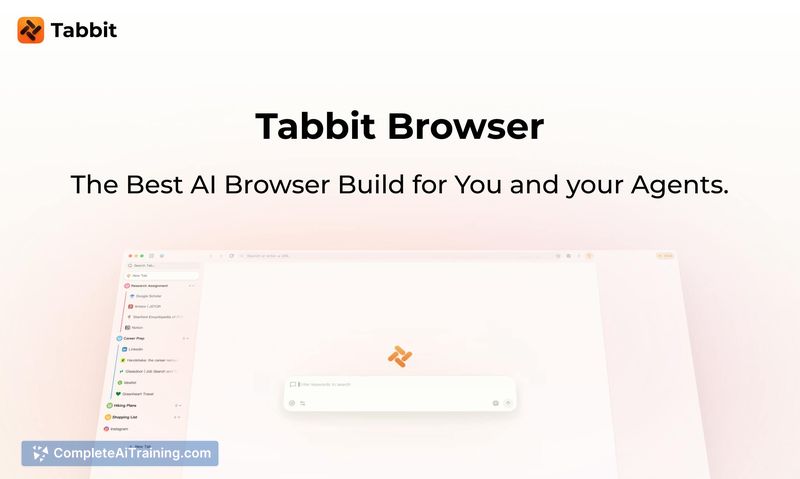

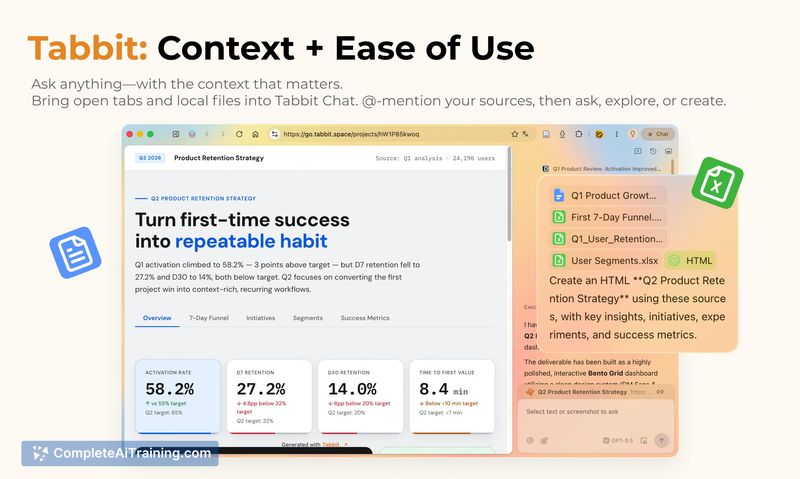
Tabbit approaches the browser as more than a container for chat-based AI tools. Instead of copying context between tabs and a separate assistant, the browser itself becomes the work surface where an agent can act on your open materials. The result is a tighter loop between gathering information and getting a finished output.
Key Features
- Context-aware agent - Tabbit reads from open tabs, screenshots, selected text, and local files to understand the current task without manual copy-paste.
- GUI Agent with web control - The built-in agent can operate websites directly, including interacting with pages while preserving existing login sessions, and can run tasks immediately or on a schedule.
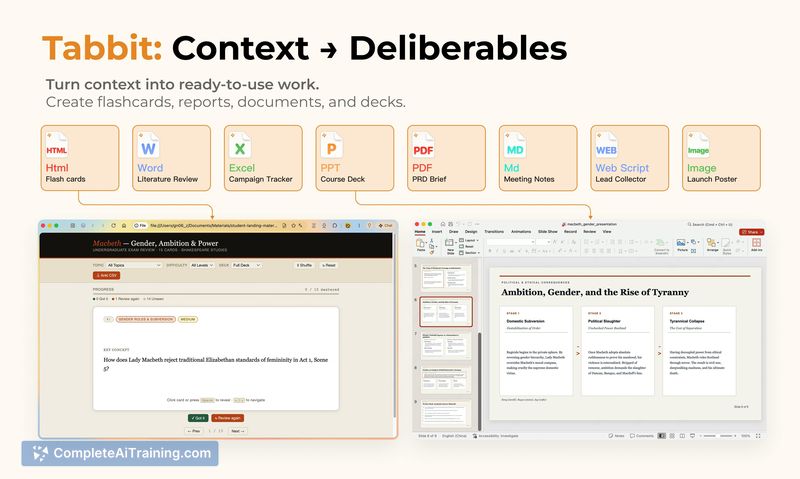
- Multi-format output - Tasks can generate usable HTML pages, PDFs, or presentation decks from the materials you provide.
- Skills library - Repeatable workflows can be saved as Skills, then run again, modified, or shared manually with friends. A public Skills Library is also available for publishing workflows.
- CLI integration - Typing
/tabbitin agents like codex or claudecode lets them control the browser. The agent runs in parallel without taking over your active browser window.
Pricing and Value
Tabbit launched with a free tier. Specific pricing tiers or future paid plans have not been disclosed at this stage. Team workspace features are not yet available - Skills sharing is currently limited to direct manual sharing between individuals, though a public Skills Library exists for broader distribution.
Pros
- Eliminates the need to copy context between browser tabs and external AI tools.
- GUI Agent works with existing login sessions, so it can interact with authenticated web apps.
- Runs agent tasks in parallel without blocking normal browser use.
- On BrowserBench benchmarks across 75 runs, Tabbit achieved a 64% success rate while being roughly 1.9× faster than Agent Browser and using 61% fewer input tokens.
- Outputs arrive as finished files - HTML, PDF, or decks - rather than raw text requiring manual formatting.
Cons
- No team workspace functionality yet; Skills cannot be shared across coworkers or organizations, only through direct manual sharing.
- The 64% BrowserBench success rate means roughly one-third of benchmark tasks still fail, a limitation the team attributes mainly to current underlying model reasoning capabilities rather than browser control.
- Not well suited for users who need collaborative, multi-user workflow management or organizational permission controls around shared automations.
Tabbit fits professionals who spend most of their day in a browser and regularly move context between tabs and AI tools - particularly PMs, developers, and technical researchers. It's most practical for individual workflows that produce tangible outputs like reports or decks, though teams needing shared workspace features may want to wait until those capabilities ship.
Jobs Tabbit AI suits
We checked Tabbit AI against 500+ jobs; these get the most out of it.
Alternatives to Tabbit AI
Other tools that do the same main job. Our AI compared Tabbit AI with similar tools and kept the ones you could use instead.